BuddyPress Auto Join Groups
Automatically place registering members into relevant BuddyPress groups using criteria, role exclusions and join logs, reducing manual community administration.
Instant access Original unmodified files Free future updates
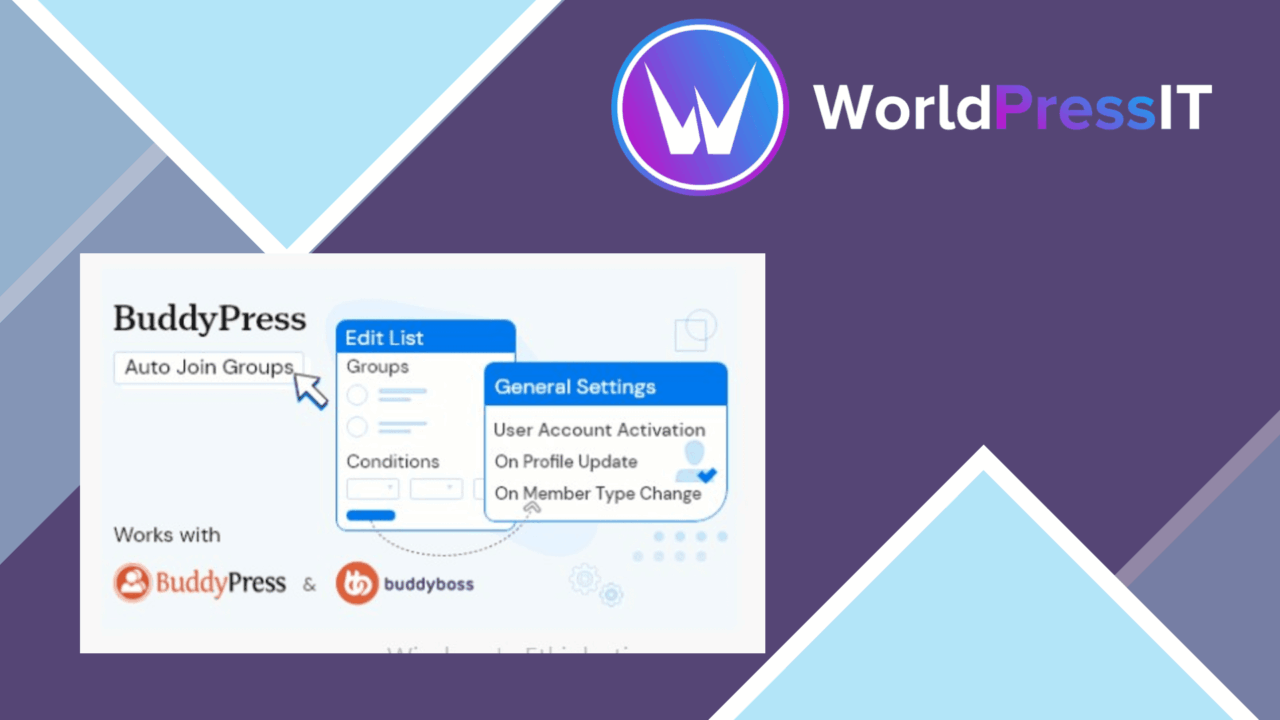
Automatic group membership is the central job here: registering members are added to selected BuddyPress groups according to rules set by the site administrator. That gives a community a defined starting point instead of leaving every new member to discover and join groups manually.
Group entry by rule
BuddyPress Auto Join Groups is built around one or more auto group join lists. Each list connects matching users with specified groups, so an administrator can organise several routes into the community rather than applying one blanket membership rule.
The approach suits sites where group access follows information already held about a member. Predefined criteria decide who matches a list, while selected groups determine where that member is placed. The result is a more deliberate registration experience for social networks and membership sites that want people connected to relevant discussions from the start.
Useful controls
The feature set is focused, but it covers the main controls needed for this kind of automation:
- Automatic enrolment of new users based on predefined criteria.
- Multiple auto group join lists for different conditions and group combinations.
- Settings for choosing the BuddyPress groups attached to each list.
- Exclusions for specific user roles.
- Detailed logs of group-joining activity for administrative oversight.
- Multilingual support for sites serving members in different languages.
The role exclusion is particularly practical for separating administrators, staff or other account types from ordinary member automation. The activity log also gives administrators a record of what the rules have done, rather than leaving group changes unexplained.
Administration and fit
The interface is described as user-friendly, with configuration handled through the WordPress administration area. The plugin is intended for BuddyPress installations and is listed as compatible with current WordPress and BuddyPress versions, which keeps its purpose clear: it adds a membership rule layer to an existing community rather than trying to replace the group system.
That narrow focus is useful when group placement is part of onboarding. A membership site could use separate lists for different member conditions, while a broader social network could use groups to organise new arrivals around their profile or account details. Multilingual support extends the same process across a more varied membership base.
Where it falls short
The first trade-off is its dependency on BuddyPress. It has no obvious role on a standard WordPress site without the BuddyPress group structure, so its value is tied to a specific community stack. The second is that automatic placement is only as good as the criteria, selected groups and role exclusions behind each list. Poorly maintained rules can send members into groups that no longer fit them, creating cleanup work rather than removing it.
There is also a limit to the scope of the automation. The supplied feature information covers joining groups and recording those actions; it does not describe personalised follow-up, recommendations or broader onboarding workflows. Administrators still need to decide how groups should be structured and review the logs when membership rules change.
Who should use it
BuddyPress Auto Join Groups is a sensible fit for administrators managing a community where new members should enter one or more groups immediately and membership can be described with clear conditions. It is less compelling for small BuddyPress sites with only a few groups, where manual joining is simple, or for communities whose membership decisions require frequent individual judgement.
For the right setup, the plugin keeps group assignment close to registration, provides role-based exclusions and gives administrators an activity trail. Its usefulness rests on having a stable BuddyPress group structure and rules that reflect how the community actually operates.
The verdict
Download BuddyPress Auto Join Groups and see for yourself
You get the full BuddyPress Auto Join Groups release (v1.2.6), ready to install, plus every update that follows. One click and it is yours.
Download BuddyPress Auto Join Groups v1.2.6- Instant download
- Original developer files
- Updated 5 Sep 2026
Related reviews
Browse all
GravityView Social Sharing and SEO
Social sharing buttons, SEO metadata and share-tracking tools for GravityView content, helping site owners present data-…
UsersWP – Private Messaging
Private messaging for UsersWP sites, with message history, notifications, real-time updates and controls for keeping use…
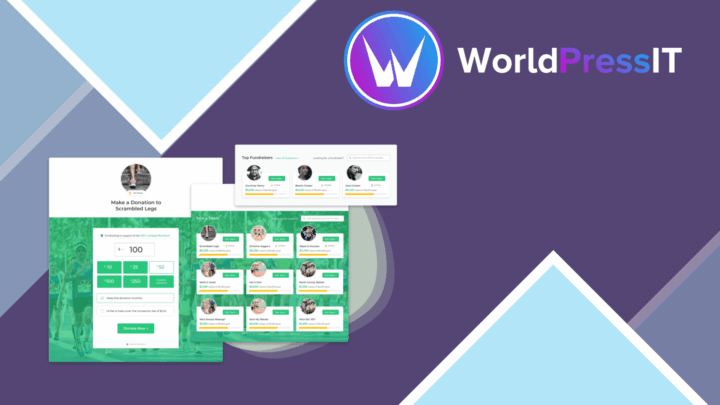
Give Peer-to-Peer
Peer-to-peer fundraising pages let supporters tell their own campaign story, collect donations, share progress and keep…