Total
A multi-purpose WordPress theme for blogs, business sites and shops, combining visual layout building, imported demos, responsive design and detailed site controls.
Instant access Original unmodified files Free future updates
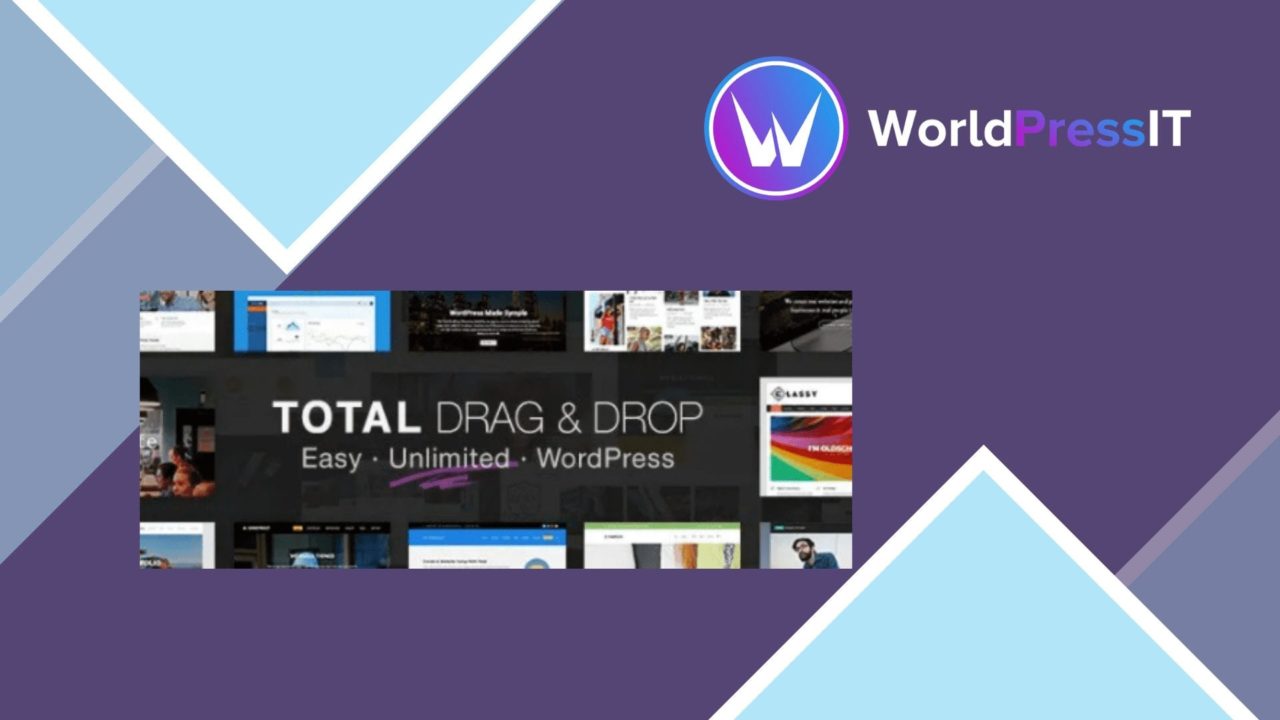
Total is a multi-purpose WordPress theme built for sites that need more than a fixed blog layout. It brings the WordPress Customizer together with a Visual Composer drag-and-drop page builder, giving you two ways to shape pages, site settings and visual details. The stated audience is broad: bloggers, business owners and developers looking for a configurable starting point rather than a theme tied to one narrow type of site.
A broad starting point
The theme is designed to cover several common WordPress projects, including content-led blogs, business websites and online shops. That breadth comes from a combination of pre-built demo sites, configurable theme settings and support for WooCommerce. A one-click demo import gives a new project an initial structure, while the Customizer and page builder provide the controls for adapting that structure to a particular brand or content plan.
This approach suits a site that needs a visual identity without requiring every layout decision to be made in code. It also gives developers a base they can tailor across different kinds of client work. The trade-off is that Total is a toolkit rather than a tightly opinionated design system: the final result depends on how well its available layouts and settings are narrowed to the needs of the site.
Layout and branding controls
The strongest part of Total’s feature set is the number of visible areas it places under user control. The page builder handles page layouts, while the theme options panel provides detailed control over wider site settings. Headers and footers are customisable, so the branding does not have to stop at the page content.
- Drag-and-drop page building for arranging page layouts.
- Pre-built demo sites with one-click importing.
- Customisable headers and footers for brand presentation.
- An advanced theme options panel for site-wide settings.
- Responsive design for desktop, tablet and mobile presentation.
That collection is useful for sites with several page types or distinct content areas. A business site, for example, can establish its header and footer separately from the layouts used for service pages or editorial content. The responsive positioning also makes device adaptation part of the theme’s intended design rather than an afterthought.
Commerce and visibility
Total includes WooCommerce integration, placing product-focused websites within its intended use cases. The theme is therefore not limited to publishing pages and posts; it also provides a foundation for a shop that needs the surrounding site to carry consistent branding. The vendor also describes its structure as SEO-friendly, which indicates attention to search visibility at the theme level.
That SEO claim should be treated as a starting condition rather than a complete search strategy. A theme can provide a suitable structure, but rankings still depend on the site’s content, configuration and wider search work. Total’s value here is its combination of presentation controls and WooCommerce support, not a promise that the theme alone will solve discoverability.
Where it falls short
Total’s range is also its main source of friction. A multi-purpose theme with an options panel, a visual builder, imported demos and custom header and footer controls presents more decisions than a focused theme. New users may spend time learning which setting belongs in the Customizer, which belongs in the theme panel and which belongs in the page editor. That flexibility is useful once understood, but it makes the initial configuration less direct.
The second trade-off is reliance on a visual page-building workflow. Drag-and-drop editing lowers the coding requirement, but it adds a separate layer to the site’s content and layout process. A team that prefers lean, editor-first WordPress pages may find that approach heavier than a simpler theme with fewer controls. The vendor copy also names responsive design and an SEO-friendly structure, but provides no technical detail about how those qualities are implemented, so those claims are difficult to assess beyond the stated feature list.
Who should choose it
Total fits site owners who want one theme for several project types and expect to adjust layouts rather than accept a fixed template. It is particularly well matched to a business site with branded headers and footers, a blog that needs varied page layouts, or a WooCommerce project that needs the shop to sit inside a broader branded website.
It is less suitable for a project with a deliberately minimal configuration or for a team that has already settled on a different page-building workflow. For the right user, its practical appeal is the combination of demo imports, visual layout control, responsive presentation and WooCommerce support. The decision comes down to whether that range of controls is more valuable than the simplicity of a narrower theme.
The verdict
Download Total and see for yourself
You get the full Total release (v6.7), ready to install, plus every update that follows. One click and it is yours.
Download Total v6.7- Instant download
- Original developer files
- Updated 5 Sep 2026
Related reviews
Browse all
YOOtheme Pro and WidgetKit
A responsive WordPress theme and companion plugin for building custom layouts, adding sliders, galleries and maps, and m…
Vivaco
A multipurpose WordPress theme for portfolios, business sites and agency pages, with responsive layouts, visual page bui…
eCademy Elementor LMS Online Courses
Build and sell online courses in WordPress with an Elementor-based education theme, LMS integrations, student progress t…