GravityView Social Sharing and SEO
Social sharing buttons, SEO metadata and share-tracking tools for GravityView content, helping site owners present data-rich entries more clearly across social channels.
Instant access Original unmodified files Free future updates

GravityView Social Sharing and SEO is an add-on for presenting GravityView content beyond the page where it was created. It combines social sharing controls with search-oriented metadata, giving site owners a single set of tools for making data-rich content easier to pass along and more clearly described to search engines.
What it covers
The plugin addresses two connected jobs. First, it puts sharing options around your content so visitors have a direct way to distribute it. Second, it generates meta tags and descriptions intended to give search engines better information about the page. That combination suits directory-style content, submitted entries, reports, and other pages where the value sits in structured or user-generated information rather than in a conventional blog post.
This is not presented as a general content editor or a replacement for a full SEO suite. Its focus is narrower: make GravityView output more shareable, provide basic search metadata, and give the publisher a way to observe the response.
Sharing in context
Share buttons are configurable in both style and placement, so the controls do not have to sit in one fixed location across every page. Shortcode support adds another placement option. An administrator can use shortcodes to position the buttons within a selected content area instead of relying only on the plugin’s default location.
- Social sharing integration for distributing site content across major social platforms.
- Customisable button styles and placements to fit the surrounding design.
- Shortcodes for placing sharing controls where the page structure requires them.
- Responsive presentation for visitors using phones, tablets, and desktop screens.
- Theme compatibility aimed at fitting the plugin into existing WordPress designs.
The responsive design point matters for shared pages because a visitor arriving from a social network may not use the same screen or layout as the person who created the content. The stated theme compatibility also makes this more practical for an established site that is not being rebuilt around the extension.
Metadata and measurement
Automatic meta tags and descriptions give shared and indexed pages a defined description instead of leaving that information entirely to the surrounding WordPress setup. This is useful when a GravityView page needs a clearer summary for search results or social previews, particularly when the visible content is assembled from entries.
Analytics tracking adds a feedback loop. The plugin is designed to monitor social shares and traffic sources, allowing an editor to assess which distribution routes are sending attention back to the site. That information is most useful when it informs decisions about button placement and which types of data-rich content deserve more promotion.
What to weigh
The feature descriptions stay broad about social network support. They refer to major platforms but do not name them, so a site owner with a required network or a specific sharing format should confirm that fit before relying on the extension. The same applies to customisation: styles and placements are included, but the available design controls are not specified.
Analytics tracking is also a convenience layer rather than a complete measurement system. It focuses on social shares and traffic sources, while deeper questions about visitor behaviour, conversions, or the quality of referred traffic belong in a dedicated analytics setup. Finally, meta tags and descriptions improve the information presented to search engines, but they do not by themselves guarantee rankings; page quality, site structure, and the usefulness of the underlying content still matter.
Who it suits
This extension fits site owners who use GravityView to publish information that benefits from circulation, such as directories, listings, community submissions, or data-led pages. It is a sensible choice when the immediate need is a visible sharing layer combined with basic SEO descriptions and simple source tracking, rather than a broad marketing platform.
Sites with a clear sharing workflow will get the most from its shortcode placement, responsive buttons, and traffic-source reporting. Sites seeking named network integrations, detailed visual controls, or comprehensive SEO and analytics management should treat those as separate requirements rather than assume they are covered by this add-on.
The verdict
Download GravityView Social Sharing and SEO and see for yourself
You get the full GravityView Social Sharing and SEO release (v3.3.2), ready to install, plus every update that follows. One click and it is yours.
Download GravityView Social Sharing and SEO v3.3.2- Instant download
- Original developer files
- Updated 5 Sep 2026
Related reviews
Browse all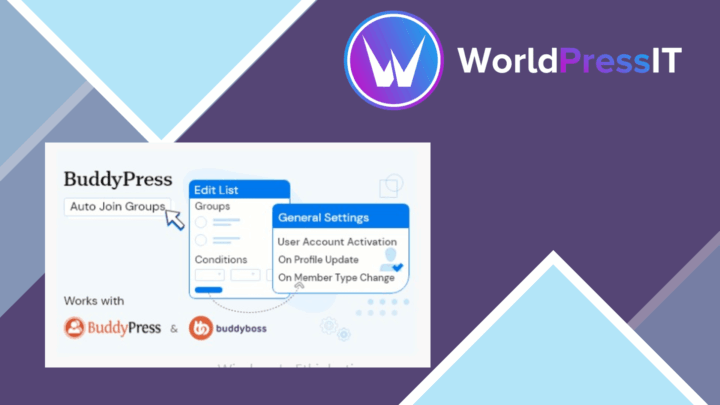
BuddyPress Auto Join Groups
Automatically place registering members into relevant BuddyPress groups using criteria, role exclusions and join logs, r…
UsersWP – Private Messaging
Private messaging for UsersWP sites, with message history, notifications, real-time updates and controls for keeping use…
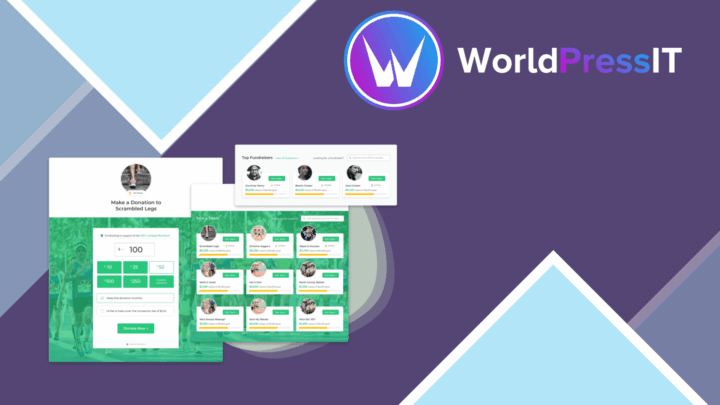
Give Peer-to-Peer
Peer-to-peer fundraising pages let supporters tell their own campaign story, collect donations, share progress and keep…