The Events Calendar Shortcode and Templates Pro
Shortcodes, templates, filters and map support give The Events Calendar users more control over how events appear across pages, posts and responsive layouts.
Instant access Original unmodified files Free future updates
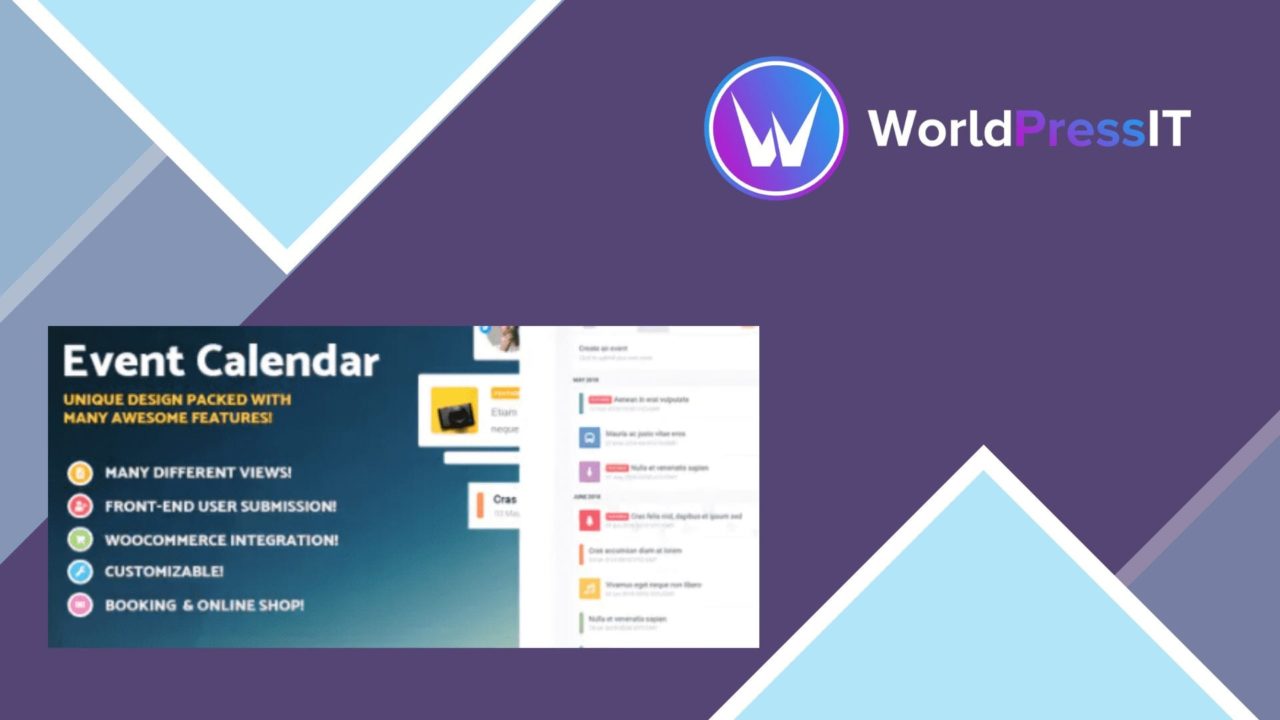
The Events Calendar Shortcode and Templates Pro adds a presentation layer to The Events Calendar, focusing on how events appear rather than replacing the underlying calendar system. Its main tools are a shortcode generator, a selection of event-listing templates, and display controls for sites that need event content in places beyond a standard calendar view.
Flexible event displays
Shortcodes are the practical centre of the plugin. They let site owners place event listings on pages and posts, which is useful when a site needs a dedicated events section, a category-specific landing page, or event content alongside other material. The approach also keeps event presentation separate from the page layout itself: the calendar remains the source of event information while the shortcode determines where a listing appears.
The template collection gives those listings more than one visual treatment. That matters for sites that need an events page to fit an existing design without building every listing from scratch. Responsive design is included, so the same event output is intended to remain usable across desktop and mobile screens.
Useful event controls
The feature list covers the parts of event discovery that visitors commonly need. Filtering by date, category, and location gives a listing more structure than a simple chronological feed. A visitor looking for one type of activity in a particular place has a clearer route to the relevant entries.
- Shortcodes for placing event displays on pages and posts.
- Multiple templates for changing the presentation of event listings.
- Filters based on date, category, and location.
- Support for recurring events and ongoing activities.
- Google Maps support for displaying event locations.
- Responsive layouts for different screen sizes.
Recurring-event support is another useful inclusion for organisations that run regular classes, meetings, or activities. Google Maps support adds a location view to listings, while the category and location filters help keep larger sets of events navigable.
Works with the calendar
This plugin is built around The Events Calendar rather than presented as a standalone event manager. That relationship is important: the add-on extends the ways existing calendar data is displayed, using templates and shortcodes to bring events into different parts of a site. For an organisation already using The Events Calendar, the feature set is focused and easy to understand.
The settings are aimed at arranging event output rather than handling unrelated site content. That narrow purpose should appeal to site owners who want more control over listings without changing their broader WordPress setup. It also makes the plugin relevant to businesses, event organisers, and bloggers whose event information needs to appear in several page contexts.
What to weigh
The first trade-off is dependency: this is an extension for The Events Calendar, so it is not the right choice for a site looking for a self-contained event system. Its usefulness is tied to having that calendar data available and organised in the first place.
The second is presentation complexity. Multiple templates, shortcode options, and filters provide more control, but they also create more choices to maintain as event categories, locations, and recurring activities grow. A simple site with one basic event list may not need that extra display layer. Google Maps support is useful for location-led events, but it is another element to account for when deciding how much information each listing should contain.
Best fit
The Events Calendar Shortcode and Templates Pro suits sites that already rely on The Events Calendar and need event listings in several tailored locations. It is a sensible fit for organisations with recurring activities, multiple event categories, or audiences who search by date and location. Its value is less clear for a small site that only needs the calendar’s default presentation, but for a fuller events programme, the combination of shortcodes, templates, filters, recurring-event support, and maps addresses the main display requirements in one focused add-on.
The verdict
Download The Events Calendar Shortcode and Templates Pro and see for yourself
You get the full The Events Calendar Shortcode and Templates Pro release (v4.2.0), ready to install, plus every update that follows. One click and it is yours.
Download The Events Calendar Shortcode and Templates Pro v4.2.0- Instant download
- Original developer files
- Updated 7 Sep 2026
Related reviews
Browse all
ShopMagic for WooCommerce Bookings
Automates WooCommerce booking emails, forms, payments and reporting so appointment-based businesses can manage customer…

FAT Event Event and Calendar Booking
Create recurring events, display them in a responsive calendar, collect attendee details and sell free or paid tickets w…

WooTour
Tour booking for WordPress sites, with WooCommerce payments, date availability, flexible package pricing, customer accou…