QuickCal
Appointment scheduling for WordPress with client forms, reminders, payments, recurring bookings and reporting in one calendar-based workflow.
Instant access Original unmodified files Free future updates
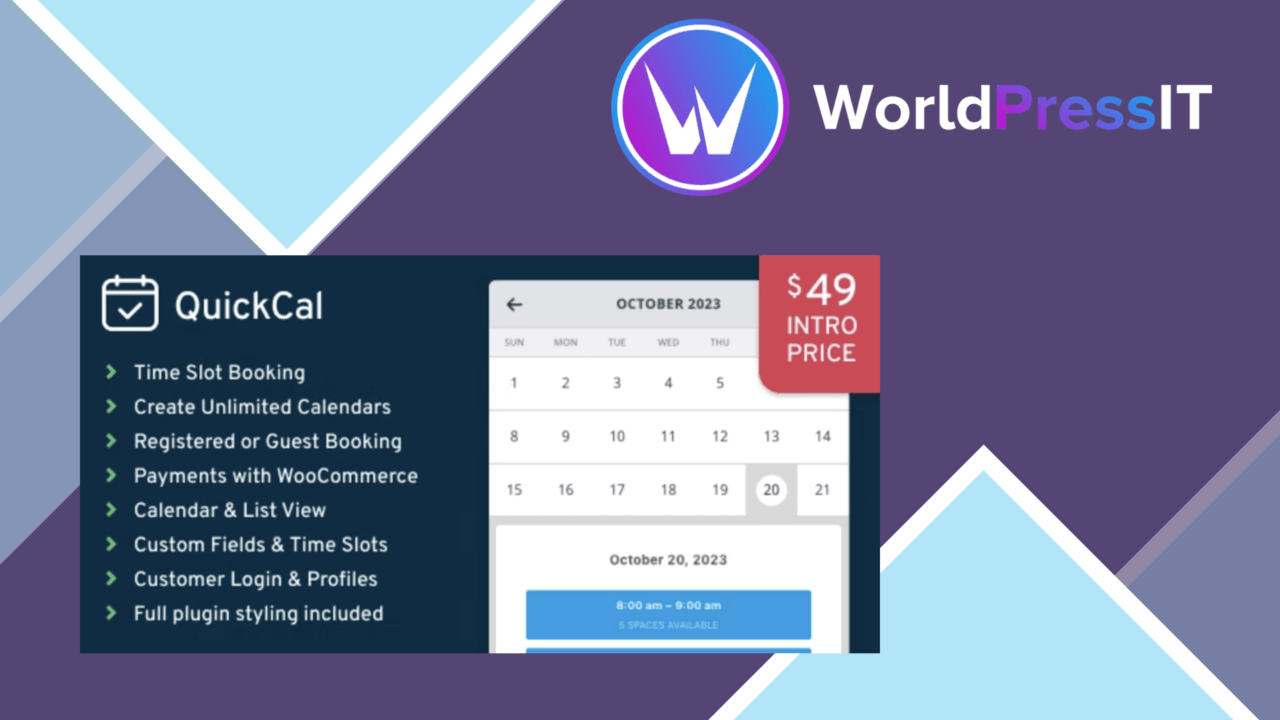
QuickCal is a WordPress appointment calendar for businesses, consultants and other service providers that need a structured way to accept and manage bookings. Its focus is practical rather than decorative: the plugin brings availability, client details, payment handling, reminders and booking reports into one scheduling workflow.
Calendar-led booking
The central feature is an appointment calendar intended for both administration and client bookings. An intuitive calendar interface gives staff a place to manage appointments, while the booking form collects the information required from each client. That combination suits services where the booking itself is only one part of the process and the provider also needs a record of who is attending and what they supplied at the time of booking.
QuickCal also supports recurring appointments. That is a useful distinction for consultations, lessons, treatments or other services where clients return on a regular basis. Instead of treating every visit as an isolated request, the booking model accounts for repeat scheduling as part of the service relationship.
Useful booking controls
The feature set covers the main stages between a customer choosing an appointment and the provider reviewing the results:
- A calendar interface for organising appointments.
- Customisable booking forms for collecting client information.
- Payment gateway integration for handling transactions during the booking process.
- Email notifications and reminders for keeping clients informed.
- Recurring appointments for regular clients.
- Multi-language support for audiences using different languages.
- A mobile-friendly interface for bookings on phones and tablets.
- Reporting tools for reviewing bookings and revenue.
This is a sensible spread for a service business. Notifications address the gap between a customer making a booking and the appointment taking place, while payment support places a financial step alongside the calendar rather than leaving it entirely to a separate process.
For clients and staff
QuickCal is designed around two users with different needs. Clients get a booking interface that is intended to work across devices, with forms for the necessary details and email messages to confirm or remind them about the appointment. Staff get the calendar view, recurring booking controls and reports that connect appointment activity with revenue.
Multi-language support broadens the audience the booking page is prepared to serve. It is particularly relevant to providers whose customers do not all use the same language, although the vendor copy does not specify which languages are included or how translations are managed.
What to weigh
The breadth of the feature list creates two practical questions before adoption. First, the payment description names integration with popular gateways but does not identify them or explain the available transaction settings. A business that depends on a particular gateway should confirm that detail before building its payment process around QuickCal.
Second, the reporting feature is described as advanced reporting for bookings and revenue, but no report types, filters or export options are listed. That makes the reporting promise difficult to assess for a provider with specific accounting or management requirements. The same applies to multi-language support: its presence is clear, but the scope of the translation controls is not.
Who it suits
QuickCal fits service providers that want more than a basic contact form but do not want appointments scattered across email, payment tools and manual reminders. Its strongest case is a recurring service with client information to collect, payments to coordinate and a need to see booking and revenue activity together.
Consultants, instructors, clinics and appointment-based businesses will recognise the workflow immediately. The plugin is less clearly suited to organisations needing documented gateway compatibility, detailed reporting specifications or a highly specialised booking model, because those areas are not described in the available product information. For a general appointment calendar with forms, reminders, recurring bookings and mobile access, QuickCal presents a focused set of controls around the booking process.
The verdict
Download QuickCal and see for yourself
You get the full QuickCal release (v1.0.23), ready to install, plus every update that follows. One click and it is yours.
Download QuickCal v1.0.23- Instant download
- Original developer files
- Updated 27 Sep 2026
Related reviews
Browse all
ShopMagic for WooCommerce Bookings
Automates WooCommerce booking emails, forms, payments and reporting so appointment-based businesses can manage customer…

FAT Event Event and Calendar Booking
Create recurring events, display them in a responsive calendar, collect attendee details and sell free or paid tickets w…

WooTour
Tour booking for WordPress sites, with WooCommerce payments, date availability, flexible package pricing, customer accou…