Post Status Notifier
Alerts editors and site owners when WordPress posts move between statuses, with role-aware settings, email delivery, logs, and custom-field placeholders.
Instant access Original unmodified files Free future updates
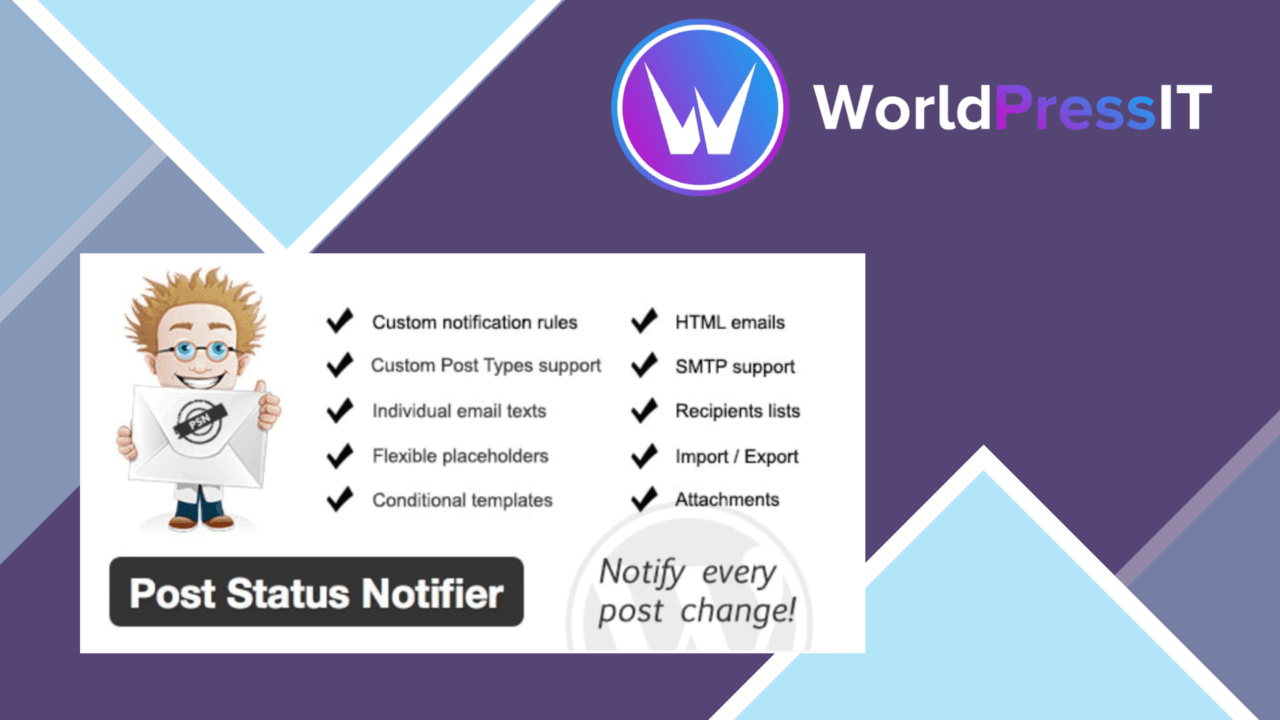
Post Status Notifier focuses on one part of the WordPress publishing workflow: telling people when a post changes status. It covers transitions involving drafts, pending posts, and published content, giving bloggers, content managers, and site owners a notification layer for editorial changes. The useful detail is its support for custom post types and taxonomies, including categories and tags supplied by other plugins.
Built for editorial changes
The plugin is aimed at sites where content passes through more than one pair of hands. A writer can work on a draft, a reviewer can handle a pending item, and a publishing decision can move the content into its published state. Status changes provide a clear trigger for keeping those roles informed without requiring every participant to watch the WordPress admin.
Support for multiple user roles gives the notification setup a team-oriented shape. Rather than treating every recipient as part of one undifferentiated audience, the feature list presents the plugin as a way to keep relevant team members in the loop. That is a sensible fit for managed blogs and editorial workflows where the same post moves through several stages.
Notifications with context
Post Status Notifier is not limited to a generic message saying that something changed. Its placeholder system brings post data into custom notification wording, including taxonomy values and custom fields associated with the post. This matters for sites that rely on structured content: a notification can include the information attached to the post rather than forcing the recipient to open WordPress before understanding what changed.
- Notifications for draft, pending, and published post statuses.
- Custom notification wording with taxonomy values as placeholders.
- Custom-field values available for use in notification messages.
- Support for custom post types and taxonomies from other plugins.
- Email service integration for delivery to an inbox.
- Detailed logs recording notifications that have been sent.
Control and record keeping
Customisable notification settings let site administrators choose how and when alerts are sent. The stated email integration keeps delivery in a familiar channel, while the preference controls are intended to be manageable without technical knowledge. That combination suits a content operation where different users need status information but do not need access to every part of the site.
The notification logs add a second layer of usefulness. They provide a history of sent alerts, giving administrators a record to consult when checking whether a status change generated a notification. This is more practical than relying on individual inboxes as the only record of editorial communication.
Where it falls short
The plugin’s scope is also its main limitation. It is centred on post status changes, so the vendor information does not establish support for comments, revisions, assignments, or other editorial events outside that trigger. Sites looking for a complete activity stream will need to distinguish status alerts from broader workflow monitoring.
Email delivery introduces another dependency: recipients must pay attention to the configured inboxes, and busy sites may create more messages as the number of posts, roles, and status transitions grows. The logs preserve a history of sent notifications, but the feature list describes them as records rather than reporting tools, so they should not be mistaken for workflow analytics or performance dashboards.
There is also some configuration work behind the flexible messages. Custom post types, taxonomies, and fields provide useful context, but a site using many of them will need to decide which values belong in each notification. The interface is described as easy to use, yet message design still benefits from a clear understanding of the site’s content structure.
Who should use it
Post Status Notifier suits WordPress sites with a defined publishing process and more than one person involved in moving content from draft to publication. It is particularly relevant to teams using custom post types or structured taxonomies, where ordinary status alerts leave out information that recipients need.
For a solo blogger with a simple publishing routine, its role-based settings, custom placeholders, and notification history may be more machinery than necessary. For a content manager who needs an email alert tied to a specific status change, with post details included and a record of delivery afterward, the feature set is more directly aligned with the job.
The verdict
Download Post Status Notifier and see for yourself
You get the full Post Status Notifier release (v1.12.0), ready to install, plus every update that follows. One click and it is yours.
Download Post Status Notifier v1.12.0- Instant download
- Original developer files
- Updated 9 Sep 2026
Related reviews
Browse all
GetPaid Digital Downloads
Sell eBooks, software, and music from WordPress with file delivery, payment gateways, discount codes, customer records,…

Super Speedy Filters
Configurable AJAX filters help visitors narrow posts, products and other content through checkboxes, dropdowns and slide…
pentest-upload
A WordPress upload-related listing with no documented feature set, compatibility information or stated use case, so its…