Ad Overlay Anything
Place promotional videos, images, or text over existing website content with responsive positioning, event triggers, styling controls, and targeting options.
Instant access Original unmodified files Free future updates
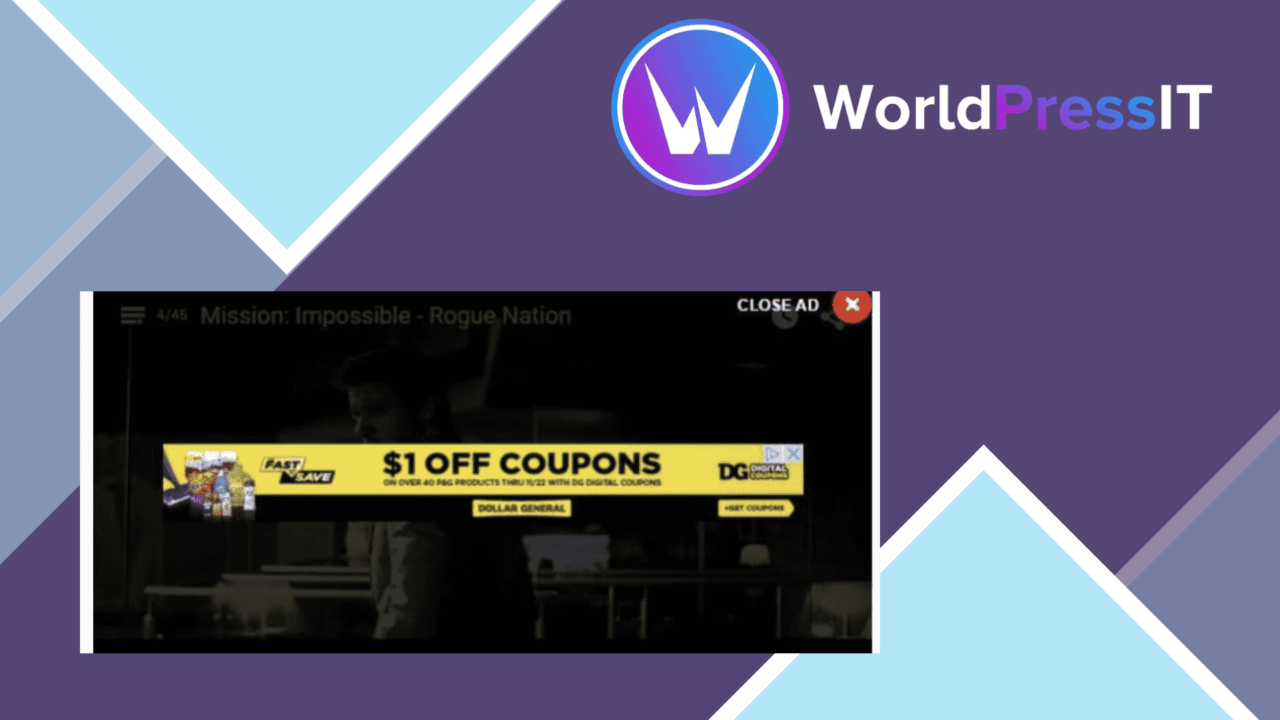
Ad Overlay Anything places promotional videos, images, or text over existing website content. Its purpose is straightforward: put an announcement, offer, or supporting message directly across a video, image, or text block rather than relying on a separate banner position. For sites where visibility matters more than keeping every message outside the content area, that direct placement is the central appeal.
How the overlay model works
The plugin treats an overlay as a layer positioned over content already on the page. You choose where it appears and decide which type of material it contains. That covers promotional copy, image-based adverts, and video content without restricting the feature to one media format.
Positioning is customisable, so an overlay does not have to sit in one fixed location across the whole site. The vendor also describes responsive behaviour for mobile phones and tablets. That matters here because an overlay sized for a desktop video or text block needs a different presentation when the available screen area is narrower.
Triggers and presentation
Display timing is controlled through several event options rather than only showing an overlay as soon as a page loads. The available triggers include:
- Page-load display for an immediate announcement or promotion.
- Scroll-based display for messages revealed as visitors move through a page.
- Click-based display for overlays connected to an interaction.
- Targeting based on user behaviour, giving more control over where and when an overlay appears.
Styles and animations provide further control over how the layer enters the page and how it fits the site’s visual identity. These settings are useful when a simple static notice would feel too abrupt or visually disconnected from the surrounding design.
Fits common editing workflows
Ad Overlay Anything includes integrations with Elementor and WPBakery. That gives editors working in either page builder a route to include overlays alongside the content they are already arranging, instead of treating every placement as a separate custom page task. The dashboard interface is intended for adjusting overlays and their settings from within WordPress.
The feature also has a clear use in commerce and promotion. A product page, campaign landing page, or media-heavy article can carry an offer or announcement directly over its most prominent content. The same controls suit informational text as well as advertising, so the plugin is not limited to one campaign format.
Where it falls short
The main trade-off is inherent in the format: an overlay competes with the content underneath it. A poorly positioned advert or announcement can obscure part of a video, image, or text block, and animated entry can distract from the material visitors came to see. Careful positioning and restrained styling are therefore part of using the tool well, not optional finishing touches.
The second limitation is configuration complexity. Page-load, scroll, click, and behaviour-based targeting offer useful control, but each additional rule creates another decision about timing and audience. Sites with many overlays will need a clear system for deciding which message appears where, otherwise visitors can encounter competing prompts across different pages.
Who it suits
This plugin suits site owners, marketers, and content creators who need promotional or informational material to sit directly over important media. It is particularly relevant to pages built around embedded videos, prominent images, or text blocks where a conventional sidebar or footer message is too easy to miss. Elementor and WPBakery users also get a more familiar editing context.
Choose it for deliberate, high-visibility overlays rather than unobtrusive notices. Its value comes from control over placement, timing, appearance, and targeting; the same visibility requires discipline so the layer supports the underlying page instead of taking it over.
The verdict
Download Ad Overlay Anything and see for yourself
You get the full Ad Overlay Anything release (v2.0.2), ready to install, plus every update that follows. One click and it is yours.
Download Ad Overlay Anything v2.0.2- Instant download
- Original developer files
- Updated 26 Oct 2026
Related reviews
Browse all
Affiliate Forms
Affiliate registration and campaign forms for Ninja Forms, with click, conversion and earnings tracking to help manage a…
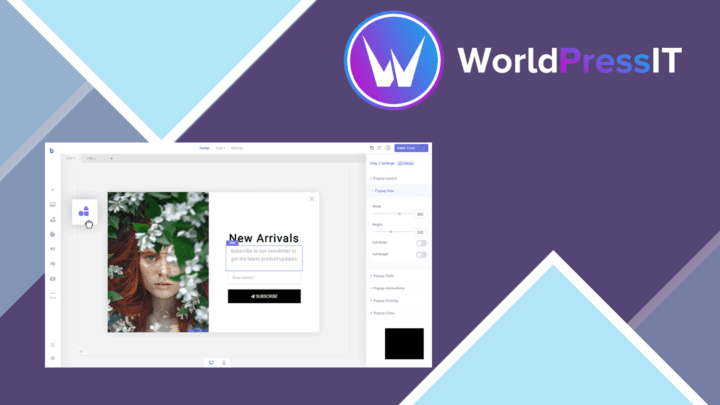
Brave Popup Builder PRO
Create targeted WordPress popups with visual editing, timed and behavioural triggers, email integrations, A/B testing an…

MailChimp for WooCommerce Memberships
Connect WooCommerce memberships and subscriptions to MailChimp for member segmentation, targeted campaigns, opt-in forms…