Admin Columns Pro
Customise WordPress admin listings with relevant post, taxonomy, custom-field and user data, plus inline editing, filtering and CSV export.
Instant access Original unmodified files Free future updates
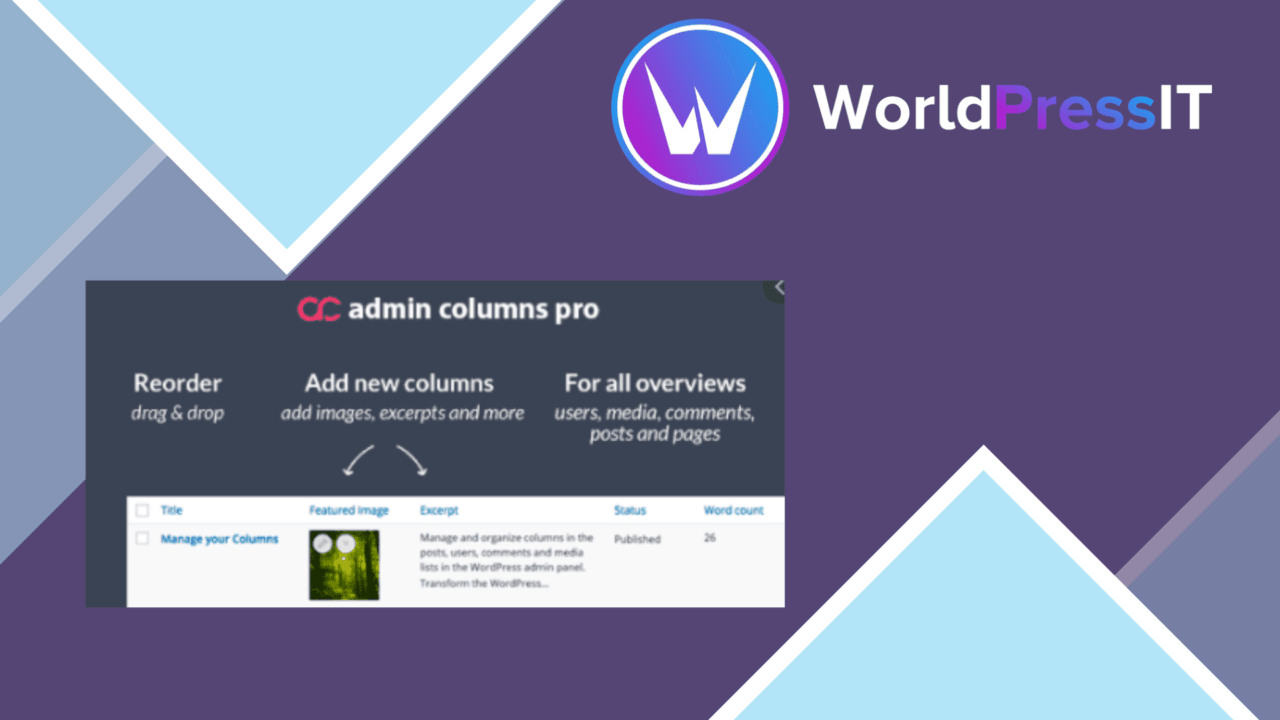
Admin Columns Pro reorganises WordPress admin listings so the information needed for editorial and content-management work sits beside each post, page or custom post type. Instead of opening individual records to check fields, taxonomies or user details, an administrator can assemble a listing around the data that matters to that workflow.
Admin listings, reshaped
The plugin is aimed at the part of WordPress where content is reviewed, sorted and maintained. Its central feature is a custom column layout for posts, pages and custom post types. That makes it useful for an editor checking content status, a manager reviewing assigned records, or a developer working with structured content. The value is not a new content editor; it is a more informative view of content already managed in the dashboard.
Useful data at a glance
Admin Columns Pro covers more than the standard title, author and date view. The vendor lists more than 390 columns, including options for custom fields, taxonomies and user data. That breadth gives the plugin room to support different post types and data models rather than forcing every site into the same layout.
- Arrange columns for posts, pages and custom post types around the fields used most often.
- Show custom-field values, taxonomy terms and user data directly in listings.
- Sort and filter records using available listing data.
- Export listing data as CSV for analysis or reporting outside WordPress.
- Use integrations with ACF and WooCommerce to expose relevant third-party data.
Editing without detours
Inline editing is the feature that changes the day-to-day workflow most directly. Small content changes can be made from the column view rather than by opening each post separately. Combined with sorting and filtering, this suits repetitive maintenance tasks where an editor needs to find a group of records and adjust their values in place.
WooCommerce support extends the same approach to product listings, while ACF support addresses sites that store important content in custom fields. Responsive design is also listed, so the configured columns are intended to remain usable across different device sizes. User-permission controls provide a way to decide which roles can view or edit the columns.
Where it falls short
The large column catalogue is both an advantage and a responsibility. More than 390 choices offer flexibility, but they also leave the site administrator to decide which fields belong in each view; a poorly planned layout can replace one crowded screen with another. CSV export is practical for taking listing data elsewhere, but it is an export function rather than a complete reporting or analysis environment.
Inline editing also needs care on sites where several roles work with the same records. Permission settings help control access, but they add another layer of administration and do not remove the need for a clear editorial process. Finally, third-party support is named for ACF and WooCommerce, while the source material does not establish the same level of integration for other plugins.
Who should use it
Admin Columns Pro fits site owners, developers and content managers who rely on WordPress listings to inspect and maintain structured content. It is particularly well matched to sites with custom fields, taxonomies, WooCommerce products or repeated bulk-style editorial checks. Sites that rarely use the admin listing screens will gain less from it, since its purpose is to make those screens more informative and workable rather than to change the front end.
The verdict
Download Admin Columns Pro and see for yourself
You get the full Admin Columns Pro release (v7.1.9), ready to install, plus every update that follows. One click and it is yours.
Download Admin Columns Pro v7.1.9- Instant download
- Original developer files
- Updated 19 Nov 2026
Related reviews
Browse all
Easy Digital Downloads Pro
Sell and manage digital products in WordPress with checkout payments, discounts, customer records, reporting, email inte…

Appender
Adds site attribution, page details and a return link to text copied from WordPress, helping publishers retain context w…

WP All Export – User Add-On Pro
User data exports with custom fields, metadata, filters, schedules, and CSV, XML, or Excel output for sites that need re…