Advanced Custom Fields for WooCommerce
Add structured product details to WooCommerce with custom text, images, files and selections, then control field visibility and place the values with shortcodes.
Instant access Original unmodified files Free future updates
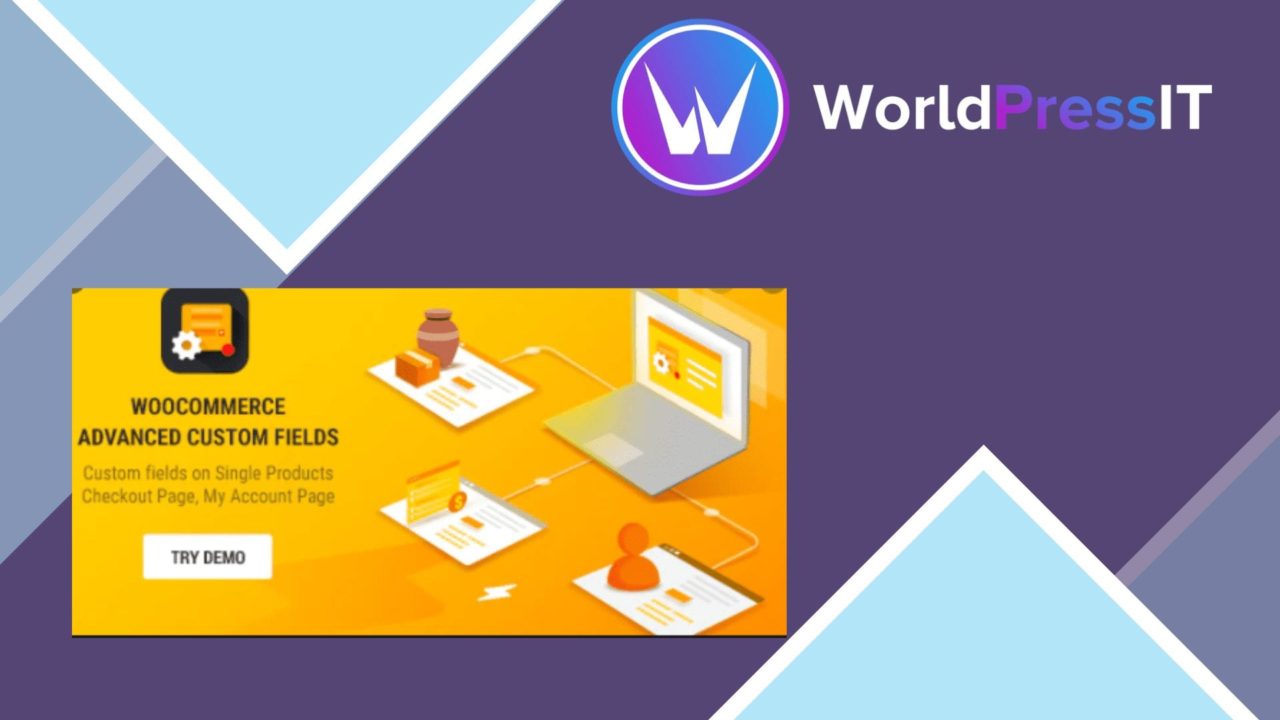
Advanced Custom Fields for WooCommerce adds a structured way to extend the information attached to WooCommerce products. It is aimed at store owners and developers who need product pages to carry details beyond the standard catalogue fields, without requiring coding expertise for the basic field-building work.
What it handles
The plugin centres on custom fields managed from the WooCommerce product editing screen. That keeps additional product data close to the product it describes, rather than forcing every detail into a long description or an improvised naming convention. A store selling technical equipment, for example, could separate a specification, supporting file, image, or selectable attribute into its own field.
- Text fields for additional product descriptions or specifications.
- Image fields for product-related visual information.
- File uploads for documents and other downloadable supporting material.
- Select fields for controlled choices rather than free-form entry.
- Conditional logic to show or hide fields according to user selections.
- Shortcodes for placing saved field values in different areas of a site.
Field types and rules
The range of field types is modest but practical for common product-data tasks. Text, image, file, and select fields cover both simple content additions and more structured choices. Select fields also provide a cleaner input method when the available values are known in advance, which helps keep similar products consistent.
Conditional logic is the more useful part of the field model when products need different information. A field can appear or remain hidden based on a selection, so one product form does not have to expose every possible input at once. That gives the editing experience a more focused shape, although the rules still need to be planned clearly as the number of product variations grows.
Showing the data
Shortcode support gives the saved values a route beyond the product editor. Field output can be placed in different site areas, which suits stores with custom product layouts or content sections assembled outside the standard WooCommerce presentation. The plugin is also described as developer friendly and documented for advanced integration with themes and other plugins.
Its stated compatibility with translation plugins makes it relevant to multilingual shops, while the vendor also identifies Yoast SEO, WPML, and Elementor as compatible products. Those integrations broaden the possible publishing workflow: translated stores can manage additional product information, and Elementor layouts can incorporate the fields into custom product designs.
What to weigh
Custom fields improve structure, but they also introduce another layer of catalogue administration. Every new field needs a clear purpose, a sensible label, and a decision about which products should use it. A large field set can make product editing slower to reason about even when each individual field is simple.
Conditional logic brings a second trade-off. It keeps irrelevant inputs out of view, but multiple dependencies require ongoing maintenance when product choices change. Shortcodes add presentation flexibility rather than a complete display system, so the final placement and appearance remain a theme or page-layout concern. The vendor copy identifies the available field types and integrations, but does not specify ready-made templates or a broader set of field controls.
A fit for structured catalogues
This plugin suits WooCommerce stores whose products need repeatable information that the default product editor does not express cleanly. It is especially relevant when the same kinds of specifications, images, files, or choices appear across a catalogue and need to be reused in product layouts.
It is less compelling for a small shop with only a few optional details, where ordinary descriptions already provide enough room. For larger or more varied catalogues, the combination of product-level fields, conditional visibility, shortcodes, and stated multilingual and page-builder compatibility offers a focused way to organise extra product information.
The verdict
Download Advanced Custom Fields for WooCommerce and see for yourself
You get the full Advanced Custom Fields for WooCommerce release (v6.8.9), ready to install, plus every update that follows. One click and it is yours.
Download Advanced Custom Fields for WooCommerce v6.8.9- Instant download
- Original developer files
- Updated 11 Sep 2026
Related reviews
Browse all
WooCommerce Elavon Converge Payment Gateway
Process card, eCheck and other Elavon payments through WooCommerce, with tokenized records, multi-currency support and o…

Aelia Tax Display by Country for WooCommerce
Country-aware WooCommerce tax display using IP geolocation, with support for multiple tax classes and configurable prici…

GetPaid Multi-Currency
Multi-currency pricing for WordPress stores, with location-based detection, automatic exchange-rate updates, payment gat…