Advanced Themer for Bricks
Bricks Builder tools for creating branded layouts, dynamic content, responsive designs and reusable templates without relying on custom code.
Instant access Original unmodified files Free future updates
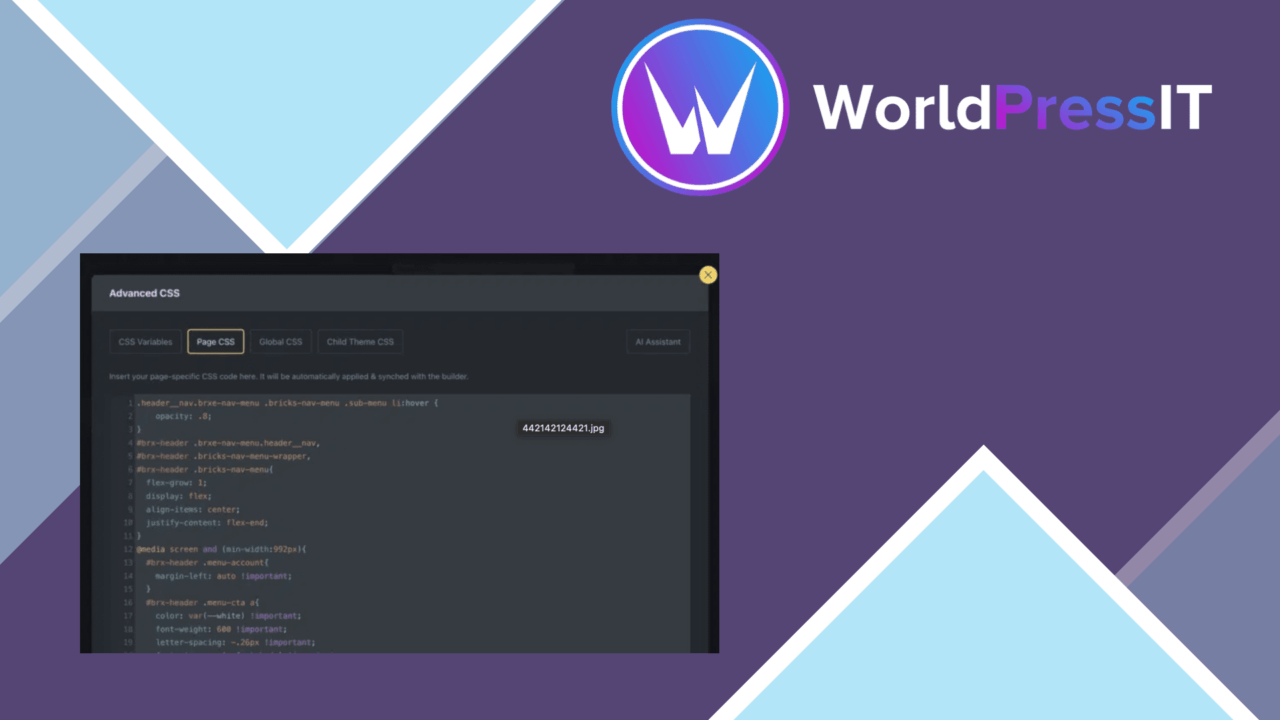
A Bricks Builder add-on for building branded WordPress layouts with less reliance on custom code, Advanced Themer brings together header and footer controls, grid and flexbox options, templates, dynamic content support and responsive settings. Its intended audience includes designers, developers and business owners who want more control inside the Bricks workflow.
More control in Bricks
The product focuses on the parts of a site that often require repeated layout decisions. Custom header and footer tools let you shape those areas around a brand rather than relying on a standard theme structure. The emphasis is on visual construction, so the feature set is aimed at people who want to work through the builder instead of writing every layout rule by hand.
That focus also makes the product easier to place in an existing workflow. It is not presented as a general WordPress design system; its purpose is to extend Bricks Builder with additional controls and productivity features. If Bricks is already the centre of a project, the feature set has a clear job to do.
Layouts and templates
Advanced Themer covers both familiar and more structured layout work. Its grid and flexbox options are intended for complex arrangements that need more than a simple row of content. These controls give a designer two established layout models to work with while constructing pages in Bricks.
- Custom headers and footers for branded site-wide areas.
- Grid and flexbox options for more involved page structures.
- A library of professionally designed pre-built templates for starting projects.
- Responsive controls for adjusting designs across devices.
- Cross-browser support intended to keep layouts working across major browsers.
The template library is useful as a starting point rather than a substitute for design decisions. It can shorten the distance between a blank project and a usable layout, while the builder controls leave room to adapt the result to a particular site.
Dynamic content support
Dynamic content support extends the product beyond static page composition. The vendor describes integration with data from custom fields, which gives Bricks layouts a route to displaying information that changes from one piece of content to another. That is relevant for sites where a repeated layout needs to present different structured values.
Responsive controls address the other practical side of page building. A layout that works on a wide screen still needs adjustments for smaller devices, and the product includes controls intended for that work. The feature list also includes SEO optimisation tools, although the supplied description does not identify the individual settings or workflows involved.
What to weigh
The main limitation is its narrow platform focus. Advanced Themer is designed specifically for Bricks Builder and is not presented as a general-purpose WordPress theme tool, so its usefulness depends on using Bricks for the site. That is a sensible trade-off for Bricks projects, but it rules out treating the product as a universal layout layer.
The breadth of the feature list also comes with some uncertainty. The SEO tools are described in broad terms rather than through named controls or reporting features, so they should not be assumed to replace a dedicated SEO workflow. Dynamic content is similarly most valuable on sites already using custom fields; a simpler brochure site might have little structured data to display. The templates, responsive controls and layout systems provide more options, but they also leave the quality of the final result dependent on the choices made in Bricks.
Who it suits
Advanced Themer fits Bricks users who regularly build bespoke pages and want headers, footers, templates, layout systems and responsive controls gathered around the same builder. It is particularly relevant to designers and developers working across several site layouts, as well as business owners who want a visual route to a more tailored presentation.
It is less compelling for a site that needs only a few basic pages or for a project built around another WordPress theme or page-building system. For the right Bricks installation, though, the combination of reusable starting points, structured layout options and custom-field support addresses several recurring parts of the design process.
The verdict
Download Advanced Themer for Bricks and see for yourself
You get the full Advanced Themer for Bricks release (v3.4.1), ready to install, plus every update that follows. One click and it is yours.
Download Advanced Themer for Bricks v3.4.1- Instant download
- Original developer files
- Updated 30 Sep 2026
Related reviews
Browse all
Toolset Blocks
Build custom WordPress layouts, templates, archives and searches with visual blocks that connect to custom fields and dy…

Piotnet Addons For Elementor Pro
Elementor gains extra widgets, form controls, dynamic content tools and templates for building more tailored WordPress p…

Element Pack Addon for Elementor
A broad Elementor widget suite for grids, tabs, carousels, branded headers and footers, responsive layouts, templates, m…