All-In-One WooCommerce Import Export Suite
Bulk-import and export WooCommerce products, orders, and customers with filters, field mapping, scheduling, and support for variable products.
Instant access Original unmodified files Free future updates
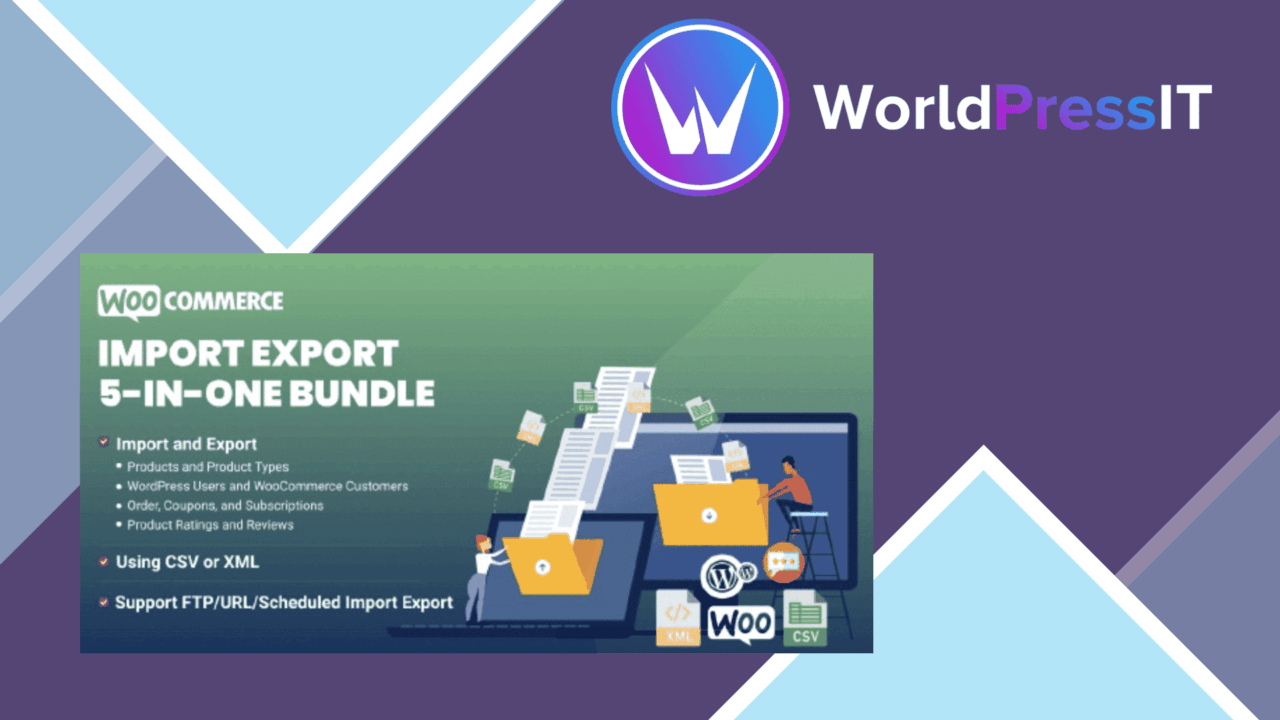
WooCommerce data management becomes harder as a catalogue grows, orders accumulate, and customer records need to move between systems. All-In-One WooCommerce Import Export Suite brings those jobs into one tool, with bulk import and export for products, orders, and customers through CSV or XML files. Its appeal is practical: fewer repetitive edits, a clearer route for moving structured store data, and a way to handle several WooCommerce record types without separate tools for each one.
Three data groups
The suite covers the records most likely to require careful handling during a store migration or catalogue update. Product data, order data, and customer information can each be imported or exported in bulk. That makes it relevant to store owners maintaining a large catalogue, developers moving data between environments, and administrators who need an extract for another workflow.
Variable products receive specific attention. Attributes and variations are included in the supported product workflow, which matters because a variable product is more than a single title and price. A tool that treats variations as part of the product structure is better suited to catalogues with sizes, colours, or other selectable options than a basic row-by-row importer.
Filtering and mapping
Bulk processing is only useful when the right records and fields are selected. Advanced filters let an administrator narrow an import or export to specific data rather than treating the entire store as one undifferentiated file. Custom field mapping then provides a way to align the incoming column structure with WooCommerce requirements.
- Filter product, order, or customer data before processing.
- Map source fields to the corresponding WooCommerce fields.
- Handle variable products together with their attributes and variations.
- Review detailed logs when an import or export needs investigation.
That combination gives the suite a useful division of labour: filters control the dataset, mapping handles structural differences, and logs provide a record of what happened during the operation.
Scheduled data work
Scheduled imports and exports extend the plugin beyond occasional migration work. Recurring data tasks can be arranged around a defined schedule, reducing the need to start every operation manually. This is most useful for stores that repeatedly exchange product, order, or customer data and want a repeatable process rather than a one-off spreadsheet exercise.
The interface is described as user-friendly, and compatibility with popular WordPress themes and plugins is intended to keep the data workflow within the existing WooCommerce installation. Those claims do not remove the need to understand the source file, the destination fields, or the records being changed, but they point to a tool aimed at administrators as well as developers.
Where it falls short
The main trade-off is breadth. Products, orders, customers, variations, filters, mappings, schedules, and logs create a wider configuration surface than a narrowly focused product importer. Teams handling a simple catalogue change could find the full suite more involved than the task requires.
Automation also shifts responsibility rather than removing it. A scheduled import or export still relies on correctly mapped fields and an appropriate data selection, so recurring jobs need oversight. Detailed logs help with troubleshooting after a process runs, but they do not replace a review of the source structure before bulk changes are made. The vendor description also names CSV and XML as the core file formats, so stores built around a different exchange format will need to account for that boundary.
Who it suits
This is a sensible fit for WooCommerce administrators who regularly move product, order, or customer data and need more control than a basic bulk editor provides. It is especially relevant to catalogues with variable products, recurring exports, or source files whose field names do not line up neatly with WooCommerce.
Developers gain filtering, mapping, scheduling, and logs in one data-management workflow, while store owners get a single interface for several common record types. It is less compelling for a small store with rare, simple edits, but the wider feature set has a clear purpose when bulk operations and repeatable data handling are part of normal WooCommerce work.
The verdict
Download All-In-One WooCommerce Import Export Suite and see for yourself
You get the full All-In-One WooCommerce Import Export Suite release (v1.5.0), ready to install, plus every update that follows. One click and it is yours.
Download All-In-One WooCommerce Import Export Suite v1.5.0- Instant download
- Original developer files
- Updated 20 Sep 2026
Related reviews
Browse all
WooCommerce Elavon Converge Payment Gateway
Process card, eCheck and other Elavon payments through WooCommerce, with tokenized records, multi-currency support and o…

Aelia Tax Display by Country for WooCommerce
Country-aware WooCommerce tax display using IP geolocation, with support for multiple tax classes and configurable prici…

GetPaid Multi-Currency
Multi-currency pricing for WordPress stores, with location-based detection, automatic exchange-rate updates, payment gat…