Asset CleanUp Pro Performance Plugin
Manage scripts and styles on individual WordPress pages to reduce unnecessary front-end assets, with reports, bulk controls, cache clearing and conditional loading options.
Instant access Original unmodified files Free future updates
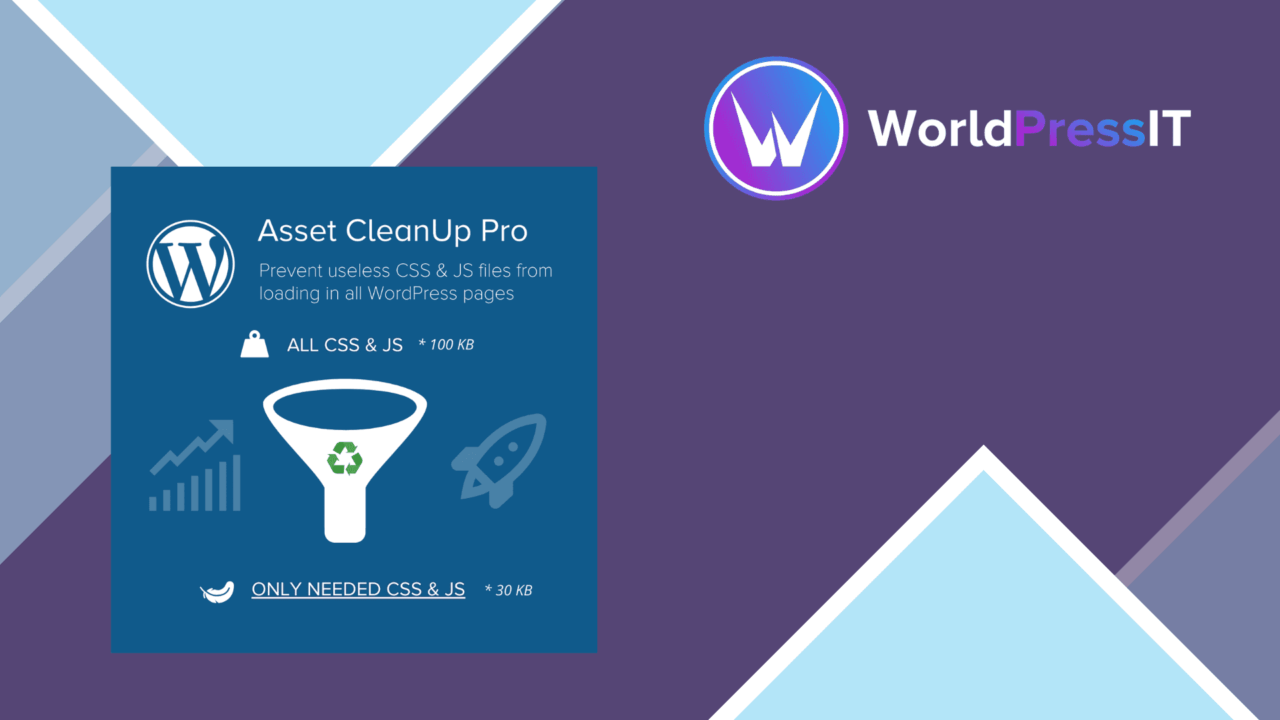
Asset CleanUp Pro Performance Plugin is built around a practical performance problem: a WordPress page often loads scripts and styles that are not needed for that particular piece of content. Instead of treating asset loading as a site-wide switch, it gives you page- and post-specific controls for deciding what should remain active. That makes it a tool for site owners and developers who want to work through their front-end assets with more precision.
Control the asset list
The main feature is selective management of scripts and styles. You can disable an unnecessary asset on a specific page rather than removing it everywhere, which is a better fit for sites where different sections use different plugins or page-building features. The same approach applies to individual posts, giving content-level settings rather than one broad performance rule.
This is particularly useful on a site with several active components. WooCommerce, Elementor and other popular plugins often add their own front-end resources. The vendor identifies compatibility with WooCommerce and Elementor, so the plugin is aimed at sites where removing unused assets requires care rather than a blanket approach.
Useful controls
Asset CleanUp Pro combines several types of controls in one workflow:
- Page-specific settings for managing scripts and styles on individual pages or posts.
- Performance reports showing how scripts and styles affect the site.
- Bulk actions for handling multiple scripts and styles at once.
- Conditional loading for more tailored asset rules.
- Custom script options for advanced performance requirements.
- Cache clearing from the plugin interface so changes can take effect after an adjustment.
The bulk controls matter on larger sites, where reviewing every asset one at a time would become repetitive. Cache management is also a useful companion to asset changes: it keeps stale cached output from obscuring the effect of a new setting.
Reports before changes
The performance reports give the process a more informed starting point than simply guessing which files are unnecessary. A developer can review the scripts and styles associated with a page, make a targeted change, and use the available reporting view to keep track of the asset impact. The conditional loading and custom script features extend that process for cases that do not fit a simple disable rule.
That combination makes the plugin more than a single-purpose switch. It covers inspection, page-level decisions, grouped management and cache clearing. The value is strongest on a site where asset usage differs substantially between templates, content types or plugin-driven sections.
What to weigh
Granular control also creates granular responsibility. Before disabling a script or style, you need to know which page feature depends on it; the plugin provides the controls, but the vendor material does not describe an automatic dependency check. A careless rule could leave a page feature without a resource it needs, so this is not a set-and-forget optimisation tool.
The advanced options add another layer to maintain. Conditional loading and custom scripts are useful for tailored rules, but they require a clearer understanding of how the site assembles its front end. Bulk actions carry the same trade-off: they save time across many assets, while making each change more important to review. Compatibility with WooCommerce and Elementor is stated, but compatibility alone does not remove the need to check the specific pages those tools create.
Who it suits
Asset CleanUp Pro Performance Plugin suits developers, marketers and site owners who are willing to make page-level performance decisions instead of relying only on broad caching or site-wide settings. It is a reasonable match for WooCommerce or Elementor sites with distinct page types and a growing list of loaded assets. Smaller sites with little variation between pages may find its detailed controls unnecessary, while teams managing a mixed WordPress installation get more room to keep scripts and styles tied to the pages that use them.
The verdict
Download Asset CleanUp Pro Performance Plugin and see for yourself
You get the full Asset CleanUp Pro Performance Plugin release (v1.2.8.1), ready to install, plus every update that follows. One click and it is yours.
Download Asset CleanUp Pro Performance Plugin v1.2.8.1- Instant download
- Original developer files
- Updated 8 Oct 2026
Related reviews
Browse allFlyingPress
WordPress performance optimisation covering caching, lazy loading, minification, database cleanup and CDN integration, w…
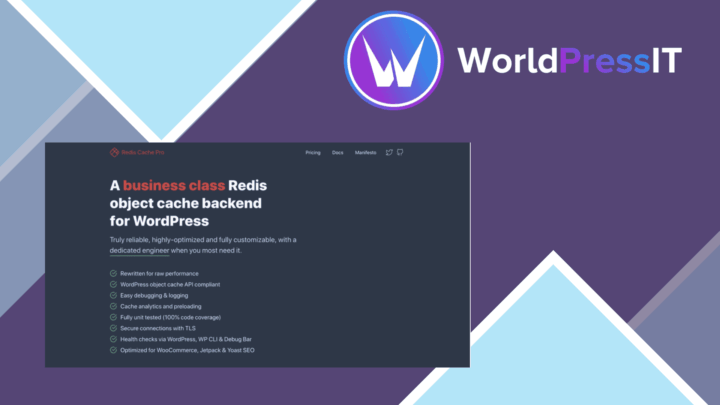
Redis Object Cache Pro
Redis-backed object caching reduces database work and speeds WordPress responses, with persistent caching, post-update f…

Clearfy Pro
WordPress optimisation tools for speed, SEO, security and database maintenance, with granular controls for sites that ne…