Backuply Pro
Scheduled site backups, selective file and database protection, cloud storage, encryption and one-click restoration for WordPress recovery planning.
Instant access Original unmodified files Free future updates
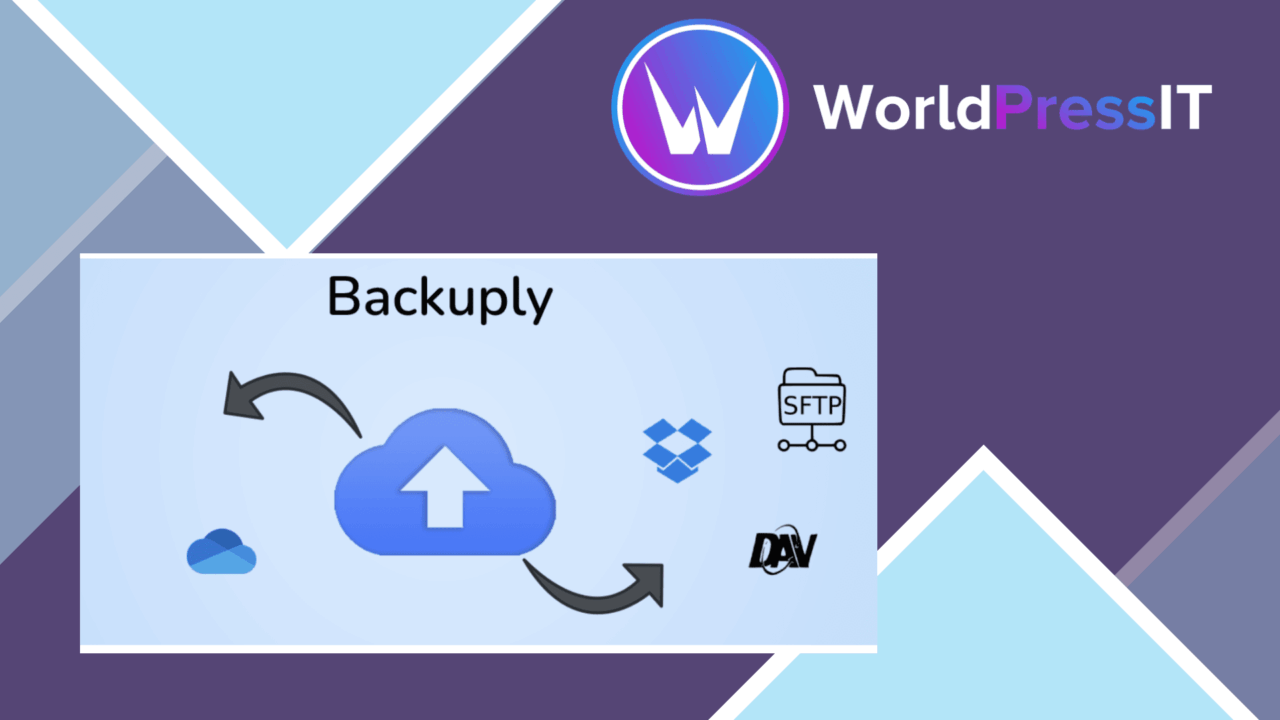
Backuply Pro is a WordPress backup plugin built around a straightforward purpose: keeping a recoverable copy of a site when a server failure, hack, faulty upgrade or user mistake damages the live installation. Its feature set covers scheduled backups, selective backup scope, external storage, encryption, restoration and status reporting, giving site owners a single place to organise routine protection rather than relying on manual copies.
Backup scope
The useful starting point is control over what gets included. Backuply Pro supports backups of specific files, the database, or the entire site. That distinction matters because a full site copy is appropriate before a major change, while a narrower selection suits a more targeted protection plan. The vendor does not describe finer-grained rules, so treat the feature as a choice between the stated backup scopes rather than assume detailed per-folder or per-table scheduling.
Scheduled backups remove the need to remember every backup run. A regular schedule gives a site a repeatable protection routine, while manual decisions about scope still let an administrator prepare for a particular change. This is relevant for developers handling several WordPress installations as well as businesses that need their content preserved without making backup work part of every editing session.
Storage and security
Keeping a backup separate from the website is an important part of the design. Backuply Pro integrates with Google Drive, Dropbox and Amazon S3, so the available storage options extend beyond the server hosting the live site. That separation is particularly relevant to server breakdowns: a copy stored elsewhere is not tied to the same machine that has failed.
Encryption adds a second layer to the storage workflow by protecting backup data against unauthorised access. The combination of remote destinations and encryption addresses two different concerns, but the vendor copy does not explain encryption settings, key management or the retention behaviour of any cloud destination. Those details deserve attention before setting a long-term backup policy.
Recovery workflow
One-click restore is the clearest recovery feature. The intended workflow is simple: use a stored backup to return the site to an earlier state instead of rebuilding files and database content by hand. That makes the plugin relevant after a problematic plugin change or an upgrade that leaves the site unusable, provided a suitable backup exists and the administrator can still reach the recovery controls.
Logs and notifications add visibility around the process. Backup status is easier to follow when the plugin records activity and reports what happened, rather than leaving an administrator to guess whether a scheduled job completed. The available information is described as comprehensive, although no specific log fields, alert channels or reporting history are given.
What to weigh
Backuply Pro’s breadth also creates several decisions. First, choosing between selected files, the database and a full site requires a clear recovery plan; a narrow backup is less useful if the incident affects content outside that selection. Second, cloud storage integration does not by itself define how many copies to keep, how long to retain them or how restoration behaves after a provider account problem. Those policies still need to be established around the plugin.
Encryption is another responsibility rather than a complete security policy. Protected backup data is valuable only if authorised users can recover it when needed, and the supplied information does not explain the handling of keys or recovery credentials. Finally, the user-friendly interface is aimed at broad accessibility, but administrators managing several sites will still need to review schedules, destinations, backup scope and logs individually. The feature list does not state whether those tasks can be managed centrally.
Who it suits
Backuply Pro fits site owners who want scheduled WordPress protection without assembling separate tools for backup scope, cloud storage, encryption and restoration. It also suits developers and businesses that need a visible recovery routine for sites exposed to upgrades, plugin changes or server problems. The strongest case is for a site with a defined backup destination and a sensible retention plan already in mind.
It is less suited to anyone expecting the plugin description alone to answer operational questions about retention, encryption management or multi-site administration. Those are not reasons to dismiss the core feature set, but they are the points to clarify before making Backuply Pro the centre of a broader disaster-recovery process.
The verdict
Download Backuply Pro and see for yourself
You get the full Backuply Pro release (v1.5.4), ready to install, plus every update that follows. One click and it is yours.
Download Backuply Pro v1.5.4- Instant download
- Original developer files
- Updated 9 Nov 2026
Related reviews
Browse all
MainWP Staging Extension
Create independent copies of WordPress production sites, test updates and design changes safely, then push approved stag…
S2W
Transfers Shopify products, customers, orders and store data into WooCommerce, with attribute mapping, inventory synchro…
MainWP BackWPup Extension
Manage BackWPup jobs across MainWP child sites, with central scheduling, on-demand runs, real-time logs, and backup-file…