Bookly Special Hours
Set day-specific booking windows and special service pricing inside Bookly, with separate controls for providers and services and clear hours on the booking form.
Instant access Original unmodified files Free future updates
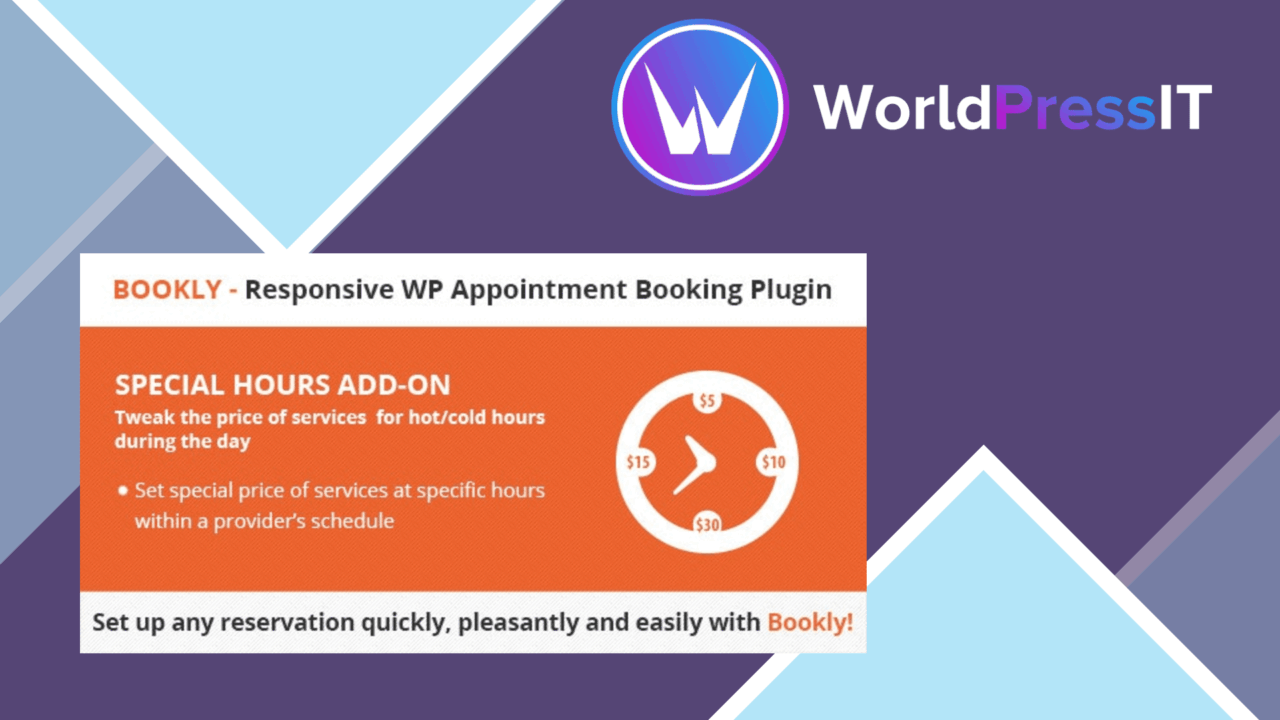
Set different booking hours for particular days, providers and services without changing the whole Bookly schedule. Bookly Special Hours is an add-on for businesses whose availability or service pricing changes around weekends, holidays, recurring events or other defined periods.
What it adds
The add-on focuses on exceptions to a provider’s normal schedule. Its main use is setting special hours within that schedule, while the vendor also positions it as a way to apply special service prices during those periods. That combination suits a salon, clinic or consultancy that keeps a regular timetable but needs different rules for selected dates or times.
The important distinction is the level of control. Special hours are not limited to one global setting. Each service provider can be configured separately, and services inside a provider’s profile can receive their own treatment. A provider who offers longer weekend consultations alongside shorter weekday appointments has a more suitable structure here than with a single site-wide opening-hours field.
Useful scheduling controls
The feature set is compact, but it covers the scheduling cases named by the vendor:
- Set special hours for individual days, including holidays and weekends.
- Customise time slots for each service.
- Configure providers and the services attached to those providers separately.
- Set recurring special hours for regular events or holidays.
- Show special hours on the booking form.
- Send notifications for bookings made during special hours.
Recurring settings are useful for dates that follow a pattern rather than appearing once. The booking-form display also gives clients a direct view of the hours being offered, instead of leaving them to infer availability from a standard calendar.
Client-facing clarity
Showing special hours on the booking form is one of the more practical parts of the add-on. It connects the schedule configured in the dashboard with the information a client sees while choosing an appointment. That matters when a holiday timetable or weekend schedule differs from the provider’s usual hours.
The notification option covers bookings made during special hours, giving the provider a signal that an appointment was placed in one of these exceptional windows. Payment gateways already integrated with Bookly are listed as compatible, so the add-on is intended to sit alongside an existing Bookly booking and payment flow rather than replace it.
What to weigh
The first limitation is its dependence on Bookly. This is an add-on, not a standalone appointment system, so it has little relevance to a site that does not already use Bookly for services, providers and bookings. Its value also follows the way a business has organised those Bookly records.
The second trade-off is administrative detail. Separate settings for providers and individual services give a business precision, but they also create more places to review when schedules change. A small operation with one provider and one timetable could find this level of configuration unnecessary. Recurring hours cover repeated events and holidays, but the supplied feature list does not establish broader calendar automation or more advanced rule handling.
Who it suits
Bookly Special Hours fits service businesses with a stable base timetable and predictable exceptions. Salons managing holiday opening times, clinics assigning different hours to practitioners, and consultants offering selected weekend slots are the clearest matches. It is especially relevant where one provider’s availability differs from another’s, or where a particular service needs its own time slots or special price.
For a Bookly site with those requirements, the add-on addresses a specific scheduling gap without attempting to become a wider booking platform. Sites needing only one uncomplicated weekly schedule will have less reason to add this layer.
The verdict
Download Bookly Special Hours and see for yourself
You get the full Bookly Special Hours release (v3.4), ready to install, plus every update that follows. One click and it is yours.
Download Bookly Special Hours v3.4- Instant download
- Original developer files
- Updated 3 Sep 2026
Related reviews
Browse all
ShopMagic for WooCommerce Bookings
Automates WooCommerce booking emails, forms, payments and reporting so appointment-based businesses can manage customer…

FAT Event Event and Calendar Booking
Create recurring events, display them in a responsive calendar, collect attendee details and sell free or paid tickets w…

WooTour
Tour booking for WordPress sites, with WooCommerce payments, date availability, flexible package pricing, customer accou…