BricksForge
A Bricks-focused WordPress toolkit for building responsive pages, custom layouts and WooCommerce experiences with a visual editing workflow.
Instant access Original unmodified files Free future updates
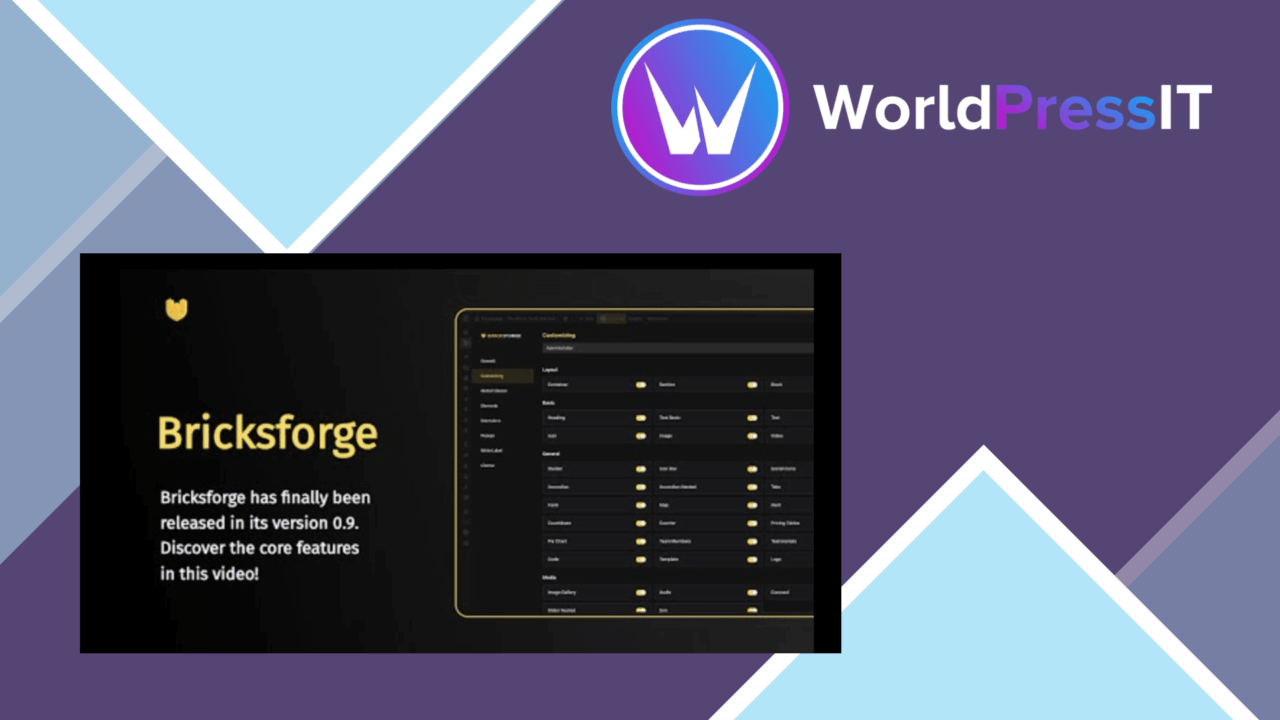
A Bricks-focused WordPress toolkit for building responsive pages, custom layouts and WooCommerce experiences with a visual editing workflow. BricksForge is aimed at developers, designers and site owners who want more control over page structure without writing every layout from scratch. Its feature set combines reusable templates, drag-and-drop editing and options for presenting a site across different screen sizes.
Bricks-focused toolkit
The product is positioned as an enhancement to Bricks construction rather than as a general WordPress administration utility. That focus gives the feature list a clear direction: create pages visually, start from a layout suited to the job, then adjust the design for the screens your visitors use. For a team already working in a visual page-building workflow, the appeal is a single set of tools for shaping page layouts and site presentation.
Building pages visually
Templates are the most practical starting point. They support different page layouts and reduce the need to begin each design from a blank canvas. The drag-and-drop interface then provides a direct way to edit those pages, which suits users who prefer arranging content and design elements visually rather than composing layouts entirely in code.
Responsive design options are also part of the core feature set. That matters because a layout that works on a wide desktop screen still needs deliberate treatment on smaller displays. BricksForge presents responsive adjustment as part of the building process, so device-aware design is not left outside the main workflow.
Commerce and search
WooCommerce integration extends the tool beyond brochure-style pages. It is intended to support customised shop layouts and related eCommerce presentation, giving store owners more scope to align product pages and storefront design with the rest of the site.
The vendor also describes the output as SEO-friendly. That is useful as a baseline consideration, but it should be read as a structural aim rather than a complete search strategy. Page layout alone does not replace content planning, technical configuration or ongoing optimisation. Regular updates with new features and security enhancements, together with documentation and support, round out the practical offering for users who need guidance as they build.
Where it falls short
The first trade-off is its Bricks focus. Sites built around another page builder do not get the same direct benefit, and adopting it makes most sense when Bricks is already central to the project. It is not presented as a neutral layout layer that can serve every WordPress editing setup.
The second reservation is the breadth of the description. It names templates, responsive controls, WooCommerce integration and an SEO-friendly structure, but it does not explain the size of the template collection, the depth of its WooCommerce controls, or which other integrations are supported. That leaves important implementation questions for teams with specific design or commerce requirements. The visual approach also puts more responsibility on the site owner to keep layouts consistent as the number of custom pages grows.
Who it suits
BricksForge fits site owners and designers who want a visual route to custom page layouts, responsive presentation and WooCommerce design work. It is also a reasonable candidate for developers who need reusable templates and a more accessible editing workflow for clients. Its strongest case is a Bricks-led project where design flexibility matters and the team values documentation, support and a feature set that covers both general pages and online-shop layouts.
The verdict
Download BricksForge and see for yourself
You get the full BricksForge release (v4.0.1), ready to install, plus every update that follows. One click and it is yours.
Download BricksForge v4.0.1- Instant download
- Original developer files
- Updated 16 Oct 2026
Related reviews
Browse all
Toolset Blocks
Build custom WordPress layouts, templates, archives and searches with visual blocks that connect to custom fields and dy…

Piotnet Addons For Elementor Pro
Elementor gains extra widgets, form controls, dynamic content tools and templates for building more tailored WordPress p…

Element Pack Addon for Elementor
A broad Elementor widget suite for grids, tabs, carousels, branded headers and footers, responsive layouts, templates, m…