Brisk
A multi-purpose WordPress theme for building responsive business, blog, and creative sites with Elementor, templates, custom headers, footers, and typography controls.
Instant access Original unmodified files Free future updates
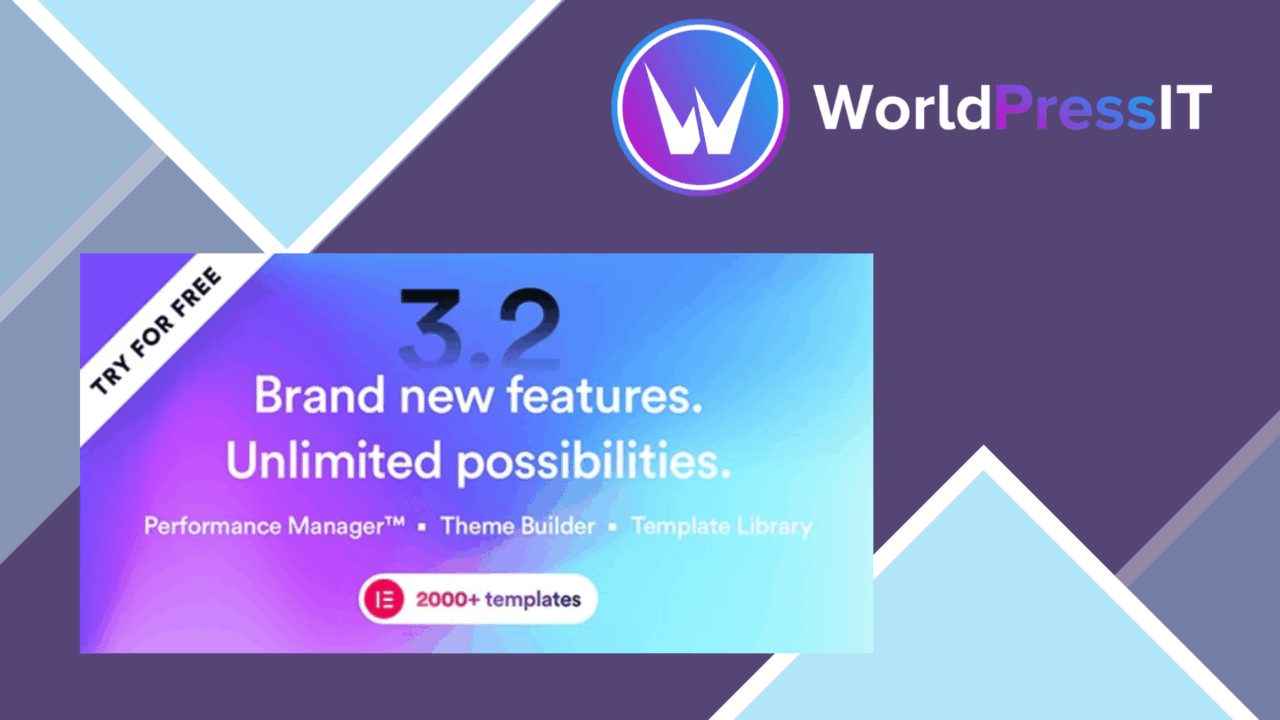
Brisk is a multi-purpose WordPress theme built around Elementor, with the broad starting point its name suggests. It is aimed at bloggers, businesses, and creative professionals who want to shape page layouts through a visual drag-and-drop editor rather than write extensive code. The combination of pre-designed templates, responsive layouts, and theme-level presentation controls gives a new site a faster route from blank installation to a recognisable design.
Built around Elementor
Elementor is the centre of the Brisk workflow. The theme is fully compatible with the page builder, so page content and layouts can be adjusted through its visual interface. That makes Brisk a practical fit for people who need to revise page structure, spacing, and presentation without working directly in theme files.
The important distinction is that Brisk supplies the surrounding design system while Elementor handles much of the page-building work. Users looking for a conventional theme with a small set of customiser options will find a more design-led setup here. The theme is intended for active visual editing, not simply selecting a preset and leaving the site untouched.
Useful starting points
Brisk includes pre-designed templates for different niches, which gives a project a set of prepared layouts to adapt. This is more useful than a theme that only provides a blank canvas: a freelancer can begin with a structure suited to a business, blog, or creative site, then replace the content and adjust the visual treatment.
One-click demo import supports that same quick-start approach. It is designed to replicate a demo site with minimal setup, giving users a reference layout before they start making changes. The templates are starting points rather than a substitute for content planning, but they reduce the amount of initial page architecture that has to be created by hand.
Control beyond pages
Brisk puts attention on the parts of a site that often need to match the page design. Header and footer layouts are customisable, allowing branding and navigation areas to be treated as part of the overall composition instead of fixed theme furniture. Advanced typography options add control over the type choices that affect hierarchy, readability, and the visual tone of headings and body copy.
The theme also uses a responsive design intended to keep sites presentable across desktop and smartphone screens. Its SEO-friendly structure is positioned as a foundation for search visibility, although the theme itself is only one part of that work. Content quality, site structure, and an appropriate SEO tool still sit outside the theme.
What to weigh
Brisk’s flexibility brings a larger set of decisions than a tightly opinionated theme. Multiple templates, header and footer layouts, typography settings, and Elementor controls give users room to shape a site, but they also require time to choose and maintain a consistent visual system. A quick import can provide a starting layout, not a finished brand.
The Elementor-centred workflow is another trade-off. Users comfortable with visual page building should find the approach familiar, while anyone who prefers the native WordPress editor or minimal configuration has less reason to choose Brisk. Relying on a page builder also means the editing experience is closely tied to that builder, rather than being contained entirely within the theme.
Who it suits
Brisk makes the strongest case for freelancers, small businesses, bloggers, and creative professionals who build several kinds of sites and want reusable design foundations. The template library and demo import are suited to projects that need a credible structure early, while Elementor, typography controls, and custom header and footer layouts leave room for a more individual finish.
It is less compelling for a site owner who wants a narrow, ready-made identity with very little visual configuration. For the right user, though, Brisk offers a broad set of theme tools around a familiar page-building workflow: prepared layouts to begin with, controls for the site’s main visual areas, and responsive presentation as a baseline.
The verdict
Download Brisk and see for yourself
You get the full Brisk release (v6.3.4), ready to install, plus every update that follows. One click and it is yours.
Download Brisk v6.3.4- Instant download
- Original developer files
- Updated 6 Nov 2026
Related reviews
Browse all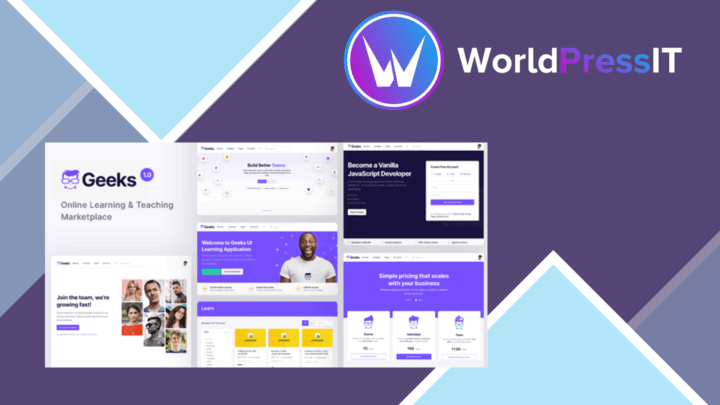
Geeks
A Tutor LMS-based WordPress theme for selling and managing courses, with student profiles, filtered course discovery, pa…
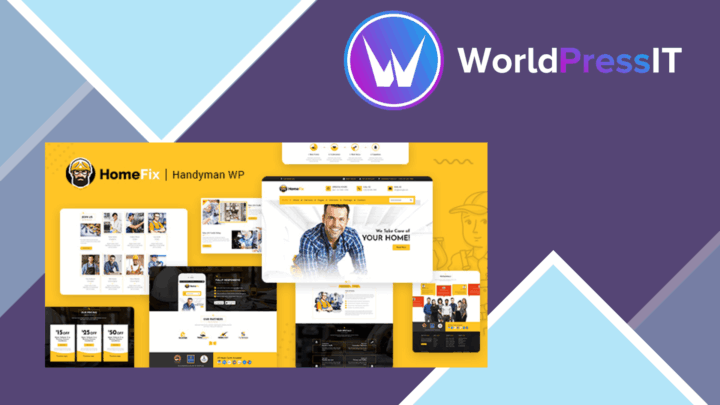
HomeFix Plumber Handyman Maintenance Theme
A service-focused WordPress theme for plumbers, electricians and repair teams, with service listings, appointment bookin…
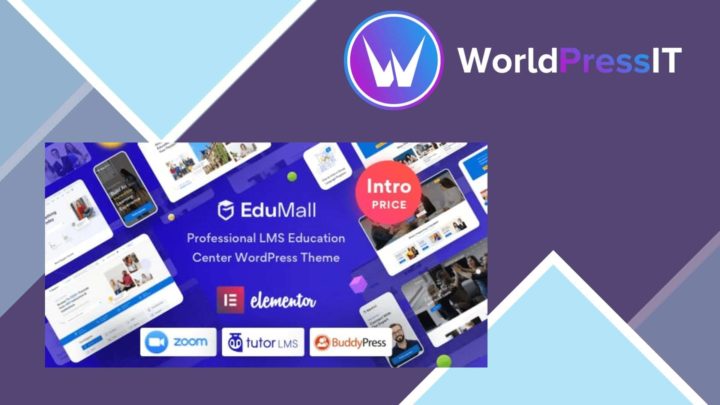
EduMall
A WordPress education theme for building and selling courses, with course authoring, quizzes, learner profiles, multimed…