Bulky
Bulk-edit WooCommerce products, orders and coupons using filters, CSV transfers and scheduled changes instead of handling records one at a time.
Instant access Original unmodified files Free future updates
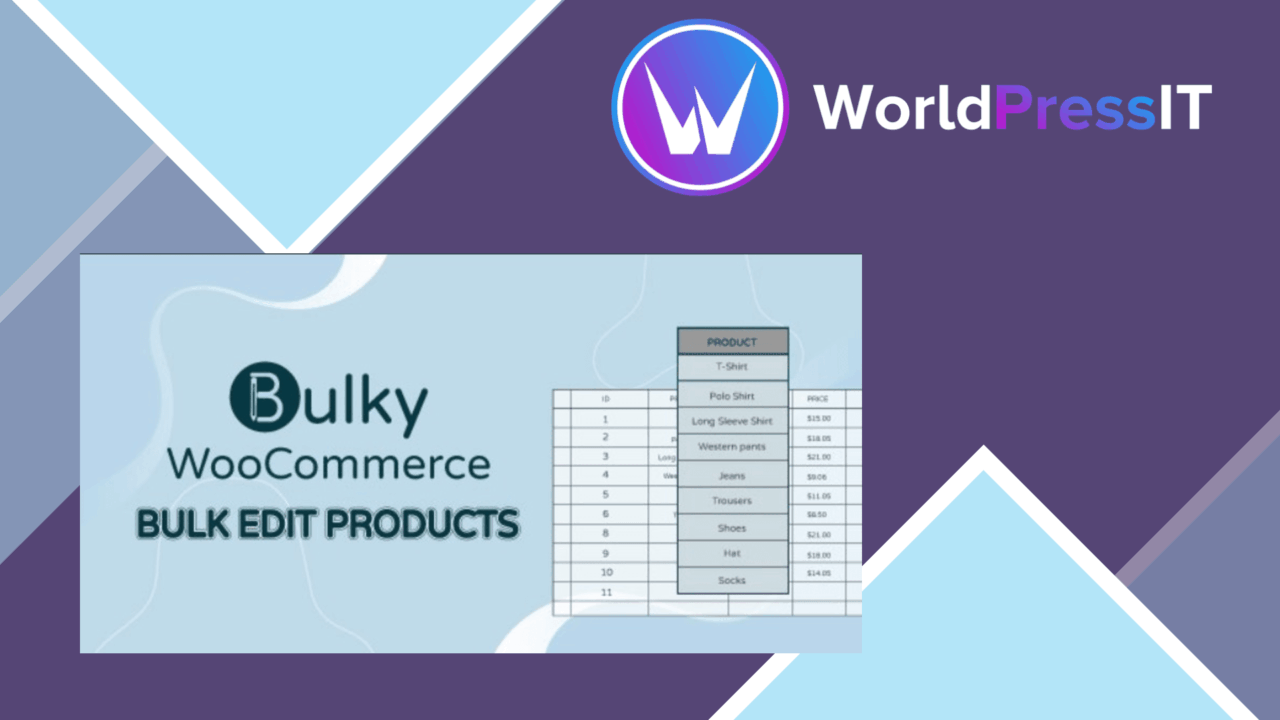
Bulky brings bulk administration for WooCommerce products, orders and coupons into one plugin. Its purpose is straightforward: find a group of records, apply a shared change, and reduce the amount of repetitive editing in a store dashboard. The feature set covers product fields such as prices, stock status and categories, alongside order statuses and coupon settings.
One editing workspace
The useful distinction here is breadth. Bulky is not limited to product pricing; it also addresses operational records that usually require separate visits to the WooCommerce admin. Orders can be updated in groups, while coupons can be adjusted across details such as expiration dates, discount amounts and usage limits. That makes the plugin relevant to routine catalogue maintenance as well as promotion and order-processing work.
Filtering before changes
Bulk editing is only practical when the target set can be narrowed accurately. Bulky provides simple and advanced filters for product attributes including ID, title, content, excerpt, slug, SKU and post date. It also supports ranges for regular price, sale price and stock quantity, together with sale dates, product type and categories.
That range of criteria gives an administrator several ways to isolate a working set rather than editing the entire catalogue. For example, a category filter can identify products for a promotion, while a price or stock range can focus attention on a particular section of the inventory. The vendor description specifically lists product filtering, while the broader feature list also refers to filtering orders and coupons.
CSV and scheduling
CSV import and export extend Bulky beyond changes made directly in the dashboard. Exporting bulk data provides a working copy for updates or backups, and importing it supports larger changes through a spreadsheet-based process. This suits catalogues maintained outside WordPress or teams that prefer preparing a set of edits before applying it.
Scheduled bulk edits are another practical feature. A store owner can prepare changes for a specified time, which fits planned sales events and promotions better than manually editing products at the moment a campaign begins. The feature list does not describe the scheduling interface or supported timing rules, so the exact level of control is not clear from the available information.
What to weigh
Bulk changes have a larger blast radius than editing one record at a time. A broad filter or an incorrect CSV update can affect many products, orders or coupons, so the workflow calls for careful selection and a review of the intended fields before applying changes. The supplied details do not mention an undo function, revision history or a preview screen; those omissions are worth considering for a store where bulk edits are difficult to reverse.
CSV handling also brings its own overhead. It is useful for structured updates, but it requires clean data and careful column management, and the vendor information does not explain the accepted format or how imports handle validation errors. Scheduled edits introduce a similar planning requirement: they suit known campaign timings, but they add another point to check when prices, stock or promotions must change at a precise moment.
Who it suits
Bulky is aimed at WooCommerce administrators who regularly maintain groups of products or manage batches of orders and coupons. It has the strongest case for stores where category, price, stock and campaign changes recur, and where CSV files or scheduled promotions are part of the working process. Smaller shops with occasional edits may find its range more than they need, but stores with repeated catalogue and promotion tasks get a focused set of bulk-management tools in one place.
The verdict
Download Bulky and see for yourself
You get the full Bulky release (v1.4.2), ready to install, plus every update that follows. One click and it is yours.
Download Bulky v1.4.2- Instant download
- Original developer files
- Updated 9 Oct 2026
Related reviews
Browse all
WooCommerce Elavon Converge Payment Gateway
Process card, eCheck and other Elavon payments through WooCommerce, with tokenized records, multi-currency support and o…

Aelia Tax Display by Country for WooCommerce
Country-aware WooCommerce tax display using IP geolocation, with support for multiple tax classes and configurable prici…

GetPaid Multi-Currency
Multi-currency pricing for WordPress stores, with location-based detection, automatic exchange-rate updates, payment gat…