Business Directory with Maps Store Locator
A WordPress directory plugin for publishing business locations with interactive maps, nearby-store search, filters and detailed listings on a responsive site.
Instant access Original unmodified files Free future updates
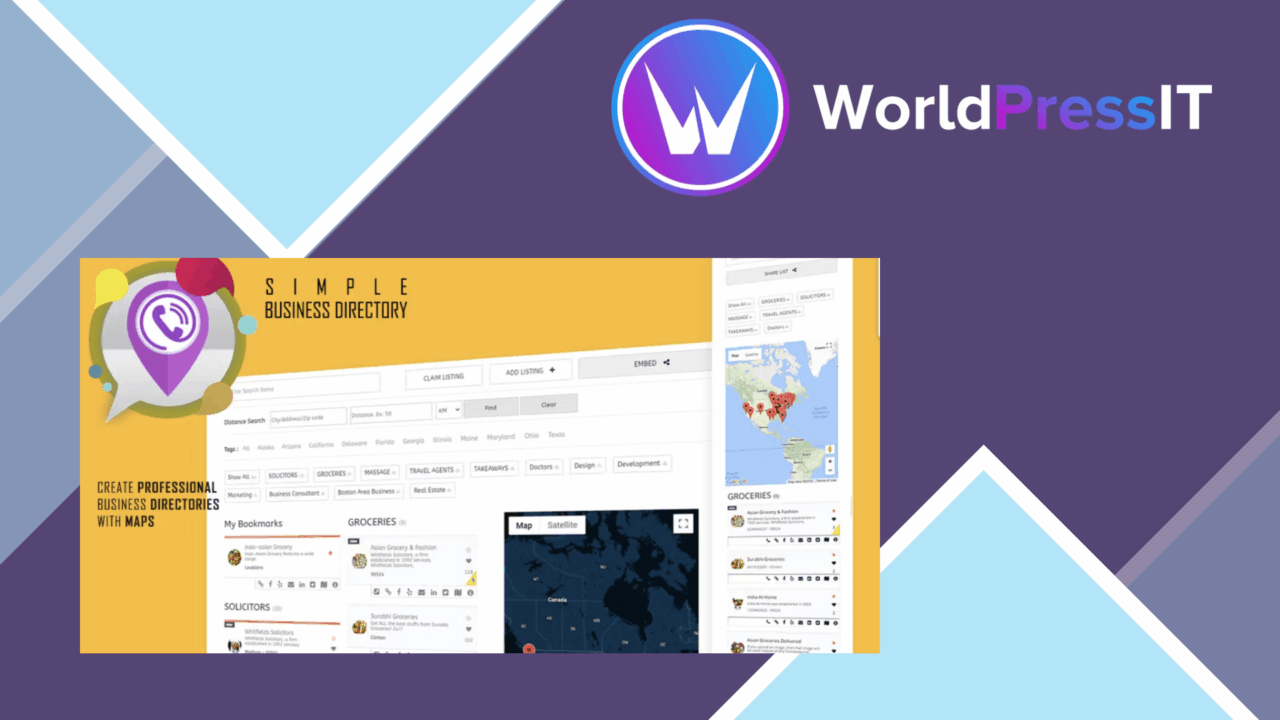
Business Directory with Maps Store Locator is built for WordPress sites that need to present several business locations in one organised directory. Its central idea is straightforward: pair searchable listings with an interactive map, then give visitors enough location detail to decide where to go or which service to explore. That makes it a practical fit for retailers, service networks and organisations with branches spread across different areas.
Directory with a map
The plugin brings location data out of a plain page list and puts it into a visual directory. Visitors can browse business entries alongside map markers, while the store locator focuses on finding the nearest available location. This combination suits businesses where distance and access matter as much as the listing itself.
Each entry is intended to carry more than a name and address. The feature set includes categories, tags and detailed descriptions, giving site owners a way to organise different branches, services or types of business. The result is a directory structure that has room for both location information and a useful explanation of what each entry offers.
Useful visitor controls
Search and filtering are the plugin’s main tools for reducing a long list of locations to something manageable. Filters based on different criteria, together with categories and tags, give visitors several ways to narrow the directory rather than relying only on map navigation. The exact filter fields are not specified, so the usefulness of this approach will depend on how the available criteria fit the information in your directory.
- Interactive maps for displaying business locations visually.
- A store locator for finding nearby branches or services.
- Categories and tags for organising directory listings.
- Detailed descriptions for explaining each location or offering.
- Advanced search options for filtering entries.
- User reviews and ratings for adding visitor feedback to listings.
Managing the listings
An admin interface is included for managing entries and settings, which keeps the directory’s core work inside WordPress. That matters when a business has locations to add, revise or organise over time. The responsive design also targets phones, tablets and desktop screens, a necessary consideration for a locator that visitors may use while travelling.
User reviews and ratings add a second layer to the directory. A location page can present more than official business information, giving visitors an indication of how other users view it. The stated SEO-friendly structure is also aimed at helping directory content gain search visibility, although the listing copy and the quality of each location’s information will still determine how useful those pages are to searchers.
What to weigh
The map is both the product’s main attraction and a point that deserves planning. The supplied information confirms interactive map integration but does not name the map provider, explain its configuration, or describe any usage requirements. Sites with many locations should check those details before committing to a map-led directory, because the map layer becomes a central part of the visitor experience.
Reviews and ratings also create ongoing editorial work. They add credibility when kept useful, but they require someone to monitor the feedback and maintain accurate location information alongside it. A directory with multiple branches has the same maintenance issue: categories, descriptions and store details need regular attention or the search and map experience will point visitors to stale information.
Who it suits
This plugin makes the most sense for a business with several stores, offices, branches or service points and a clear need to help visitors find the right one. It is less compelling for a site with only one location, where a normal contact page would cover the basic requirement without directory management. For a multi-location site, the combination of visual mapping, structured listings, filters and a store locator gives the directory a defined purpose rather than turning it into a simple collection of addresses.
The verdict
Download Business Directory with Maps Store Locator and see for yourself
You get the full Business Directory with Maps Store Locator release (v16.0.3), ready to install, plus every update that follows. One click and it is yours.
Download Business Directory with Maps Store Locator v16.0.3- Instant download
- Original developer files
- Updated 23 Nov 2026
Related reviews
Browse allGeoDirectory
A WordPress marketplace layer that turns directory listings into vendor storefronts, with product discovery, payments, r…

HivePress Tags
User-created tags add precise keywords to HivePress directories, helping visitors filter listings, search beyond categor…

HivePress Marketplace
Turn a HivePress directory into a fixed-price marketplace for services and digital goods, with WooCommerce payments, com…