Custom User Registration Fields for WooCommerce
Collect customer details beyond the standard WooCommerce registration form with custom fields, conditional inputs, validation, and role-based registration data.
Instant access Original unmodified files Free future updates
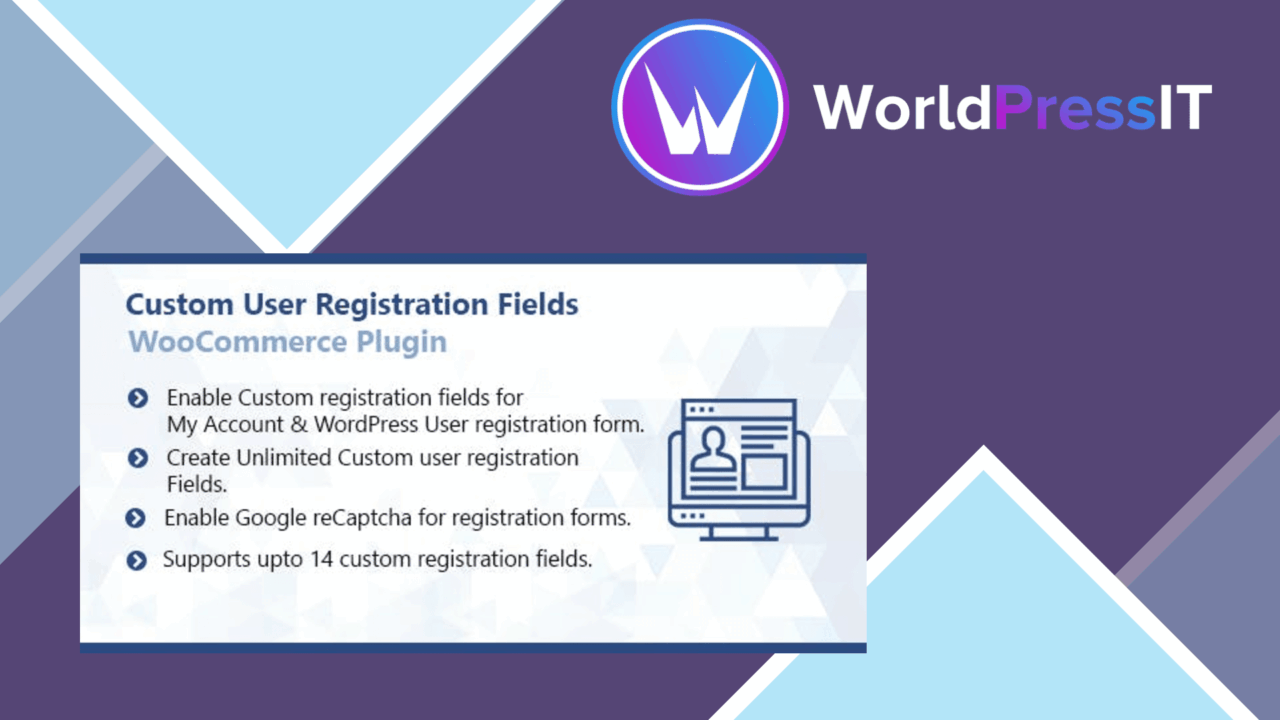
Custom User Registration Fields for WooCommerce extends the information collected during customer registration. Instead of limiting the form to the standard account details, store owners can add fields that reflect their business process, then display the resulting information on the My Account page.
Registration beyond email
The plugin is aimed at stores that need context about a customer before an account is fully useful. A wholesale shop might request business details, while a service-based store might collect preferences or supporting information. The field editor supports adding, changing, and removing registration fields, so the form does not have to follow a fixed structure.
This is most useful when the information belongs to the customer record rather than to an individual order. Keeping those details in the registration flow gives the store a consistent place to collect them and makes the information available alongside the customer account.
Field types that matter
The available field types cover both simple answers and more structured input:
- Text fields for names, identifiers, or other short responses.
- Dropdowns for choosing one option from a defined list.
- Multi-select options for customers who need to choose several values.
- Checkboxes for confirmations or selectable preferences.
- File uploads for documents or other supporting material.
- Date fields for collecting a specific calendar date.
Required and optional settings give the form a basic level of control. Validation options also help enforce required responses and custom formats, which is important when the collected information needs to follow a predictable pattern rather than accepting any text.
Conditional registration data
Conditional fields keep every customer from seeing every question. Fields can be shown or hidden according to earlier selections, creating a registration path that changes with the information provided. That suits forms where one customer group needs extra details and another does not.
Conditional logic also makes the form easier to interpret. A customer is less likely to encounter unrelated questions, while the store still collects the additional information when a relevant option is selected. The value of this approach rests on planning the field relationships carefully; complicated conditions can make a registration form harder to maintain.
Useful account administration
Collected fields are displayed on the My Account page, giving the customer account a visible home for the additional information. The plugin also includes email confirmations after successful registration, which provides a straightforward acknowledgement that the account process has completed.
User role assignment adds a more operational use for registration data. A role can be assigned based on the information submitted, allowing the registration form to influence how an account is handled within the store. That is relevant for stores separating customer groups, although role rules deserve careful review because the result affects permissions and access.
What to weigh
The main trade-off is the balance between better customer data and a longer registration process. Every required question adds friction, and file uploads ask for more attention than a text field. Uploaded documents also introduce a data-handling responsibility that is not present in a basic account form.
Conditional fields and role assignment add useful control, but they also increase configuration complexity. A store has to maintain the available options, the conditions that reveal fields, and the role rules that act on submitted information. The GDPR settings provide a way to configure the form for data-protection requirements, but the plugin does not remove the need for the store owner to decide what information is necessary and how it should be handled.
Who it suits
This fits WooCommerce stores whose customer accounts need more than contact details. It is a practical match for businesses collecting customer categories, preferences, dates, documents, or other structured registration data, especially where different customers need different questions.
Stores with a simple public checkout and no need for extra account information will gain less from it. For everyone else, the combination of field variety, conditional display, validation, My Account visibility, confirmation emails, and role assignment covers the main stages from registration input to account administration.
The verdict
Download Custom User Registration Fields for WooCommerce and see for yourself
You get the full Custom User Registration Fields for WooCommerce release (v2.2.4), ready to install, plus every update that follows. One click and it is yours.
Download Custom User Registration Fields for WooCommerce v2.2.4- Instant download
- Original developer files
- Updated 7 Oct 2026
Related reviews
Browse all
WooCommerce Elavon Converge Payment Gateway
Process card, eCheck and other Elavon payments through WooCommerce, with tokenized records, multi-currency support and o…

Aelia Tax Display by Country for WooCommerce
Country-aware WooCommerce tax display using IP geolocation, with support for multiple tax classes and configurable prici…

GetPaid Multi-Currency
Multi-currency pricing for WordPress stores, with location-based detection, automatic exchange-rate updates, payment gat…