Divi Ecommerce Pro
A WooCommerce-focused theme for building a responsive shop, with custom product layouts, category templates, product filters and a built-in cart and checkout path.
Instant access Original unmodified files Free future updates
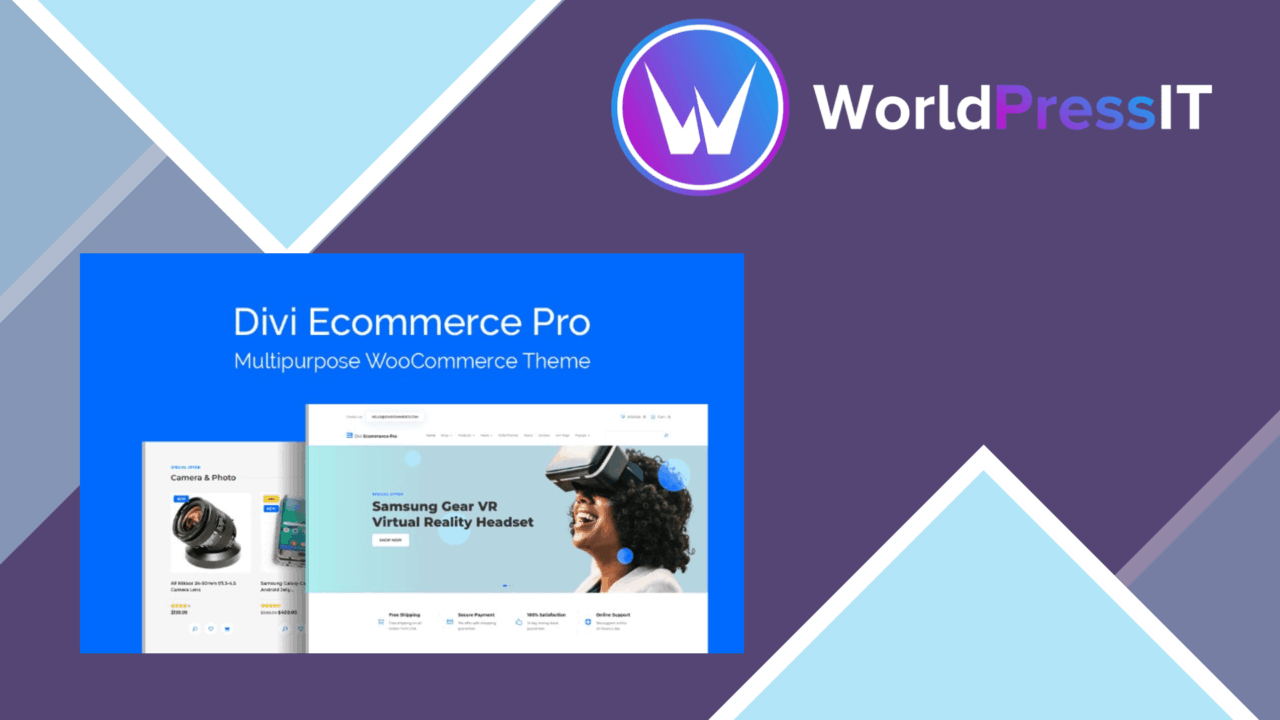
Divi Ecommerce Pro is a WordPress theme aimed at stores that need more than a generic catalogue layout. It brings together responsive storefront styling, customisable product pages, category-focused templates and the core shopping path of cart and checkout, with WooCommerce as the intended commerce platform.
Store foundation
The theme is built around the practical needs of an online shop rather than a general-purpose website. Its responsive design is intended to keep product browsing usable across phones, tablets and desktop screens. That matters for a catalogue where customers move between product discovery, product detail and checkout on different devices.
Pre-designed templates for different product categories give a store a starting structure instead of forcing every category into one presentation. A clothing catalogue, furniture shop or collection of digital products still needs its own content and merchandising decisions, but category-specific starting points can reduce the amount of layout work before those decisions are made.
Product presentation
Product pages are the strongest part of the feature set. Drag-and-drop customisation provides a direct way to adjust page layouts, so the shop owner is not limited to the arrangement supplied by the theme. This is useful when a product needs a different emphasis on images, descriptions or purchasing information, although the available controls and their limits are not detailed in the supplied information.
- Responsive layouts for shoppers using mobile and desktop devices.
- Drag-and-drop adjustments for custom product page layouts.
- Pre-designed templates for different product categories.
- Built-in product filtering to narrow a catalogue quickly.
- Integrated cart and checkout features for the purchasing path.
- Support for payment gateways including PayPal and Stripe.
Product filters are particularly relevant to shops with more than a small handful of items. They give customers a way to narrow what they see instead of relying entirely on menus or repeated browsing. Their usefulness still rests on consistent product information and well-organised categories, so the theme does not remove the need for careful catalogue maintenance.
From basket to payment
The integrated cart and checkout process keeps the main transaction steps within the storefront experience. Support for PayPal and Stripe covers two familiar payment options, which gives a shop a clear starting point for taking payments. The vendor does not specify the full gateway list or the depth of checkout controls, so stores with regional payment requirements should check that their preferred methods are covered before committing to the design.
The SEO-friendly structure is another useful baseline for a shop, particularly when product and category pages need a coherent foundation for search visibility. It should be treated as part of the theme’s presentation layer rather than a complete search strategy: product copy, organisation and ongoing optimisation remain separate work.
What to weigh
The feature list is focused on storefront presentation, but it leaves important implementation detail unstated. There is no explanation of how many templates are included, how far the drag-and-drop controls extend, or which product attributes the filtering system supports. That makes it difficult to judge the amount of refinement available for a large or unusual catalogue.
There is also a trade-off in relying on an all-in-one theme for product layouts, filters, cart and checkout presentation. Centralising those pieces can make the initial shop structure more coherent, but it also ties a significant part of the customer-facing experience to the theme’s own design system. Stores that need highly specialised checkout behaviour or unusually detailed catalogue controls should allow time to confirm the available options rather than assuming the listed features cover every case.
Best fit
Divi Ecommerce Pro suits a small business or entrepreneur building a conventional WooCommerce shop and wanting a designed starting point for products, categories and purchasing. It is most compelling for a catalogue that benefits from filters and varied product layouts without requiring a bespoke build. Stores with straightforward payment needs and a preference for visual page adjustment will find the feature set easier to map to their work. Larger catalogues, specialist checkout flows and teams demanding precise control over every template should assess the unspecified details before choosing it.
The verdict
Download Divi Ecommerce Pro and see for yourself
You get the full Divi Ecommerce Pro release (v1.0.10), ready to install, plus every update that follows. One click and it is yours.
Download Divi Ecommerce Pro v1.0.10- Instant download
- Original developer files
- Updated 25 Sep 2026
Related reviews
Browse all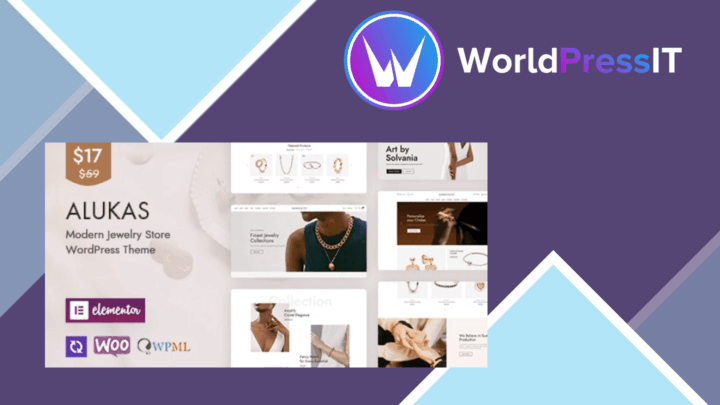
Alukas
A WooCommerce theme for jewellery retailers, with Elementor layouts, multiple storefront demos, and brand controls for b…

GoldSmith
A WooCommerce theme for jewellery retailers, combining Elementor layouts, product filtering, responsive shop pages and s…

Pinkmart AJAX theme for WooCommerce
AJAX filtering, responsive layouts and pre-built shop designs give WooCommerce stores a quicker route to a tailored reta…