Edit Order by Customer
Lets WooCommerce customers correct quantities, replace products, and update shipping details from their account page after placing an order.
Instant access Original unmodified files Free future updates
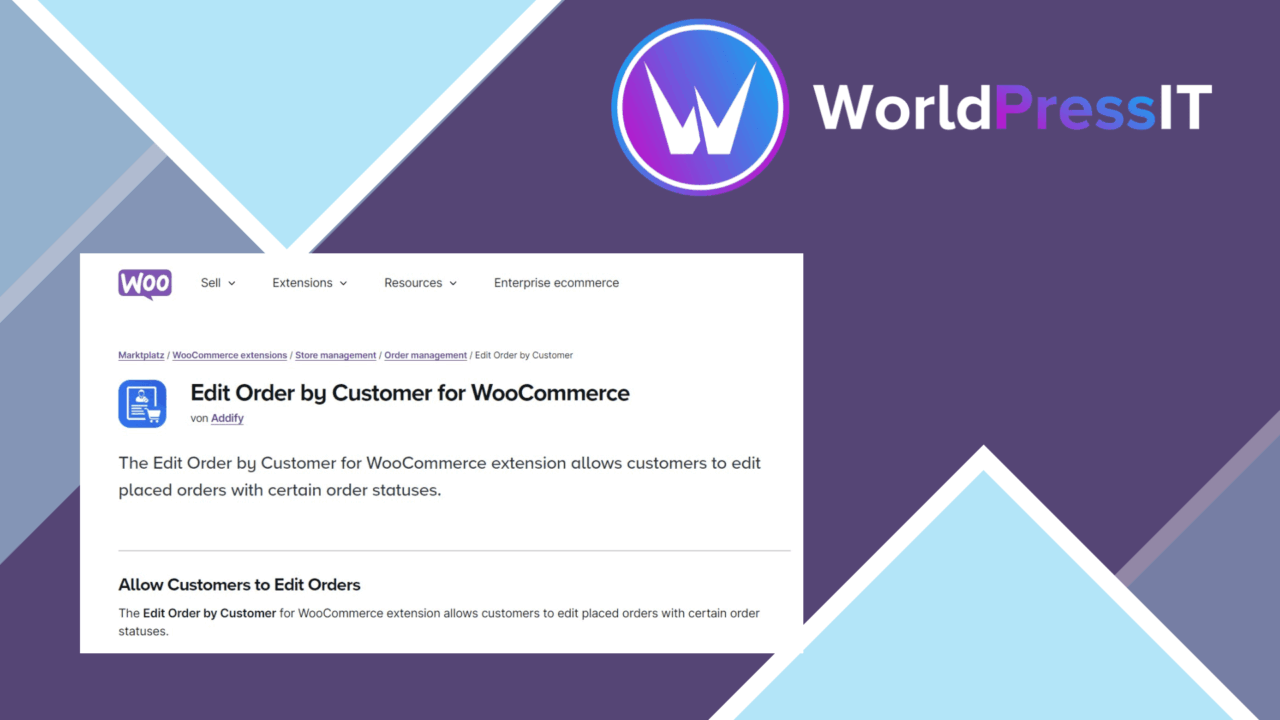
Edit Order by Customer gives WooCommerce customers a way to change an order after it has been placed, rather than contacting the store for every correction. The central idea is straightforward: customers work from their account page, adjust the order they already made, and let the plugin recalculate the resulting order details. That suits stores where incorrect quantities, unwanted items, or changing delivery information create avoidable support work.
Changes from the account page
The plugin puts the editing task in the customer’s existing account area. Its feature set covers the main corrections that happen after checkout, including changing product quantities, removing products, and adding new products to an existing order. The vendor summary also describes swapping things and changing shipping information, so the tool is aimed at practical order amendments rather than a separate reorder workflow.
This approach keeps the customer involved in the correction. They do not need to explain the desired change by email or wait for a staff member to edit the order manually. The interface is described as responsive, which gives the account-page workflow a usable shape on different device sizes.
Totals and notifications
Order changes are not limited to the product list. Edit Order by Customer is intended to update order totals and shipping costs when the contents or delivery details change. That matters when a quantity adjustment alters the merchandise total or when a different shipping detail affects the delivery charge. The result is a more complete amendment process than simply allowing customers to delete a line item.
The plugin also sends email notifications to customers and administrators when an order is modified. Customers receive a record of the change, while administrators have a notification that an existing order has been altered. For stores with several people handling orders, that notification layer provides a clear handoff between the account change and the fulfilment process.
Store-side control
Store owners retain control through settings that determine which order details customers can edit. That is an important part of the product: customer editing is not presented as an all-or-nothing switch. A store can define the permitted scope around its own order process, then let customers handle the approved changes from the account page.
The listed compatibility with popular payment gateways is also relevant because an amended order can change the amount due. The plugin is designed to work with WooCommerce and to keep payment processing involved when an order is adjusted. Its integration uses the familiar WooCommerce context rather than asking customers to manage a separate order system.
What to weigh
Customer editing introduces a real operational trade-off. Once an order can change after placement, fulfilment staff need to work from the latest order details rather than the original submission. That is especially important when products have already been picked or shipping arrangements have already been prepared. The email notifications help identify changes, but they do not remove the need for a store process around amended orders.
The second trade-off is control versus convenience. Broader editing gives customers more freedom to fix mistakes, while tighter settings reduce the range of changes they can make themselves. Stores also need to account for the financial effect of revised quantities, products, and shipping costs, including how their chosen payment gateway handles the new total. The vendor copy does not specify individual gateways or the exact limits of each setting, so those details require attention before relying on the workflow for unusual order scenarios.
Who it suits
Edit Order by Customer fits WooCommerce stores that regularly deal with wrong quantities, unwanted products, substitutions, or delivery-detail changes after checkout. It is most relevant where customer accounts are already part of the buying journey and where staff would benefit from fewer routine amendment requests. The combination of editable line items, recalculated totals and shipping, configurable permissions, and email alerts covers the core order-correction cycle.
Stores with a tightly controlled fulfilment process should treat the settings and payment behaviour as important planning points. For a shop comfortable with customer-led amendments, the plugin offers a focused way to move those corrections into the account dashboard while keeping administrators informed.
The verdict
Download Edit Order by Customer and see for yourself
You get the full Edit Order by Customer release (v1.1.5), ready to install, plus every update that follows. One click and it is yours.
Download Edit Order by Customer v1.1.5- Instant download
- Original developer files
- Updated 30 Oct 2026
Related reviews
Browse all
WooCommerce Elavon Converge Payment Gateway
Process card, eCheck and other Elavon payments through WooCommerce, with tokenized records, multi-currency support and o…

Aelia Tax Display by Country for WooCommerce
Country-aware WooCommerce tax display using IP geolocation, with support for multiple tax classes and configurable prici…

GetPaid Multi-Currency
Multi-currency pricing for WordPress stores, with location-based detection, automatic exchange-rate updates, payment gat…