Emage
Adds configurable hover effects to Elementor images, galleries and backgrounds, with colour, animation, timing, border and text controls for branded visual treatments.
Instant access Original unmodified files Free future updates
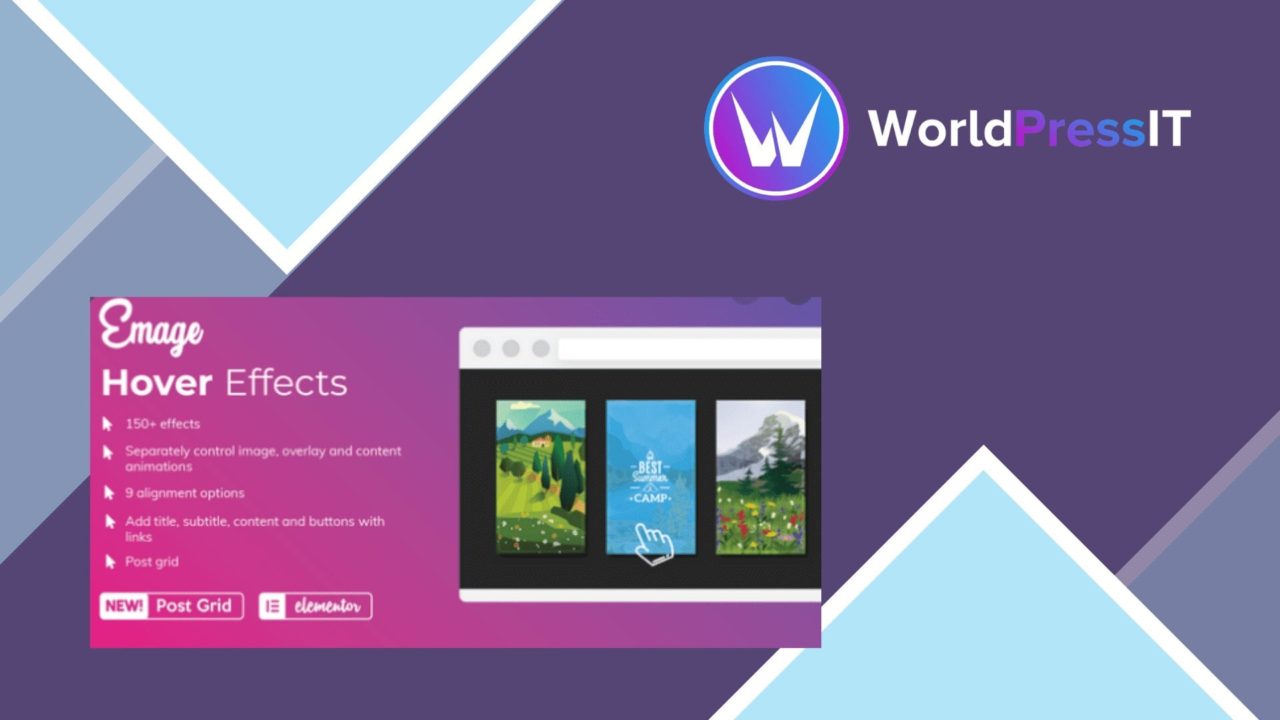
Image hover effects give an otherwise static image a second layer of information, and Emage packages that treatment for Elementor layouts. It is aimed at designers and site owners who want image presentations to respond visually as visitors move across them, without building each effect from scratch. The plugin focuses on presentation rather than content management, with a library of effects and controls for adapting them to a site’s visual language.
Effects for Elementor
Emage provides more than 30 hover effects, covering familiar transitions such as fade, push, zoom and blur. The range is broad enough to support restrained image reveals as well as more noticeable movement. The vendor also describes preset combinations of two or more effects, which gives you a starting point when a single transition does not provide enough visual separation.
Its Elementor compatibility is central to the product. Hover treatments are available within the drag-and-drop editor, so the effect belongs alongside the image or layout work rather than requiring a separate design workflow. That makes the plugin a natural fit for landing pages, portfolios and promotional sections built with Elementor.
Useful visual controls
The value is not only in the effect list. Emage includes controls for adjusting colours, animation and timing, allowing the transition to follow the surrounding design instead of arriving as a fixed decoration. The available options also cover several details that often determine whether an overlay feels deliberate:
- Text alignment and contextual content settings for the information shown over an image.
- Border controls for defining the edge of the image treatment.
- Animation timing adjustments for controlling the pace of the transition.
- Colour settings for matching overlays and text treatments to a site’s palette.
- Preset combinations for applying multiple effects together.
These controls make the plugin more useful than a collection of one-click animations. A designer can use the same general treatment across a page while changing timing, colour or text placement for particular sections.
More than single images
Emage is described as working with individual images, galleries and background images. That wider scope matters for Elementor layouts where the visual subject is not always an Image widget. Galleries gain a way to add interaction to grouped visuals, while background images can receive treatment inside broader hero or section designs.
The plugin also presents itself as responsive, with effects intended to look appropriate across desktop and smartphone layouts. Its code is described as lightweight, with the stated aim of keeping performance use in check while the visual effects are active.
Where it falls short
Hover interaction has a built-in limitation: it is most obvious on pointer-based screens, while the supplied description does not explain how each effect behaves on touch devices or what happens when no hover state exists. The responsive claim is useful, but it does not answer that practical implementation question.
The second trade-off is scope. Emage concentrates on visual transitions, colours, borders and overlaid text; the feature list does not mention accessibility controls, interaction analytics or deeper content-layout tools. Sites that need those functions will still need Elementor features or other plugins. Finally, a library of more than 30 effects and combination presets creates a consistency decision for the designer: variety is available, but an overly mixed page could make the interaction feel decorative rather than purposeful.
Who it suits
Emage suits Elementor users who already work with image-led sections and want more control than a basic image widget provides. It is particularly relevant to portfolios, marketing pages and galleries where an image needs to reveal context, colour or supporting text on interaction. Teams looking for a focused visual add-on will find a clear set of controls; teams seeking broader content, accessibility or measurement features should treat those as separate requirements.
The verdict
Download Emage and see for yourself
You get the full Emage release (v4.5.2), ready to install, plus every update that follows. One click and it is yours.
Download Emage v4.5.2- Instant download
- Original developer files
- Updated 24 Oct 2026
Related reviews
Browse all
Element Pack Addon for Elementor
A broad Elementor widget suite for grids, tabs, carousels, branded headers and footers, responsive layouts, templates, m…
Astra Premium Starter Templates
Pre-built website templates, builder controls and WooCommerce layouts give WordPress projects a faster starting point, f…
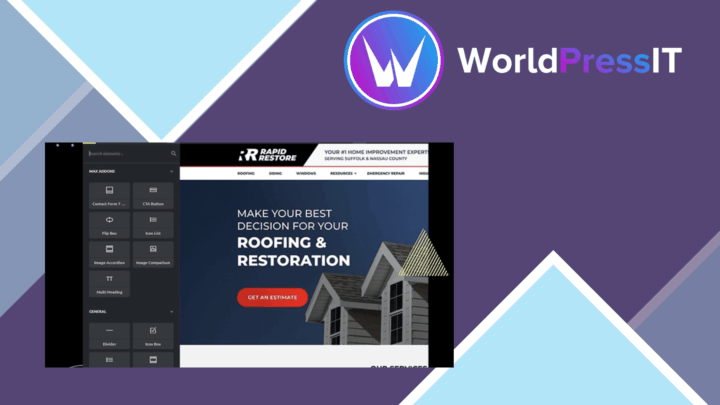
Max Addons Pro for Bricks Builder
Bricks Builder gains 30+ customisable elements, responsive controls and developer hooks for building branded pages with…