FooEvents for WooCommerce
Sell and manage event tickets through WooCommerce, with registration forms, QR-code check-in, attendee emails, calendars, and sales reporting in one plugin.
Instant access Original unmodified files Free future updates
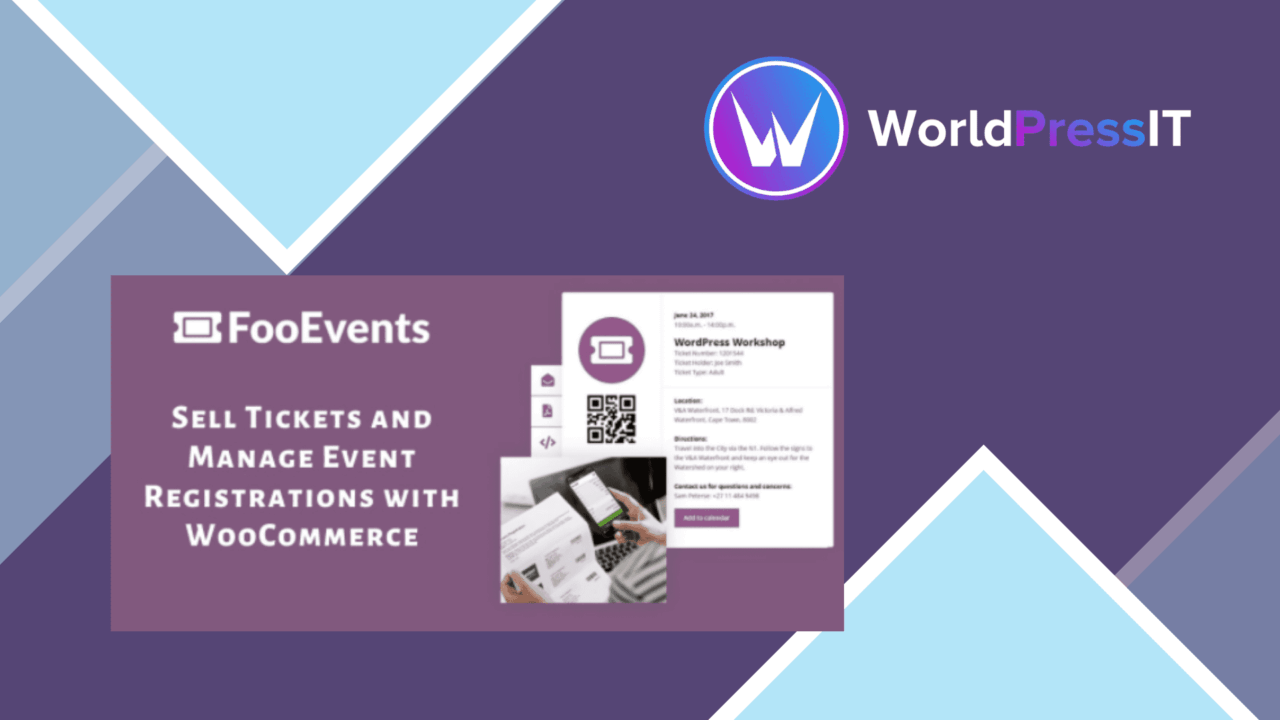
FooEvents for WooCommerce adds event management to a WooCommerce shop, turning products or event listings into a way to sell tickets and collect attendee details. It is aimed at organisers handling concerts, conferences, fundraisers, meetings, tours, sporting events, camps, or college functions, with ticket sales and check-in brought into the same WordPress installation.
Event sales in WooCommerce
The plugin’s central advantage is its connection to WooCommerce. Payments, ticket types, and event products sit within the shop that is already responsible for the transaction, rather than requiring a separate ticketing storefront. That gives a store owner a familiar foundation for selling admission while adding event-specific fields and attendance tools around it.
FooEvents supports more than one ticket model, which is useful when an event has distinct access options or needs to accept contributions rather than a fixed admission price. The listed ticket types include:
- Free tickets for events that do not charge admission.
- Paid tickets for standard ticket sales through WooCommerce.
- Donation-based tickets for fundraising or contribution-led events.
- Custom registration forms for collecting attendee information during booking.
This combination makes the plugin suitable for both a simple free gathering and a paid event with several kinds of attendee. The registration form is particularly important when the organiser needs information beyond the order itself.
Tools for event day
FooEvents includes QR code generation to support check-in at the venue. A QR-based process gives organisers a practical way to identify ticket holders without relying solely on names or manually searching order records. The value is clearest for events with a defined arrival process, where staff need to confirm admission quickly.
Automated email notifications provide another operational layer. Attendees can be kept informed about event updates, so communication does not have to be handled entirely through separate, manual messages. The plugin also offers an event calendar view, giving visitors a place to see upcoming events rather than finding them only through individual shop pages.
Sales and attendance reporting
Analytics and reporting tools cover ticket sales and attendee statistics. Those reports should help an organiser keep an eye on how an event is performing and understand the size and composition of its booked audience. This is a more useful inclusion than a ticket form alone: the same system covers the sale, the attendee record, and the later review of event numbers.
Payment gateway compatibility is also listed among the core features. Since the plugin works with WooCommerce, payment handling remains connected to the store’s broader checkout setup instead of being presented as an isolated event transaction.
What to weigh
The main limitation is structural: FooEvents is designed around WooCommerce. A site that does not already use WooCommerce takes on the additional complexity of building and maintaining a shop simply to sell tickets. It is therefore a poor fit for an organisation looking for a standalone event system.
There is also a configuration burden behind the feature list. Different ticket types, attendee questions, email updates, calendar entries, check-in, and reports each need accurate event data. A small one-off event could find that broader event tooling is more administration than it needs, while a busy organiser will still need a clear process for keeping registration details and attendee communications current.
Who it suits
FooEvents is best suited to a WooCommerce site that sells admission as part of a wider online shop or runs multiple events from one WordPress installation. Its strongest case is an organiser who needs ticket variations, attendee data, QR-based entry, update emails, and basic sales and attendance reporting in one place. For a single uncomplicated event, WooCommerce plus a simpler booking approach might be easier to manage; for recurring or varied events, FooEvents offers a more complete event workflow.
The verdict
Download FooEvents for WooCommerce and see for yourself
You get the full FooEvents for WooCommerce release (v2.0.24), ready to install, plus every update that follows. One click and it is yours.
Download FooEvents for WooCommerce v2.0.24- Instant download
- Original developer files
- Updated 27 Oct 2026
Related reviews
Browse all
ShopMagic for WooCommerce Bookings
Automates WooCommerce booking emails, forms, payments and reporting so appointment-based businesses can manage customer…

FAT Event Event and Calendar Booking
Create recurring events, display them in a responsive calendar, collect attendee details and sell free or paid tickets w…

WooTour
Tour booking for WordPress sites, with WooCommerce payments, date availability, flexible package pricing, customer accou…