Genesis Blocks Pro
Custom Gutenberg blocks, layout controls, reusable patterns and templates help create responsive pages and content without extensive coding.
Instant access Original unmodified files Free future updates
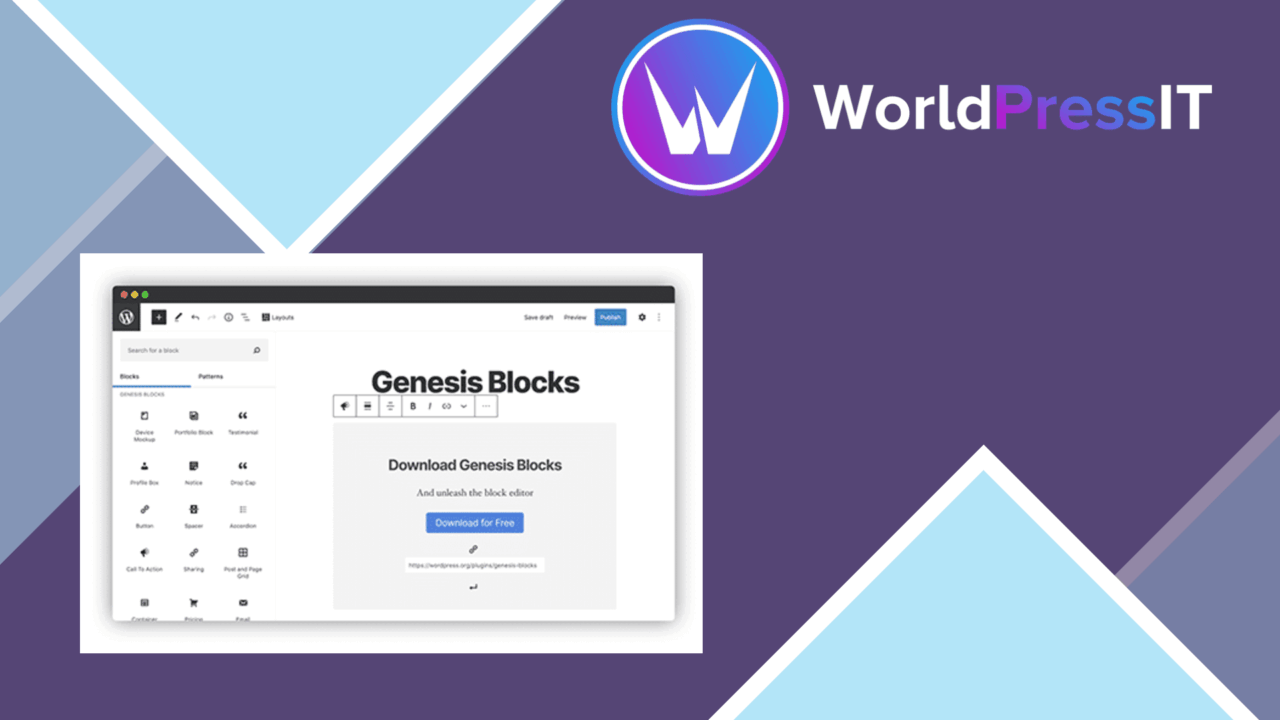
Additional Gutenberg blocks and layout tools give WordPress editors a broader set of building pieces than the standard editor alone. Genesis Blocks Pro is aimed at creating page and content layouts without extensive coding, with a library that covers both individual blocks and larger starting points for a design.
A Gutenberg-first toolkit
The plugin is built around the Gutenberg editor rather than a separate page-building workspace. That keeps the work close to WordPress’s content-editing flow: choose a block, adjust its available options, and assemble the page within the editor. For bloggers, business sites and developers who want more control over presentation without writing every layout from scratch, this is a clear and focused role.
Its block patterns are particularly useful for reducing the amount of repeated layout work. Instead of treating every page as a blank canvas, an editor can start with a prepared arrangement and adapt it to the content. The result is a more structured way to create pages while retaining the editing model of Gutenberg.
Layouts and ready-made content
Genesis Blocks Pro combines advanced layout options with pre-built templates for common content types. The supplied examples include testimonials and calls to action, two areas where spacing, hierarchy and presentation usually matter as much as the wording. These templates provide a starting structure for those sections rather than leaving the editor to build each one from separate blocks.
- Customizable block patterns for faster page construction.
- Advanced layout options for creating distinct page designs.
- Pre-built templates for testimonials and calls to action.
- A reusable block library for maintaining consistent styling across pages.
- Responsive design intended to keep layouts usable across devices.
The reusable block library also suits sites that repeat branded sections or editorial components. Build a block arrangement once, then use it as a reference point for related pages. Responsive behaviour is part of the stated design, which is important for layouts assembled from multiple columns, sections or calls to action.
Consistent editing
The interface is described as easy to use, with drag-and-drop editing supporting the arrangement of content. That approach favours visual composition: editors can concentrate on the order and shape of a page before refining its copy. Regular updates are also intended to keep the plugin aligned with newer WordPress releases, an important consideration for an editor extension that sits inside the block workflow.
Integration with popular plugins is listed among the features, so Genesis Blocks Pro is not presented as an isolated collection of decorative blocks. The available material does not identify those integrations, however, so the practical value of that claim rests on the specific plugins and workflows a site uses.
Where it falls short
The main trade-off is focus. Genesis Blocks Pro is designed for Gutenberg, so it is not a general visual builder for every WordPress editing system. Sites organised around another builder will not get the same direct benefit from a block library built for the WordPress editor.
There is also a learning cost in the breadth of the toolkit. Patterns, templates, reusable blocks and advanced layout controls offer more choice, but they also give editors more decisions about which structure to use and how to keep styles consistent. The unspecified plugin integrations create a second point to verify before making them part of a larger site workflow.
Who it suits
Genesis Blocks Pro fits teams and individual site owners who work primarily in Gutenberg and want prepared layouts instead of coding each page structure. It is a sensible match for content-led sites that repeat testimonials, calls to action or other designed sections, and for editors who value a reusable block library. Its strongest case is not maximum builder flexibility; it is a more capable, pattern-driven way to assemble responsive WordPress content within the native editor.
The verdict
Download Genesis Blocks Pro and see for yourself
You get the full Genesis Blocks Pro release (v3.1.8), ready to install, plus every update that follows. One click and it is yours.
Download Genesis Blocks Pro v3.1.8- Instant download
- Original developer files
- Updated 27 Sep 2026
Related reviews
Browse all
Toolset Blocks
Build custom WordPress layouts, templates, archives and searches with visual blocks that connect to custom fields and dy…

Piotnet Addons For Elementor Pro
Elementor gains extra widgets, form controls, dynamic content tools and templates for building more tailored WordPress p…

Element Pack Addon for Elementor
A broad Elementor widget suite for grids, tabs, carousels, branded headers and footers, responsive layouts, templates, m…