Gravity Forms Calendar
A Gravity Forms calendar add-on for collecting dates, checking availability, displaying events, and sending appointment details to users and administrators.
Instant access Original unmodified files Free future updates
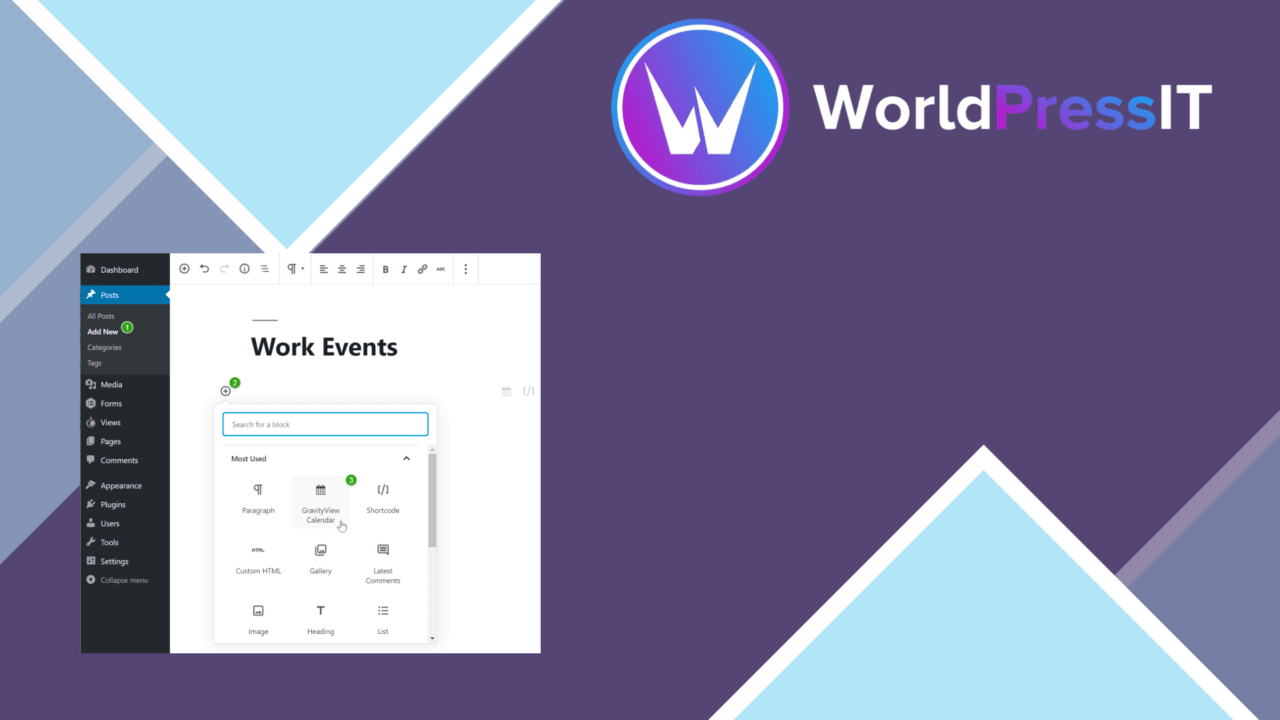
Gravity Forms Calendar adds a calendar-based scheduling layer to Gravity Forms. It is intended for businesses, event organisers, and service providers that want form submissions to carry date and time information, then present those entries as events on a page or in a sidebar widget.
A calendar for form entries
The plugin focuses on turning information collected through Gravity Forms into something visitors can browse and use. A calendar can be embedded on a page or displayed in a sidebar, giving submitted events a more practical presentation than a list of entries in the administration area. Visitors can click an event to see further details, or the event can link to another page.
That approach suits appointment requests, event registration, and other workflows where the date is as important as the form response. It also keeps the calendar connected to the form rather than asking site owners to maintain a separate event record by hand.
Scheduling features
The feature list covers both the visitor-facing calendar and the rules behind date selection. The main capabilities include:
- Date and time fields for collecting specific scheduling information.
- Real-time availability checking so visitors select dates and times that are open.
- Recurring events on daily, weekly, or monthly schedules.
- A visual calendar for viewing and selecting dates.
- Event details that open from the calendar or link to another page.
- Email notifications for administrators and users about submissions and upcoming events.
Availability checking is especially relevant where multiple people are requesting the same time slots. Recurring event support also gives the calendar a use beyond one-off bookings, although the supplied information does not explain how recurrence rules are configured or displayed.
Visitor-facing presentation
The visual calendar gives visitors a direct way to inspect dates rather than selecting from a plain field alone. That makes the interface a better fit for schedules with visible event context, such as classes, appointments, or public activities. Clicking through to more details keeps the calendar from carrying every piece of information at once, while direct links support a separate page for registration or explanations.
Multi-language support broadens its suitability for international sites, and the stated compatibility with popular themes and other plugins is useful for sites where the calendar has to sit inside an existing design and plugin stack. Those claims are broad, so the exact language coverage and integrations still need checking against a particular site.
What to weigh
The first trade-off is structural: this is an integration for Gravity Forms, not a standalone calendar and form system. A site that does not already use Gravity Forms takes on that additional dependency before the calendar workflow is useful.
The second is the level of detail provided about configuration. The feature list names availability checks, recurring schedules, notifications, and calendar links, but does not describe capacity rules, time-zone handling, approval steps, or how conflicts are resolved. Sites with straightforward date collection have a clear use case; more involved booking operations should confirm those details before making it central to their scheduling process.
Who it suits
Gravity Forms Calendar is a focused choice for site owners already collecting information through Gravity Forms and needing those dates to appear as a navigable calendar. It fits event organisers, service providers, and businesses handling appointment-style requests, particularly when recurring events, availability visibility, and email notices are part of the workflow. It is less compelling as a general-purpose events platform, since its value comes from connecting calendar entries to Gravity Forms submissions rather than replacing a broader event-management system.
The verdict
Download Gravity Forms Calendar and see for yourself
You get the full Gravity Forms Calendar release (v2.16.0), ready to install, plus every update that follows. One click and it is yours.
Download Gravity Forms Calendar v2.16.0- Instant download
- Original developer files
- Updated 26 Sep 2026
Related reviews
Browse all
ShopMagic for WooCommerce Bookings
Automates WooCommerce booking emails, forms, payments and reporting so appointment-based businesses can manage customer…

FAT Event Event and Calendar Booking
Create recurring events, display them in a responsive calendar, collect attendee details and sell free or paid tickets w…

WooTour
Tour booking for WordPress sites, with WooCommerce payments, date availability, flexible package pricing, customer accou…