Gravity Forms Image Choices
Turn Gravity Forms product and option fields into image-based selections, with adjustable sizing, multiple choices, conditional logic and custom CSS.
Instant access Original unmodified files Free future updates
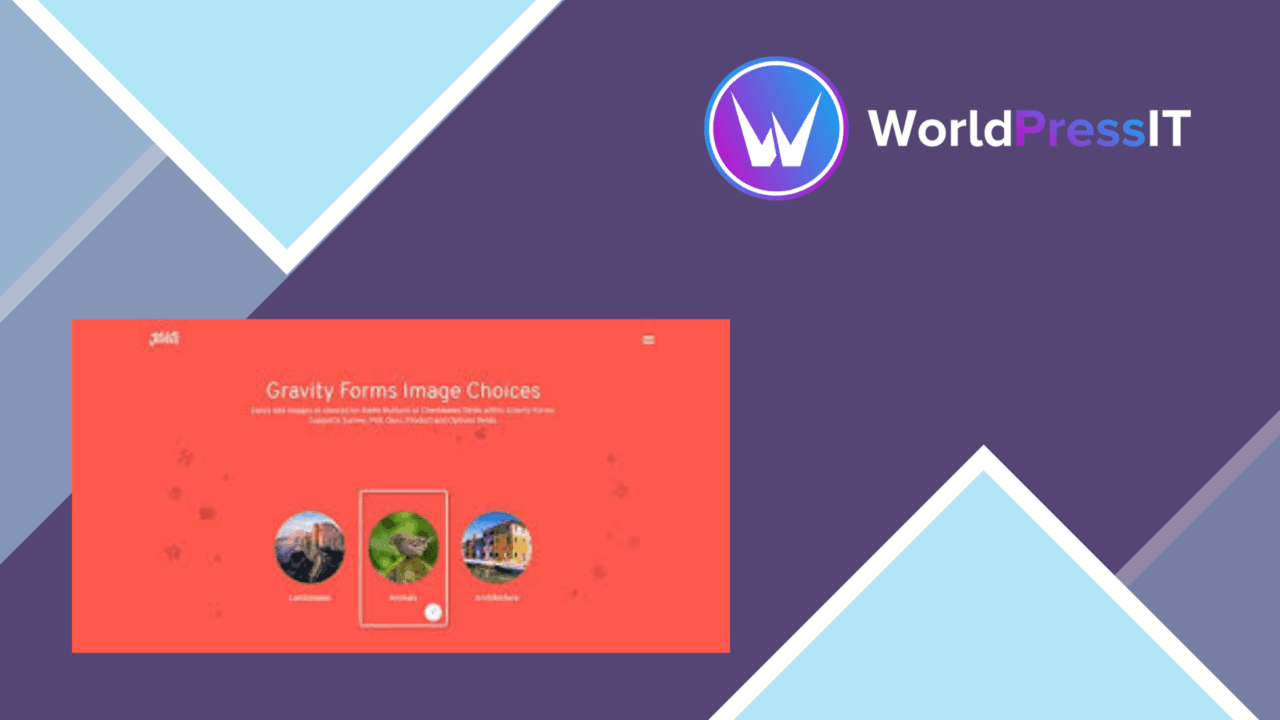
Gravity Forms Image Choices changes the way visitors select items in Gravity Forms. It works with both the Product field and the Options field when those fields use radio buttons or checkboxes, replacing a plain text-and-price list with visual choices. That makes it particularly relevant to product selections, event options and forms where the appearance of each choice carries useful information.
Image-led choices
The plugin is built around a straightforward presentation change: an option is represented by an image rather than only by its label. This gives a form builder more room to show what a product, package or event choice looks like before the visitor selects it. Radio-button fields support single-choice use cases, while checkbox fields support selections where more than one image option is appropriate.
Image choices are most useful when the visual distinction between items is clear. A form for selecting products, colours, designs or event options has more to gain from this approach than a form containing short, self-explanatory text labels. The plugin does not replace Gravity Forms’ field model; it adds a visual layer to the supported choice fields.
Useful control for builders
The feature set covers the main details needed to fit image choices into an existing form rather than treating them as a fixed display:
- Adjustable image dimensions help fit choices into the available form layout.
- Conditional logic supports showing or hiding fields in response to selections.
- Checkbox-based choices allow visitors to select multiple images.
- Custom CSS provides control over the appearance of images and choice elements.
- Responsive behaviour adjusts the image presentation for mobile devices.
- Accessibility features are included for forms used by people with disabilities.
Conditional logic is especially useful when one selection determines which follow-up fields should appear. Combined with multiple selections, it gives the form more structure than a purely decorative image treatment.
Where it falls short
The visual approach introduces a design responsibility that a standard radio list does not. Images need to be consistent enough in size and subject for visitors to compare choices quickly, and the available sizing and CSS controls still leave the form builder responsible for making that presentation coherent. Poorly chosen or uneven source images can make the form harder to scan rather than easier.
There is also a narrower compatibility boundary than the general description of image-based forms might suggest. The stated support is for Gravity Forms’ Product field and Options field when configured as radio buttons or checkboxes, so this is not a general image selector for every Gravity Forms field. It also relies on Gravity Forms as the form platform, adding little value to a site that does not already use it.
Who it suits
This is a focused add-on for site owners who already build forms with Gravity Forms and want visitors to choose from items they can recognise visually. Businesses presenting products, event planners offering packages or options, and marketers building selection forms all fit the intended use. The strongest results will come from forms with a manageable number of clearly differentiated choices and images prepared for a consistent layout.
For a text-heavy form, ordinary radio buttons or checkboxes remain simpler. For a form where the item itself needs to be seen before it is selected, Gravity Forms Image Choices provides the relevant visual layer, with enough sizing, logic, responsive and styling controls to shape it around the rest of the form.
The verdict
Download Gravity Forms Image Choices and see for yourself
You get the full Gravity Forms Image Choices release (v1.7.0), ready to install, plus every update that follows. One click and it is yours.
Download Gravity Forms Image Choices v1.7.0- Instant download
- Original developer files
- Updated 2 Oct 2026
Related reviews
Browse all
Gravity Forms Partial Entries Addon
Captures information from unfinished Gravity Forms submissions so teams can follow up on abandoned enquiries instead of…

Gravity Forms 2Checkout
Accept payments through Gravity Forms with 2Checkout, including recurring billing, multiple currencies, card and PayPal…

Toolset Forms
Front-end forms for creating and editing WordPress content, with custom fields, conditional logic, notifications and mul…