GravityView – Multiple Forms
Bring entries from multiple Gravity Forms into one view, relating submissions through shared field values and giving visitors filtered, editable, responsive records.
Instant access Original unmodified files Free future updates
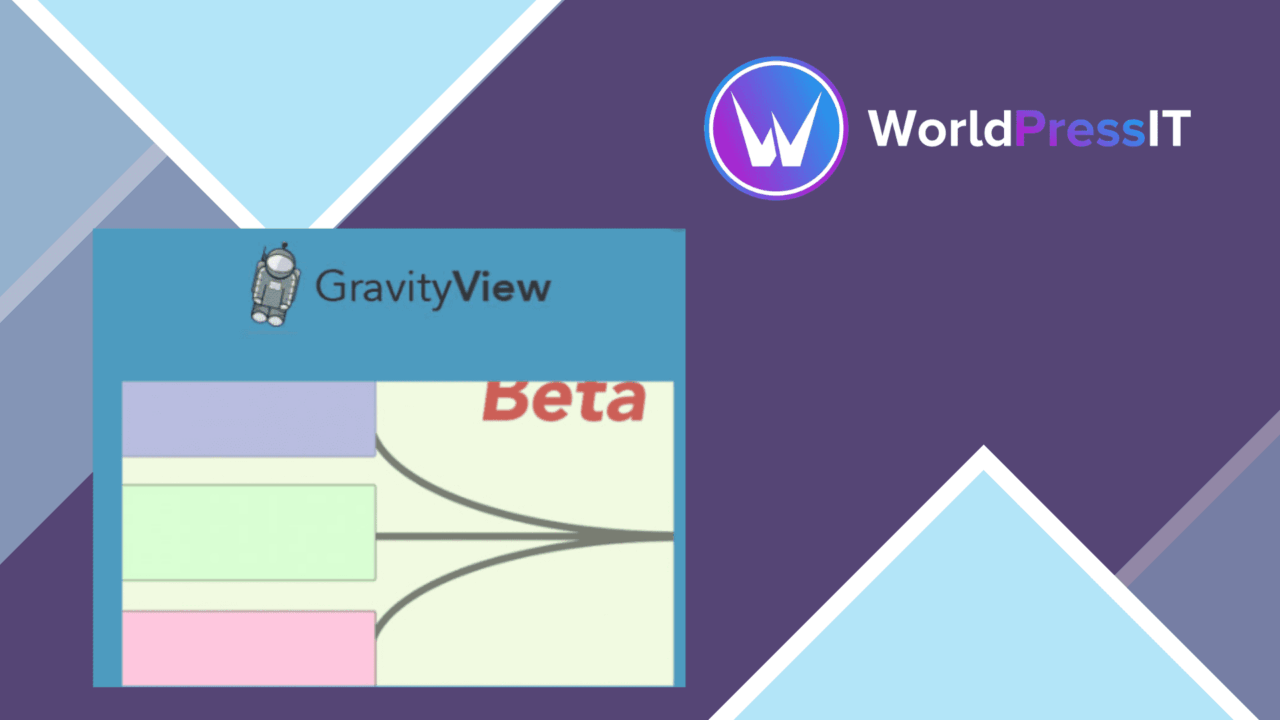
Displaying entries from more than one Gravity Form usually means deciding how separate submissions should be presented together. GravityView – Multiple Forms is built for that job: it brings entries from multiple forms into a single view and relates forms that share field values, producing a longer combined entry rather than isolated records.
Joining form data
The central idea is the relationship between forms. Where separate forms contain matching field values, the add-on connects those submissions so they can be shown as one related record. That gives a site owner a way to present information collected through different forms without asking visitors to move between several views.
This approach suits workflows in which one form does not contain every piece of information. A business, organisation or developer could collect different types of data separately and present the connected results together. The value is less about creating another form and more about giving the resulting entries a shared presentation.
What the view can do
The feature set covers the main parts of presenting and maintaining those records on the front end. The vendor lists:
- Multiple Gravity Forms entries displayed in a single view.
- Customisable layouts that can be adjusted to match the surrounding site design.
- Filtering options for sorting and locating specific entries.
- Integration with Gravity Forms add-ons, including payment processing and user authentication.
- Front-end editing so users can update their own submissions from the site.
- Responsive presentation for phones, tablets and desktop screens.
Filtering is particularly useful once a combined view contains more than a small number of records. Front-end editing also gives the view an ongoing role: it is not limited to displaying a completed submission, but can support changes made by users through the site.
Presentation and add-ons
Customisable layouts make the output more adaptable than a fixed list of entries. The view can be shaped to fit the site around it, while responsive design keeps the same data accessible across different screen sizes. This matters for records that visitors need to browse rather than read once.
The stated integration with Gravity Forms add-ons broadens the kind of data the view can bring together. Payment-related information and user authentication are named examples, so the add-on has a place in sites where submissions are connected to transactions or logged-in users. The available result still depends on the forms and add-ons supplying the underlying entries.
Where it falls short
The first trade-off is that this is a specialised layer for Gravity Forms rather than a standalone data-management system. Sites that do not already organise information through Gravity Forms have little reason to choose it, and the quality of the combined result depends on the forms sharing values that can establish the relationship.
The second is configuration complexity. A single form produces a straightforward set of entries; joining several forms requires matching their field values and deciding how the resulting longer entry should be laid out and filtered. That gives administrators more control, but it also creates more decisions to maintain. Front-end editing adds another responsibility: the view must present editable submissions clearly instead of serving as a read-only listing.
Who should use it
GravityView – Multiple Forms is aimed at sites that collect related information through separate Gravity Forms and need to show it together. It is a good fit for organisations managing connected records, developers building a front-end directory of submissions, and businesses that need visitors to find or update information without opening separate views.
It is less suitable for a simple one-form display, where the joining model and extra layout decisions would add unnecessary work. For a multi-form workflow with shared field values, filtering, responsive presentation and front-end editing, the feature set addresses a clearly defined problem.
The verdict
Download GravityView – Multiple Forms and see for yourself
You get the full GravityView – Multiple Forms release (v0.7.0), ready to install, plus every update that follows. One click and it is yours.
Download GravityView – Multiple Forms v0.7.0- Instant download
- Original developer files
- Updated 25 Sep 2026
Related reviews
Browse all
Gravity Forms Partial Entries Addon
Captures information from unfinished Gravity Forms submissions so teams can follow up on abandoned enquiries instead of…

Gravity Forms 2Checkout
Accept payments through Gravity Forms with 2Checkout, including recurring billing, multiple currencies, card and PayPal…

Toolset Forms
Front-end forms for creating and editing WordPress content, with custom fields, conditional logic, notifications and mul…