JetFormBuilder Address Autocomplete
Adds Google Places address suggestions to JetFormBuilder forms, helping visitors enter more accurate locations across desktop and mobile devices.
Instant access Original unmodified files Free future updates
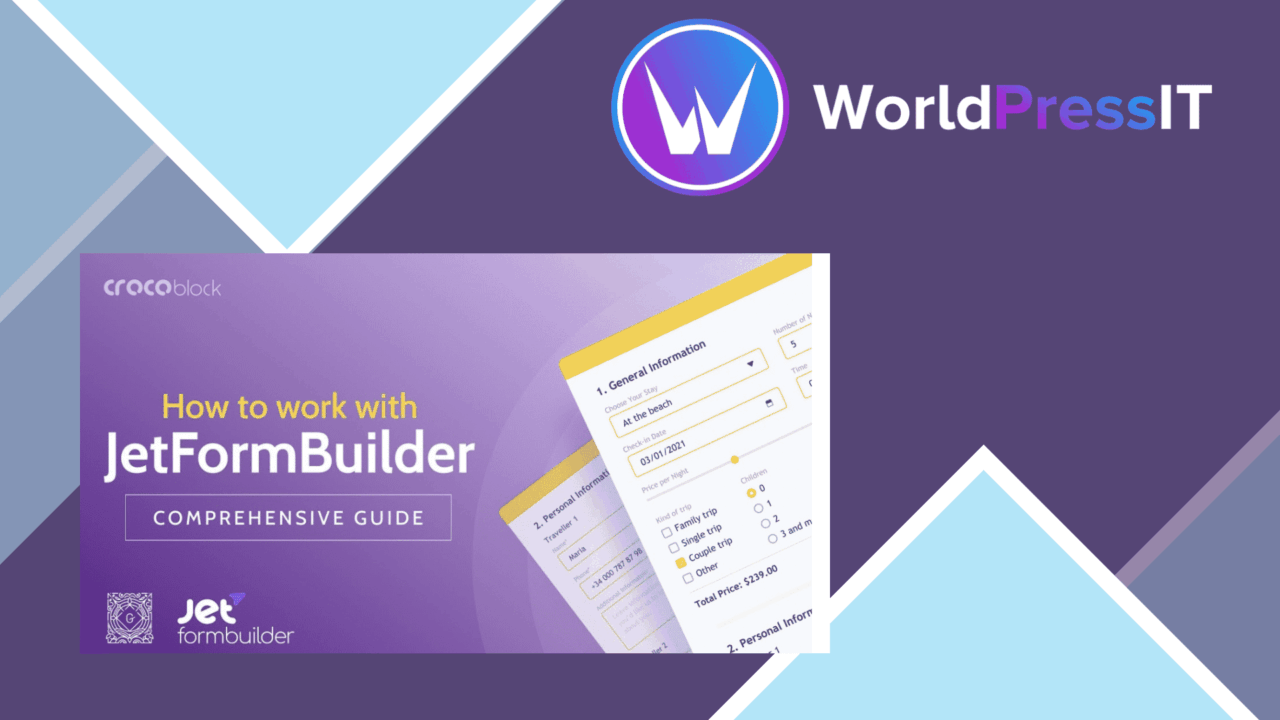
JetFormBuilder Address Autocomplete adds address suggestions to forms as visitors type. It is aimed at sites that collect delivery details, customer addresses, registrations or other location data through JetFormBuilder, where a mistyped street or incomplete postcode can create follow-up work. The add-on uses the Google Places API to present up to five possible locations for selection instead of asking users to enter every part of an address manually.
Address field focus
The product has a narrow purpose, and that is useful. It concentrates on helping a visitor find an address inside a JetFormBuilder form rather than attempting to become a general form builder or location-management system. Suggestions appear in real time, giving the person filling out the form a shorter path from the first few characters to a recognised location.
That interaction suits forms where address accuracy matters more than free-form notes. A customer can choose a suggested result, while the site receives an address selected from the service’s location data rather than relying entirely on whatever spelling the customer types. The vendor also states that the add-on supports multiple address formats, which gives it a reasonable fit for sites serving users in more than one country.
Useful form behaviour
The feature set is compact but covers the main parts of this type of add-on:
- Real-time suggestions while a visitor enters an address.
- Google Places API integration for address data.
- Up to five location suggestions for the Address field.
- Support for multiple international address formats.
- Settings that can be adjusted to match a site’s design and behaviour.
- A mobile-friendly interface for phones and tablets.
Mobile support matters here because address entry is often more awkward on a small touchscreen. A suggestion list can reduce typing and the number of corrections needed before a form is submitted. The vendor also describes the add-on as lightweight, so its stated aim is to add this interaction without making the form itself unnecessarily heavy.
Configuration in context
Address Autocomplete is built around existing JetFormBuilder forms. That makes it more relevant to a site already using that form system than to someone choosing a standalone address widget. The customisable settings provide room to align the suggestions with the surrounding form, while the Google Places connection supplies the location search rather than requiring the site owner to maintain an address database.
The result is a focused convenience layer: visitors get guided address entry, and the form owner gets a more structured starting point for location information. It does not replace decisions about which address fields to include or how the submitted data should be processed afterwards, but it addresses the point where many input errors begin.
What to weigh
The first trade-off is the Google Places API dependency. Address suggestions rely on an external location service, so the available results and the interaction itself are tied to that service rather than being controlled entirely inside WordPress. Sites should account for that dependency when deciding how much they want autocomplete to influence their form workflow.
Second, the interface presents up to five suggestions. That keeps the list manageable, but it also means autocomplete is a selection aid rather than an exhaustive address directory; an address that is not among those results still needs a fallback path. Finally, this is a JetFormBuilder add-on, not a general-purpose form feature. It has limited value on a site that does not already build forms with JetFormBuilder, and it does not by itself describe broader address validation or post-submission processing.
Who it suits
This add-on fits site owners and developers who already use JetFormBuilder and want less friction around address fields. It is particularly relevant to forms collecting customer or delivery information, where inaccurate entries can lead to clarification messages or fulfilment mistakes. International sites also gain from the stated support for multiple address formats.
Sites needing only a simple text field will not require this extra layer. For a JetFormBuilder form that asks for real locations, though, the focused feature set is easy to understand: connect the Address field to Google Places, offer a short list of likely matches, and make address entry more manageable on both desktop and mobile.
The verdict
Download JetFormBuilder Address Autocomplete and see for yourself
You get the full JetFormBuilder Address Autocomplete release (v1.0.11), ready to install, plus every update that follows. One click and it is yours.
Download JetFormBuilder Address Autocomplete v1.0.11- Instant download
- Original developer files
- Updated 18 Sep 2026
Related reviews
Browse all
Gravity Forms Partial Entries Addon
Captures information from unfinished Gravity Forms submissions so teams can follow up on abandoned enquiries instead of…

Gravity Forms 2Checkout
Accept payments through Gravity Forms with 2Checkout, including recurring billing, multiple currencies, card and PayPal…

Toolset Forms
Front-end forms for creating and editing WordPress content, with custom fields, conditional logic, notifications and mul…