JetFormBuilder Advanced Color Picker
Adds a richer colour-selection control to JetFormBuilder forms, with branded palettes, HEX/RGB/HSL formats, live previews and a responsive interface.
Instant access Original unmodified files Free future updates
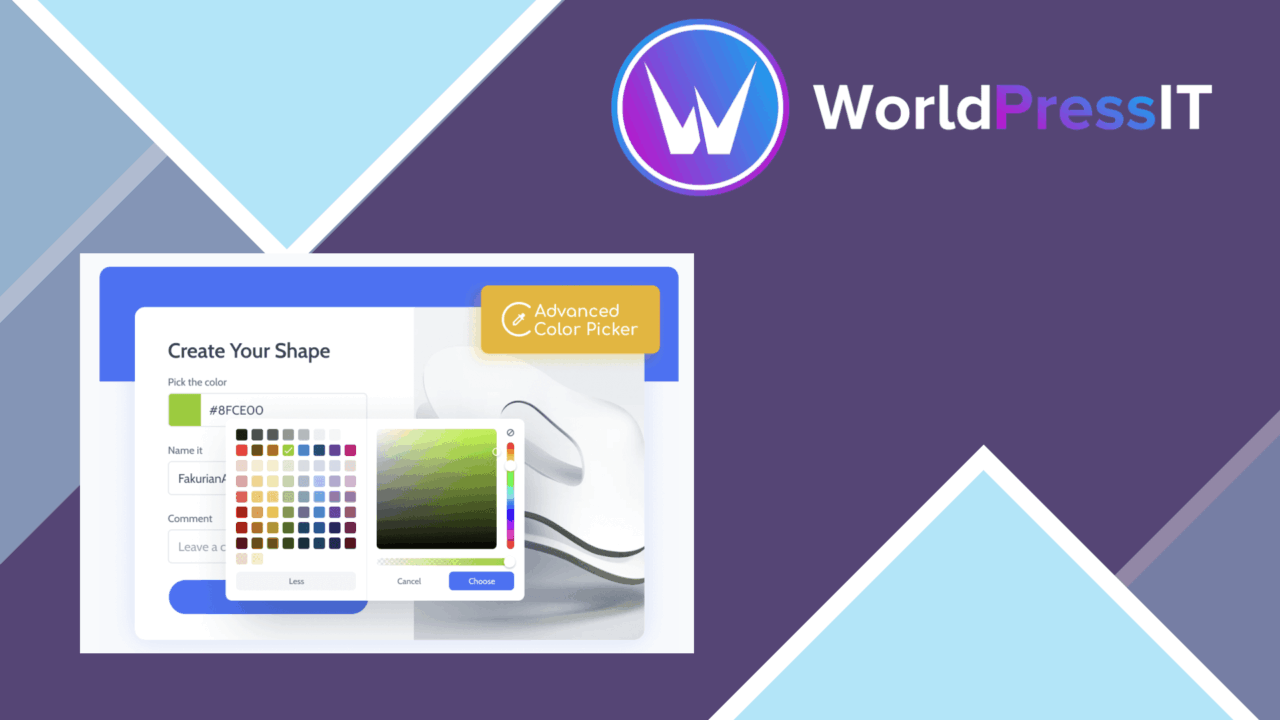
Forms that ask visitors to choose a colour often need more than a plain text field. JetFormBuilder Advanced Color Picker extends JetFormBuilder’s existing Color Picker Field block with a more configurable selection interface, giving site builders a way to present colour input as a deliberate part of the form rather than an unexplained value box.
A focused add-on
This is a narrowly scoped extension rather than a general form builder. Its role is to improve the Color Picker Field block inside JetFormBuilder forms, and the block’s available parameters change when the add-on is active. That focus is useful for sites already using JetFormBuilder and needing colour input for a product option, design submission, branding request or another creative workflow.
The product’s value rests on the details around selection. Instead of leaving visitors to type or guess a colour value, the field is presented as an interactive picker with a preview of the current choice. That gives the person completing the form immediate visual feedback and makes the intended input easier to understand.
Useful colour controls
The feature list covers the main controls expected from a modern colour field. The available capabilities include:
- Custom colour palettes that reflect a site’s brand identity.
- Support for HEX, RGB and HSL colour formats.
- Integration with existing JetFormBuilder forms through the Color Picker Field block.
- A responsive interface for different screen sizes and devices.
- Real-time previews of the selected colour.
- Accessibility features intended to support a wider range of visitors.
- Lightweight code designed to limit unnecessary performance overhead.
That combination gives the field more value than a single-format picker. A designer working with HEX values, for example, has a different requirement from someone selecting an RGB or HSL value, while a branded palette can reduce inconsistent choices. The responsive presentation also matters for forms completed on smaller screens, where a crowded picker quickly becomes awkward.
For clearer form input
The strongest use case is any form where the colour itself carries meaning. A creative portfolio could collect a preferred palette, an e-commerce workflow could accept a custom product colour, and a branding enquiry could request a specific shade. In each case, the live preview helps the visitor connect the selected value with the visible result.
Accessibility is also identified as part of the feature set, which is important for a control that might otherwise depend too heavily on visual judgement. The vendor description does not detail the keyboard behaviour, contrast treatment or assistive-technology support, so those details remain worth checking against the needs of a particular project.
What to weigh
The first trade-off is scope. This add-on is built around JetFormBuilder’s Color Picker Field block, so it is not a colour control for arbitrary WordPress forms or unrelated form plugins. Its usefulness therefore depends on that existing form setup rather than standing on its own.
The second trade-off is configuration detail. The feature list names palette customisation and HEX, RGB and HSL support, but it does not explain how palettes are managed, whether formats can be restricted per field, or how submitted values are handled after the form is sent. Those omissions do not make the picker unsuitable, but they leave important workflow questions for site builders with strict input requirements.
Who should use it
JetFormBuilder users who need a clearer, more flexible colour field have a well-defined reason to consider this add-on. It suits forms where visitors choose colours rather than enter arbitrary text, especially when a branded palette, format support and an immediate preview all matter. It is less relevant for ordinary contact forms or projects that do not already rely on JetFormBuilder’s Color Picker Field block. For the right form, it adds useful control without pretending to be a broader form-building system.
The verdict
Download JetFormBuilder Advanced Color Picker and see for yourself
You get the full JetFormBuilder Advanced Color Picker release (v1.0.5), ready to install, plus every update that follows. One click and it is yours.
Download JetFormBuilder Advanced Color Picker v1.0.5- Instant download
- Original developer files
- Updated 18 Sep 2026
Related reviews
Browse all
Gravity Forms Partial Entries Addon
Captures information from unfinished Gravity Forms submissions so teams can follow up on abandoned enquiries instead of…

Gravity Forms 2Checkout
Accept payments through Gravity Forms with 2Checkout, including recurring billing, multiple currencies, card and PayPal…

Toolset Forms
Front-end forms for creating and editing WordPress content, with custom fields, conditional logic, notifications and mul…