JetFormBuilder HubSpot
Connect WordPress forms to HubSpot for contact capture and updates, with conditional fields, multi-step layouts, spam protection and submission tracking.
Instant access Original unmodified files Free future updates
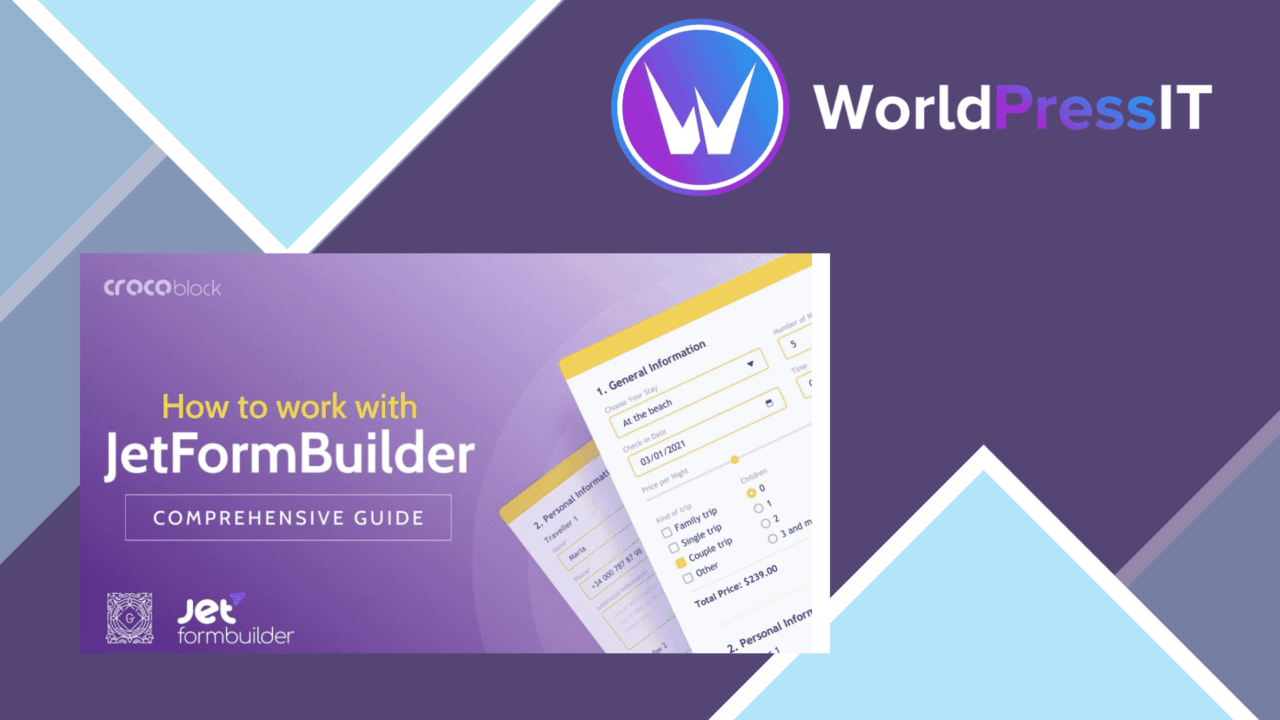
JetFormBuilder HubSpot connects WordPress forms with HubSpot so submissions can add new contacts or change existing contact records. It is aimed at sites that need more than a basic contact form: the add-on combines a visual form-building workflow with field rules, staged layouts, spam protection and data synchronisation.
HubSpot contact flow
The central benefit is the direct HubSpot connection. Form data goes beyond the WordPress submission itself and into a HubSpot contact workflow, giving marketers a way to collect information at the point where visitors interact with the site. Real-time syncing is listed as a core feature, which suits lead-capture forms where a new enquiry should be available in the connected account without a manual export step.
The add-on also covers changes to existing contacts, rather than limiting the form to first-time sign-ups. That distinction matters for preference updates, profile changes and follow-up forms. The supplied description does not detail field-mapping rules or how records are matched, so those parts deserve attention before building a complicated contact process.
Forms with more structure
JetFormBuilder HubSpot is not limited to a fixed set of fields. Its listed form controls include customisable fields, conditional logic and multi-step forms. Together, those features support a progressive data-collection approach: show only relevant questions, split a longer form into stages, and capture the information needed for a particular HubSpot contact record.
- Customisable fields for collecting specific user information.
- Conditional logic to show or hide fields according to user input.
- Multi-step forms for breaking longer submissions into smaller stages.
- Drag-and-drop editing for arranging the form interface.
- reCAPTCHA support for an added layer of spam protection.
This combination is more useful for lead qualification than a single short enquiry box. A marketing team can ask an initial question, reveal relevant follow-ups and keep the form focused on the visitor’s answers.
Follow-up and visibility
Submission handling extends beyond sending contact data to HubSpot. Automatic notifications and follow-up emails are listed among the features, giving the site a way to alert people after a submission and maintain contact with the respondent. Analytics tracking is also included for monitoring form performance and user interactions.
Those features create a clearer feedback loop around a form: the visitor submits information, the relevant people receive notice, and the site owner has tracking data to review. The description does not specify the available reports or which interactions are measured, so treat the analytics element as tracking support rather than a replacement for a dedicated analytics platform.
What to weigh
The first trade-off is focus. This is built around HubSpot contact management, so it is a poor fit for a site that needs one form connection serving several unrelated CRM or mailing-list systems. The more valuable its contact-sync functions become, the more the site’s data process is tied to HubSpot.
The second trade-off is configuration overhead. Conditional logic, multi-step layouts, notifications, follow-up emails and analytics all add decisions to a form project. They provide useful control, but they also require a clear plan for fields, contact changes and response messages. The feature list does not explain how complex mappings or duplicate-contact handling work, which makes those details important for larger lead flows.
Who it suits
JetFormBuilder HubSpot fits WordPress sites that already use HubSpot as the destination for captured contacts and need forms tailored to different visitors. It is particularly suited to teams collecting more than a name and email address, because conditional questions and multi-step screens provide room for qualification without putting every field on the first view.
Sites seeking a straightforward HubSpot connection with a visual editor, contact updates, spam protection and basic submission visibility will find a coherent set of features here. Sites without a HubSpot-centred process, or those requiring detailed integration behaviour beyond the documented feature list, should resolve those requirements before committing to the add-on.
The verdict
Download JetFormBuilder HubSpot and see for yourself
You get the full JetFormBuilder HubSpot release (v1.1.6), ready to install, plus every update that follows. One click and it is yours.
Download JetFormBuilder HubSpot v1.1.6- Instant download
- Original developer files
- Updated 1 Nov 2026
Related reviews
Browse allNewsletter – Extended Composer Blocks
Build branded WordPress newsletters with reusable blocks, drag-and-drop layouts, responsive styling, service integration…
Affiliate Forms
Affiliate registration and campaign forms for Ninja Forms, with click, conversion and earnings tracking to help manage a…

Brave Popup Builder PRO
Create targeted WordPress popups with visual editing, timed and behavioural triggers, email integrations, A/B testing an…