JetFormBuilder PDF Attachment
Turns JetFormBuilder submissions into branded, downloadable PDFs, with dynamic fields, configurable filenames, and email attachments for confirmation workflows.
Instant access Original unmodified files Free future updates
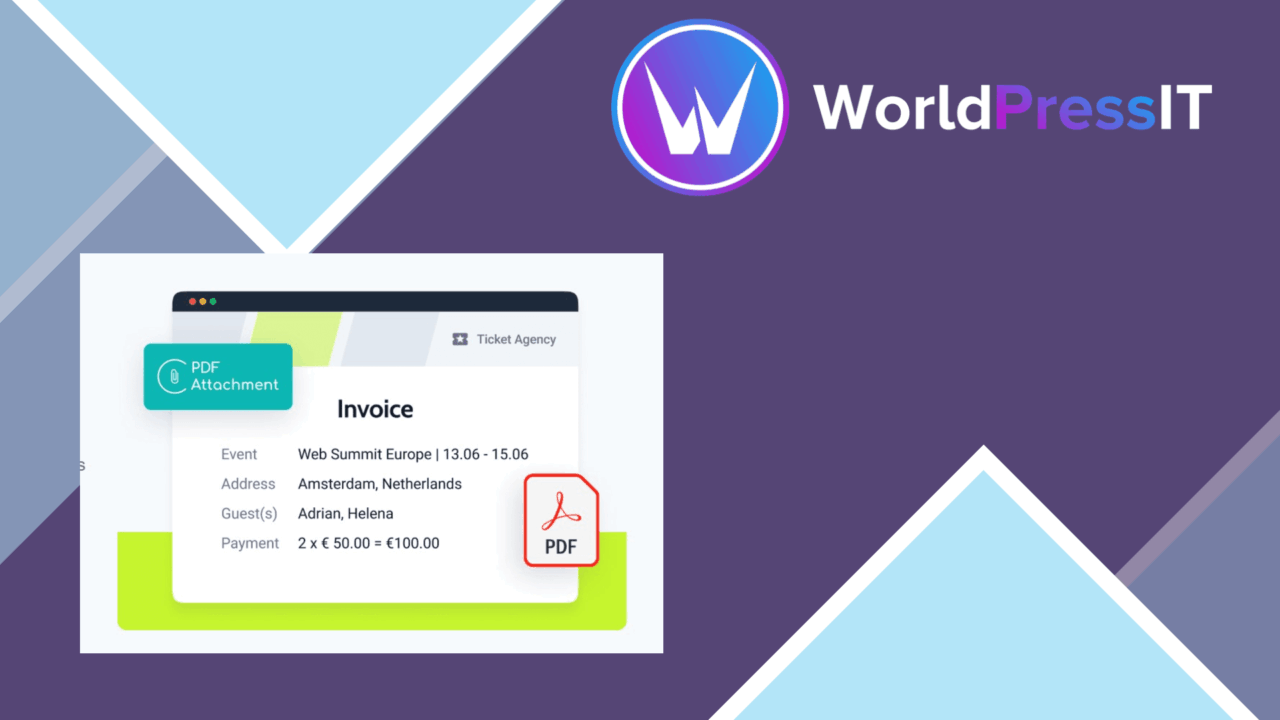
JetFormBuilder PDF Attachment turns submitted JetFormBuilder form data into PDF documents. It is aimed at sites that need a more formal record of an online submission, such as a completed application, a response copy, or a confirmation document. The add-on combines dynamic form content with editable templates, then makes the resulting file available for download or sends it with a confirmation email.
From form to PDF
The central workflow is straightforward: a visitor submits a JetFormBuilder form, and the add-on creates a PDF from that submission. The document is not limited to a fixed generic receipt. Dynamic content lets the output reflect the values entered by that particular user, which is important when the PDF needs to function as a personalised record rather than a simple notice.
PDF output also gives form-heavy sites a practical way to preserve information outside the form interface. A business can provide a document for its records, an educator can produce a submission copy, and a service site can attach a completed response to its email confirmation. Those uses all stay close to the product’s stated purpose: converting collected form data into a document that people can read, save, or share.
Useful output controls
The feature set covers the parts of PDF generation that matter after the form has been submitted:
- Customisable templates for shaping the document around the submitted data.
- Dynamic content for inserting individual user responses into the PDF.
- Automatic file naming based on form fields, helping identify generated files.
- Customisable layouts for applying a site’s preferred branding and visual arrangement.
- PDF attachments in email notifications sent after submission.
- Downloadable PDFs for users who need an immediate copy of their submission.
- Multi-language support for forms and audiences operating across languages.
File naming deserves particular attention. A filename built from a form field is more informative than a sequence of indistinguishable generated documents, especially when submissions are handled outside the WordPress admin. Layout controls are similarly useful when the PDF represents a formal document rather than an internal data export.
Email and downloads
The add-on supports two delivery paths: attach the PDF to a post-submission email or make it available for download. That gives the form owner control over who receives the document and how it fits into the surrounding workflow. Email delivery suits confirmation messages, while a download option keeps the document visible in the immediate submission experience.
Its stated compatibility with popular WordPress themes and plugins also positions it as an add-on for an existing site rather than a replacement for the form system. The PDF is the output layer; JetFormBuilder remains the source of the fields and submission data.
Where it falls short
The first trade-off is the dependency on JetFormBuilder. This is not a general WordPress PDF generator for arbitrary content, and its value is closely tied to sites already building forms with JetFormBuilder. A site using another form plugin would need a different route to the same result.
The second trade-off is that custom templates and layouts require decisions about document structure, field placement, and branding. The add-on provides those controls, but the vendor description does not indicate that ready-made document designs or advanced editing tools are included. More tailored PDFs therefore bring more preparation work than a basic submission receipt.
There is also a practical distinction between generating a file and managing a document workflow. The listed features cover creation, naming, email attachment, and download access, but do not describe archival, approval, tracking, or broader document-management functions. Sites needing those processes should treat this as a focused PDF output add-on rather than a complete records system.
Who it suits
JetFormBuilder PDF Attachment suits site owners whose forms already collect information that should become a presentable document. It is particularly relevant when a user needs a personalised copy immediately after submission, or when an administrator wants the response delivered as an email attachment with a recognisable filename.
It is less appropriate for a site looking for a standalone PDF builder or a full document-management platform. Within its narrower role, the combination of dynamic fields, editable layouts, named files, and two delivery options gives JetFormBuilder forms a useful document-producing layer.
The verdict
Download JetFormBuilder PDF Attachment and see for yourself
You get the full JetFormBuilder PDF Attachment release (v1.0.3), ready to install, plus every update that follows. One click and it is yours.
Download JetFormBuilder PDF Attachment v1.0.3- Instant download
- Original developer files
- Updated 5 Oct 2026
Related reviews
Browse all
Gravity Forms Partial Entries Addon
Captures information from unfinished Gravity Forms submissions so teams can follow up on abandoned enquiries instead of…

Gravity Forms 2Checkout
Accept payments through Gravity Forms with 2Checkout, including recurring billing, multiple currencies, card and PayPal…

Toolset Forms
Front-end forms for creating and editing WordPress content, with custom fields, conditional logic, notifications and mul…