JetFormBuilder Save Form Progress
Save incomplete JetFormBuilder forms for later, with browser-specific progress, email return links and support for logged-in users, guests and multi-step workflows.
Instant access Original unmodified files Free future updates
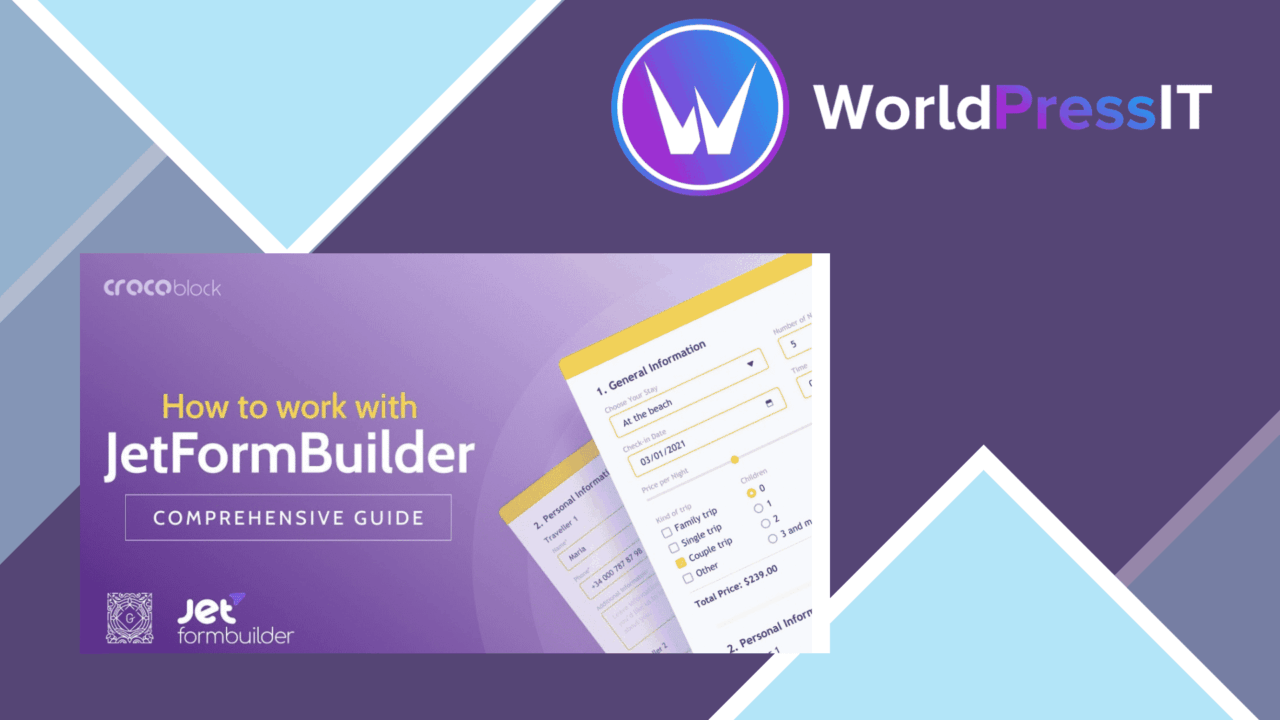
Long JetFormBuilder forms become easier to finish when a visitor does not have to start again after an interruption. Save Form Progress adds that pause-and-return behaviour to forms for logged-in users and guests, covering practical cases such as job applications, support requests, event registrations, surveys, orders and quote requests. The main control is a single Save Form Progress toggle, so the feature is aimed at site owners who want a focused addition rather than a separate form system.
A pause button for forms
The central job is straightforward: preserve an incomplete form so the user can return to it later. That matters most when a form asks for more than a few fields or requires information that is not immediately available. A visitor who is interrupted, changes task or needs to gather details has a route back to the unfinished entry instead of facing a blank form.
The add-on also supports multi-step forms. Progress can be saved at each stage, which suits application and registration processes that break a longer submission into smaller screens. This is a useful distinction from a simple single-page save control, because an unfinished multi-step entry has several possible stopping points.
Features that matter
- A save-progress function for incomplete form entries.
- Email notifications containing a link to the saved form.
- A customisable save button that can match the surrounding site design.
- Support for multi-step forms and saving at different stages.
- Use with logged-in users as well as guests.
- Data security measures covering the save process.
The email link is particularly practical for forms that users are unlikely to complete in one sitting. Instead of relying only on memory, the user receives a route back to the saved entry. The customisable button also keeps the interaction closer to the form’s existing visual language, while JetFormBuilder integration keeps the feature within the form-building workflow already in use.
Where it falls short
The browser-specific design is the first limitation to weigh. Saved progress is tied to the browser context rather than being presented as a universally available draft across every device and browser, so a visitor who switches environments should not assume the same unfinished form will follow them. That makes the feature better suited to uninterrupted use on a known browser than to a form journey spread across several devices.
The second trade-off is its dependence on JetFormBuilder. This is an add-on for an existing form workflow, not a general-purpose draft system for unrelated WordPress forms. Sites using another form plugin would need to change their form stack before this feature becomes relevant. Finally, the vendor describes the security measures in broad terms rather than detailing retention rules, encryption choices or administrative controls, so those requirements deserve separate review for forms containing sensitive information.
Who it suits
Save Form Progress fits sites that already build forms with JetFormBuilder and regularly ask visitors for substantial amounts of information. Recruitment forms, support requests, event registrations, surveys and quote requests all benefit from a way to resume an unfinished entry. It is also relevant to WooCommerce-related forms where checkout or order-related information is collected through JetFormBuilder.
For a short contact form, the extra save step and email handling may add little value. For longer, multi-stage submissions, the combination of saved progress, return links and a customisable control addresses a clear completion problem without changing the form’s basic purpose.
The verdict
Download JetFormBuilder Save Form Progress and see for yourself
You get the full JetFormBuilder Save Form Progress release (v1.0.11), ready to install, plus every update that follows. One click and it is yours.
Download JetFormBuilder Save Form Progress v1.0.11- Instant download
- Original developer files
- Updated 17 Sep 2026
Related reviews
Browse all
Gravity Forms Partial Entries Addon
Captures information from unfinished Gravity Forms submissions so teams can follow up on abandoned enquiries instead of…

Gravity Forms 2Checkout
Accept payments through Gravity Forms with 2Checkout, including recurring billing, multiple currencies, card and PayPal…

Toolset Forms
Front-end forms for creating and editing WordPress content, with custom fields, conditional logic, notifications and mul…