JetFormBuilder User Login Action
A JetFormBuilder add-on for building custom login flows with email, username, and password fields, redirects, CAPTCHA protection, and optional social sign-in.
Instant access Original unmodified files Free future updates
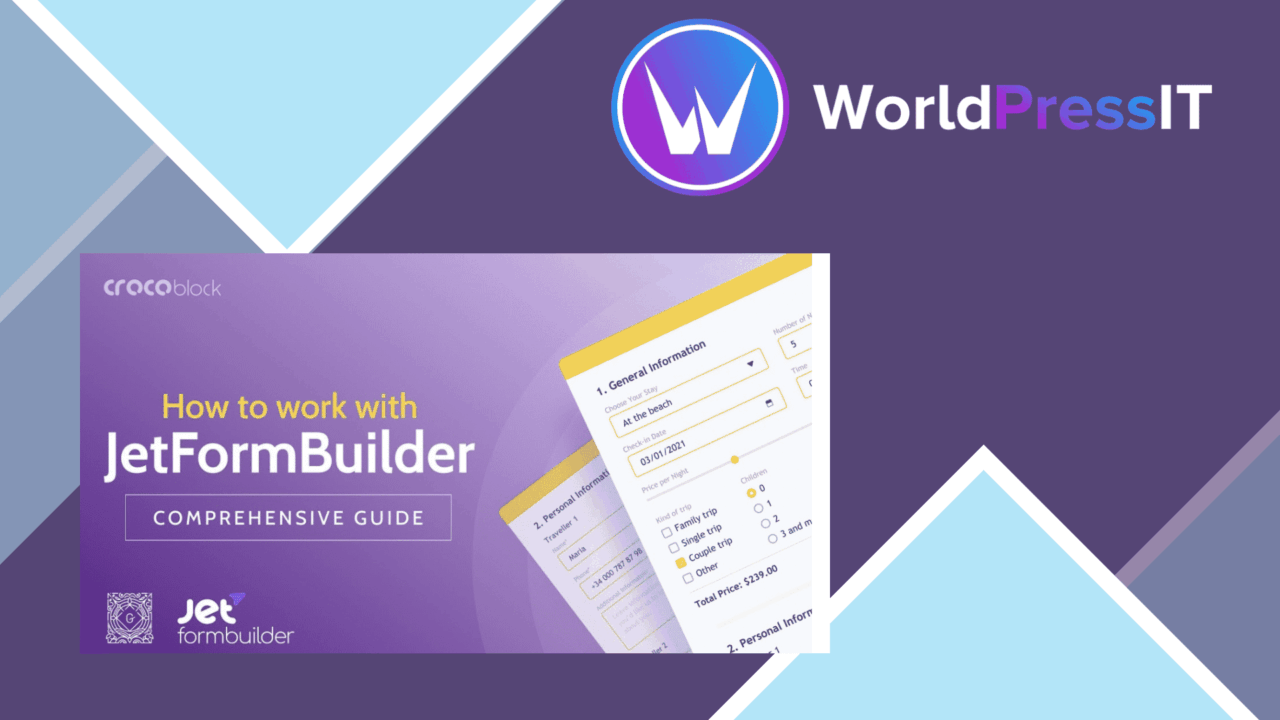
JetFormBuilder User Login Action adds login handling to forms built with JetFormBuilder. Its purpose is straightforward: give visitors a way to authenticate with an email address, username, and password through a form that matches the rest of the site rather than relying only on a standard WordPress login screen.
What it adds
This is a post-submit action rather than a complete form-building system on its own. JetFormBuilder remains the place where the form is created, while this extension supplies the login behaviour after the form is submitted. That division makes the product most relevant to sites already using JetFormBuilder for custom registration or account-related forms.
The vendor positions it as a user-management tool for both site owners and developers. The practical benefit is control over the shape of the login experience: fields, surrounding content, and the destination shown after authentication can be arranged as part of a broader WordPress page design.
Useful login controls
The feature list covers more than a basic username-and-password submission. The notable options include:
- Login forms that can be integrated with a WordPress theme and adjusted to suit the site’s presentation.
- Authentication with an email address, username, and password.
- Redirect settings for sending users to a specific page after login.
- Social login options for visitors who prefer an existing social account.
- Built-in CAPTCHA protection aimed at reducing spam and unauthorised access.
- Integration with JetFormBuilder’s custom user registration forms.
- User role management for controlling access levels for different user types.
- Multi-language support for sites serving audiences in more than one language.
Redirects are particularly useful for membership-style journeys, where a successful login should lead to an account area or another controlled destination. Role management also gives the form a place in a wider access structure, although the vendor does not describe the available role rules in detail.
Where it fits
The add-on suits a site that needs a branded login form alongside custom registration. A developer can keep authentication within a JetFormBuilder workflow, while a site owner gets options for post-login routing, CAPTCHA, language support, and account access levels. Social login broadens the stated sign-in options beyond WordPress credentials.
It is also a reasonable fit when the login screen needs to live inside a particular theme layout. The product is described as compatible with WordPress themes and intended to integrate with JetFormBuilder, so its value lies in connecting account access to an existing form-based design rather than replacing the site’s wider user-management system.
What to weigh
The first trade-off is the dependency on JetFormBuilder. This action is not presented as a standalone login form builder, so sites that do not already use JetFormBuilder have a larger product decision than simply adding a login feature. Its usefulness is tied to adopting that form workflow.
The second reservation is the lack of detail around the broader options. The vendor mentions social login, CAPTCHA, multi-language support, and user role management, but does not identify supported social providers, CAPTCHA services, translation workflows, or the exact role controls. Those details matter before choosing it for a complex membership setup.
There is also a design-versus-administration trade-off. A custom login form gives more control over the visitor journey, but every extra route, redirect, role, and protection setting becomes part of the site’s account-management configuration. Teams should map those rules before building several different login experiences.
Who should use it
JetFormBuilder User Login Action is aimed at WordPress sites that want login to be part of a customised form workflow. It makes the strongest case for developers and site owners already working with JetFormBuilder, especially where branded forms, post-login redirects, CAPTCHA, multiple languages, or differentiated user access are required.
For a site that only needs the default WordPress login page, this add-on adds a layer of form configuration that may not be necessary. For a site building custom registration and account journeys with JetFormBuilder, it provides a focused way to add login handling without treating the login screen as an isolated page.
The verdict
Download JetFormBuilder User Login Action and see for yourself
You get the full JetFormBuilder User Login Action release (v2.0.8), ready to install, plus every update that follows. One click and it is yours.
Download JetFormBuilder User Login Action v2.0.8- Instant download
- Original developer files
- Updated 18 Sep 2026
Related reviews
Browse allForm Generating PDF
Turn form submissions into PDF files, map answers to fields on a chosen template, and email the finished document to adm…
Gravity Forms Geolocation Add-On
Capture a form visitor’s location through IP data and keep it with Gravity Forms entries for location-based analysis and…

Gravity Forms Partial Entries Addon
Captures information from unfinished Gravity Forms submissions so teams can follow up on abandoned enquiries instead of…