Kuist
A photography portfolio theme for presenting complete bodies of work through cohesive series, flexible galleries, and a simple visual layout.
Instant access Original unmodified files Free future updates
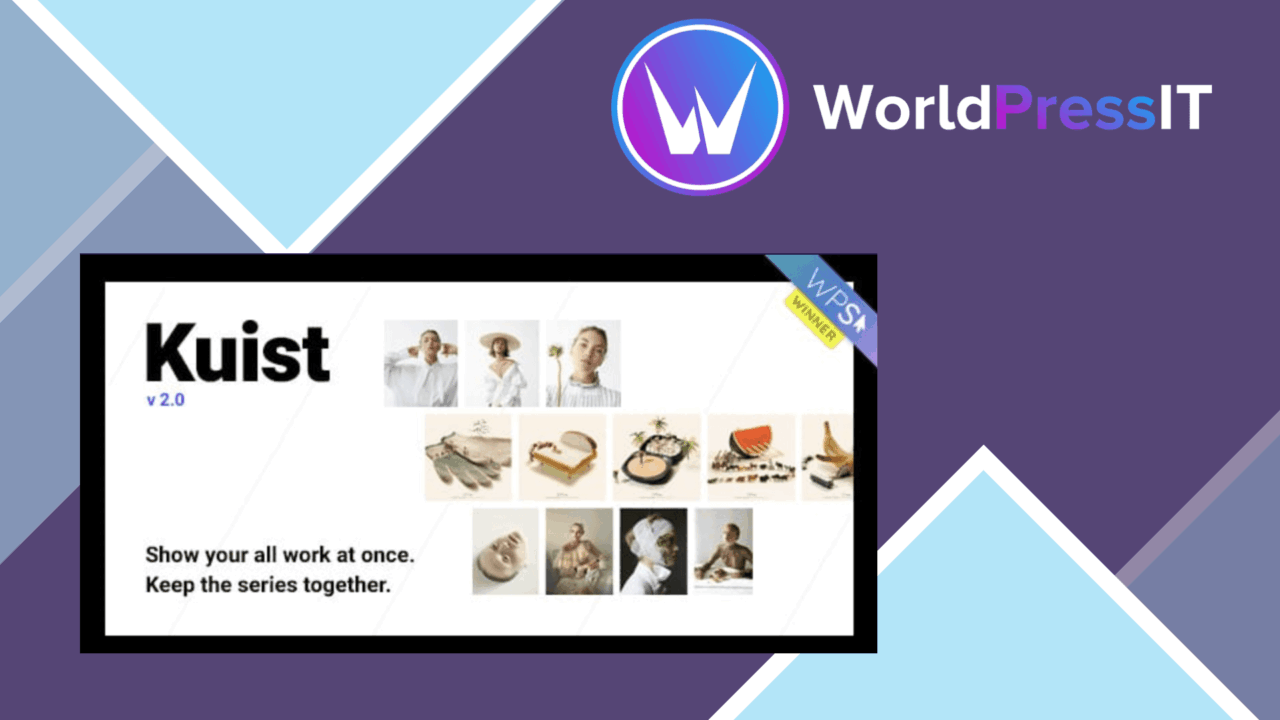
Kuist is a portfolio-focused WordPress theme for photographers, artists, and designers who need to show substantial bodies of work without turning each project into a disconnected page. Its central idea is to display all of a photographer’s work at once while keeping individual photo series visually cohesive. The design direction is simple rather than content-heavy, which puts the portfolio itself at the centre of the site.
A portfolio-first theme
Kuist is aimed at creative professionals whose website needs to function primarily as a visual catalogue. The theme supports project presentation rather than a broad collection of unrelated business features, so its strongest use case is a photographer organising work into recognisable series. That focus also gives the theme a clearer purpose than a general-purpose design system: visitors are expected to move through images and projects, not work through long blocks of marketing copy.
The responsive design is intended to adapt the portfolio across desktops, tablets, and smartphones. That matters for image-led sites, where a gallery that works on a large monitor still needs a sensible arrangement on a narrow screen. The vendor also describes the structure as SEO-friendly, giving portfolio pages a foundation for search visibility, although the theme itself does not replace careful image titles, descriptions, and site content.
Gallery formats
The gallery system is the main practical attraction. Kuist includes several presentation styles:
- Grid layouts for an orderly overview of projects or images.
- Masonry layouts for a less uniform arrangement that accommodates different image proportions.
- Slideshow options for a more focused, sequential viewing experience.
- Series-oriented presentation that keeps related work together while showing the wider portfolio.
That variety gives a photographer room to match the presentation to the material. A tightly edited series can use a slideshow, while a larger archive can use a grid or masonry overview. Social media integration also supports sharing work across popular platforms, which is useful when individual projects need to travel beyond the portfolio site.
Visual control
Kuist includes colour and typography settings for aligning the site with an existing identity. These controls address the parts of a portfolio that most visibly affect tone: the background and accent colours, the treatment of headings, and the general typographic character of project pages.
A drag-and-drop page builder provides layout customisation without requiring code. One-click demo import is included as a faster starting point, using pre-designed templates rather than asking the site owner to build every page from an empty canvas. Together, those features suit users who want to shape the presentation visually and adjust the theme around their own projects.
What to weigh
Kuist’s specialisation is also its main limitation. A photographer or artist gets a focused portfolio environment, but a site that needs a wide range of unrelated layouts, editorial content, or complex business sections has less reason to choose a photography-series theme. Its value is tied to the importance of visual project presentation.
The number of gallery formats and customisation controls creates choice as well as flexibility. Grid, masonry, slideshow, colour, typography, builder, and imported templates each introduce decisions about how the work should be organised. Users who prefer a very small set of fixed options will find this more involved than a basic portfolio theme. The supplied details also do not explain the depth of the SEO controls, social integrations, or builder components, so those areas deserve closer inspection before committing to a particular workflow.
Who it suits
Kuist suits photographers with several coherent bodies of work, especially those who want visitors to see the breadth of a portfolio without losing the identity of each series. It is also a reasonable fit for artists and designers who need gallery-led pages, responsive presentation, brand-oriented typography and colour controls, and visual editing rather than custom code.
It is less suitable as a default choice for a general company website or a content-led publication. For its intended audience, though, the combination of series-focused presentation, three gallery approaches, social sharing, demo templates, and page-builder control gives the theme a clearly defined role: making a photographer’s archive easier to organise and browse.
The verdict
Download Kuist and see for yourself
You get the full Kuist release (v4.0.12), ready to install, plus every update that follows. One click and it is yours.
Download Kuist v4.0.12- Instant download
- Original developer files
- Updated 18 Oct 2026
Related reviews
Browse allRuizarch
A WordPress theme for architects and builders, with project-focused layouts, portfolio presentation, visual editing, con…

Quarty
A responsive WordPress theme for architecture and interior design portfolios, with custom layouts, filtered project gall…
Arter
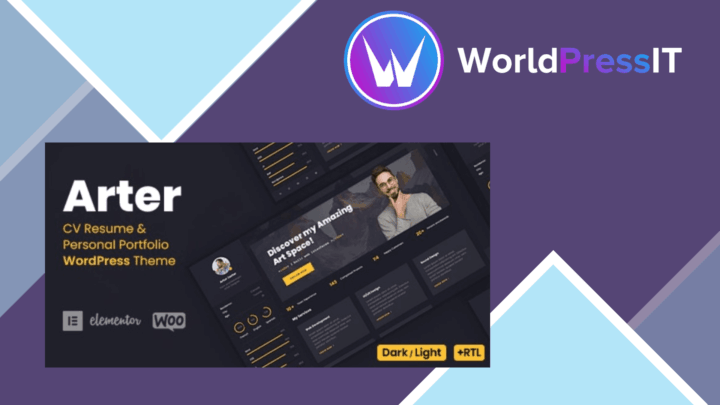
Build a responsive CV or portfolio site with flexible layouts, drag-and-drop page creation, and grid, masonry, or carous…