MainWP Pro – Post Plus
Centralise post creation, scheduling, templates and media management across multiple WordPress sites from one MainWP dashboard.
Instant access Original unmodified files Free future updates
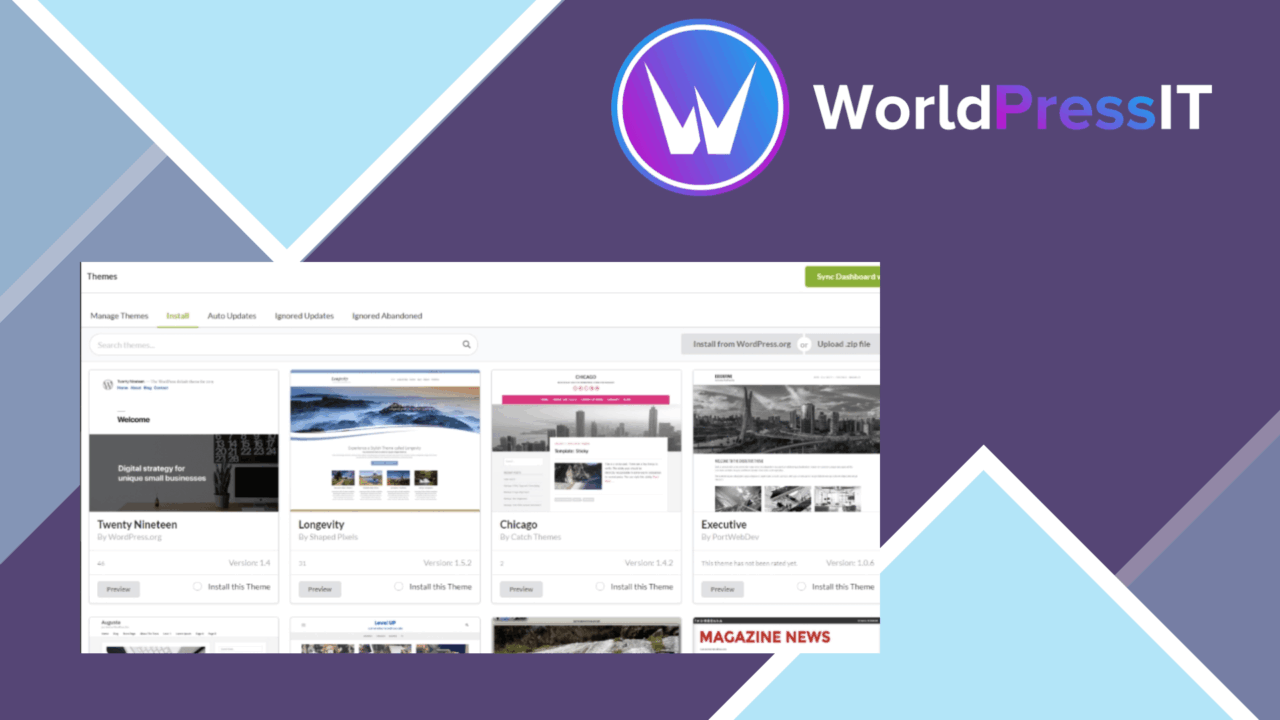
MainWP Pro – Post Plus is a content-management add-on for people responsible for several WordPress installations. Its purpose is straightforward: bring post creation, editing and publishing into one dashboard instead of requiring an editor to work through each site separately. The feature set also reaches into scheduling, templates, media, custom post types, SEO integrations, reporting and collaboration.
Centralised publishing
The strongest part of the proposition is the single-interface approach. Bulk post creation and editing give an administrator one place to prepare content for multiple sites, while scheduled posting provides a way to organise publication dates without handling every site individually. That arrangement suits agencies, webmasters and publishing teams with a group of related installations.
The plugin is not limited to a basic title-and-body workflow. Support for custom post types gives the publishing process room for content structures beyond standard blog posts. That is useful where the connected sites publish several kinds of content, although the vendor description does not specify which custom fields or post-type configurations receive dedicated controls.
Templates and media
Customisable post templates are aimed at consistency. A common structure helps an editor repeat headings, formatting or other editorial elements across a group of sites, rather than rebuilding the same layout for every destination. Templates are particularly relevant to agencies managing a shared content standard, provided the sites have sufficiently similar publishing requirements.
Media management is another practical part of the feature list. The plugin supports uploading and using images across posts, keeping visual assets within the same cross-site publishing process. This pairs naturally with bulk post creation, since an editor preparing several versions of an article does not have to treat the image as a completely separate task.
SEO and reporting
Integration with popular SEO plugins places search-oriented controls alongside the post workflow. The description does not name the supported SEO plugins or list the available fields, so the exact depth of that integration needs checking before it becomes part of a formal editorial process.
Detailed analytics and reporting are included for tracking post performance. That gives an editor a way to review publishing results from the same management environment, rather than treating content distribution and its follow-up as unrelated jobs. The supplied information does not identify the reports, metrics or historical views, so this should be treated as a stated reporting capability rather than a replacement for a dedicated analytics platform.
Collaboration across sites
Multi-user support broadens the audience beyond a single administrator. Teams can share responsibility for creating and managing posts, which fits agencies and organisations where content work is divided between editors. Combined with scheduling and templates, the feature list describes a central editorial layer rather than only a remote posting button.
What to weigh
The main trade-off is coordination. The plugin requires the various WordPress sites to be connected to its dashboard, so its centralised workflow is only as useful as that connected group of installations. A single-site publisher gains little from bulk controls, cross-site media handling or multi-site reporting.
There is also a tension between consistency and local variation. Shared templates and bulk editing save time when sites follow the same pattern, but they are less attractive when each site needs a different structure, SEO treatment or publishing rhythm. Finally, the vendor copy leaves the supported SEO integrations, analytics detail and custom post-type scope unspecified. Those omissions do not negate the feature list, but they make compatibility checks important for a complex publishing operation.
Who it suits
MainWP Pro – Post Plus fits webmasters, agencies and multi-site editorial teams that regularly publish related content across several WordPress installations. Its clearest value lies in reducing repeated post work through bulk editing, scheduling, templates and shared media. A single-site owner or a group of sites with unrelated content structures will find fewer reasons to adopt its broader controls.
The verdict
Download MainWP Pro – Post Plus and see for yourself
You get the full MainWP Pro – Post Plus release (v5.1), ready to install, plus every update that follows. One click and it is yours.
Download MainWP Pro – Post Plus v5.1- Instant download
- Original developer files
- Updated 24 Nov 2026
Related reviews
Browse all
WPIT Magic
AI-assisted WordPress builds paid for with credits, covering pages, sections, forms, plugin setup, fixes and improvement…

WPIT Magic
A 60-credit balance for an AI WordPress developer, covering page builds, forms, plugin setup, fixes and design-led impro…

WPIT Magic
Credits for an AI WordPress developer that builds pages, sections and forms, estimates each job before work, and offers…