OLX WooCommerce
Connect WooCommerce product management with OLX listings, giving sellers a central place to manage products, transactions, customer enquiries and listing performance.
Instant access Original unmodified files Free future updates
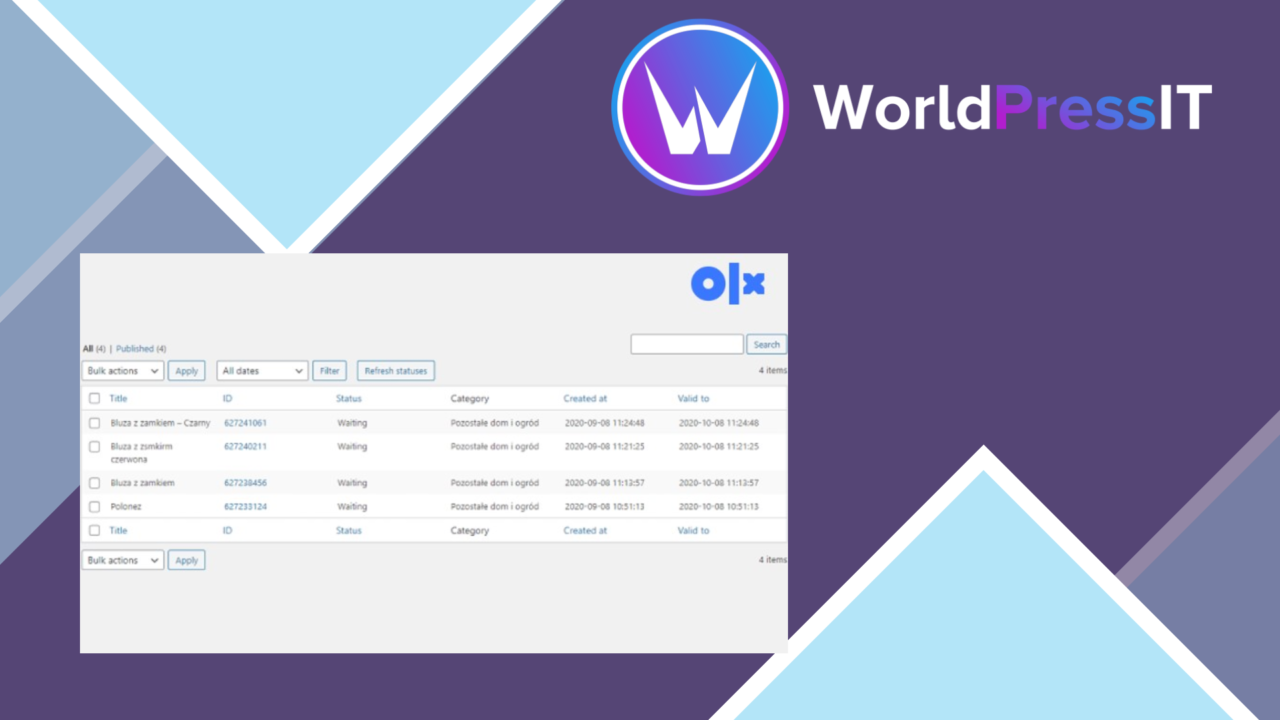
OLX WooCommerce connects a WooCommerce store with the OLX classified ads platform, giving sellers a way to manage products and listings from a shared workflow. Its intended audience includes entrepreneurs, small businesses and online sellers who want their WooCommerce catalogue to reach people browsing OLX, while retaining store-side controls for products, orders and enquiries.
A bridge to OLX
The plugin is built around the practical problem of maintaining product listings across a store and a classified ads service. Automatic synchronization keeps listings connected between WooCommerce and OLX, reducing the need to recreate every product by hand. That is particularly relevant for sellers with a changing catalogue, or for a marketplace-style site where several users need to create and manage their own offers.
The vendor also positions the plugin for user-to-user transactions and multi-vendor use. That gives it a broader remit than a simple product export tool: the WooCommerce site can act as the management point for listings, orders and customer conversations while OLX provides another place for products to be discovered.
Listing management
The feature set covers the main tasks involved in running a listing-based shop:
- WooCommerce integration for managing products alongside the store catalogue.
- Automatic synchronization of listings between WooCommerce and OLX.
- Customizable listing templates for presenting products in line with the site’s visual identity.
- Advanced search filters to help visitors narrow products and find relevant listings.
- Support for multiple currencies and payment gateways.
- A dashboard for listings, orders and customer enquiries.
These features make the product suitable for a site that needs more than a static feed to OLX. Search filters address the browsing side of the marketplace, while templates help keep listings from feeling disconnected from the rest of the site. Currency and payment support also give sellers room to serve customers with different transaction requirements.
Reports and control
Built-in analytics add a reporting layer to the listing workflow. Sellers can use the stated performance and sales metrics to identify which listings attract attention and how products are performing. The dashboard brings listings, orders and enquiries into one administrative view, which is useful when marketplace activity would otherwise be split between several screens.
This is best understood as operational reporting attached to the store rather than a replacement for a specialist analytics platform. Its value lies in keeping listing performance close to product management, where an editor or seller can act on the information without changing tools.
What to weigh
OLX WooCommerce introduces a second listing environment, so synchronization is both its main benefit and an ongoing responsibility. WooCommerce and OLX still represent separate systems, and the available description does not explain how conflicting edits, failed synchronization or unusual listing fields are handled. Stores with a large or frequently changing catalogue should treat those details as important questions before building their entire workflow around the connection.
The plugin also brings several areas together—multi-vendor activity, product management, search, payments and analytics—but the vendor copy gives little detail about the depth of each area. Built-in metrics are convenient, yet businesses needing detailed reporting will need to establish whether the included sales and listing measures cover their decisions. Custom templates can keep listings on-brand, although creating a consistent presentation across a store and an external classified platform requires attention to both sets of content.
Who it suits
OLX WooCommerce fits sellers who already rely on WooCommerce and want OLX included in their product distribution process. It is a sensible shortlist candidate for small businesses, individual sellers and marketplace operators that need shared listing management, customer enquiry handling and basic performance visibility. The strongest case is a catalogue-led business where reducing duplicate listing work matters. Sites that need tightly controlled cross-platform data handling or advanced analytics should first clarify the synchronization and reporting boundaries.
The verdict
Download OLX WooCommerce and see for yourself
You get the full OLX WooCommerce release (v2.1.36), ready to install, plus every update that follows. One click and it is yours.
Download OLX WooCommerce v2.1.36- Instant download
- Original developer files
- Updated 15 Sep 2026
Related reviews
Browse all
WP MAPS PRO
Interactive Google Maps for WordPress sites, with custom markers, directions, filters and location listings for business…
Paid Memberships Pro – Member Directory Add On
A member directory add-on for Paid Memberships Pro, with searchable profiles, privacy controls, grid or list layouts, an…

JobSearch
A WordPress job board for publishing vacancies, collecting CVs, managing employer applications, and helping candidates f…