OpenAI Chatbot for WordPress
An AI chat widget for WordPress that answers visitor questions, supports normal and AI bot modes, and tracks interactions for a clearer view of user engagement.
Instant access Original unmodified files Free future updates
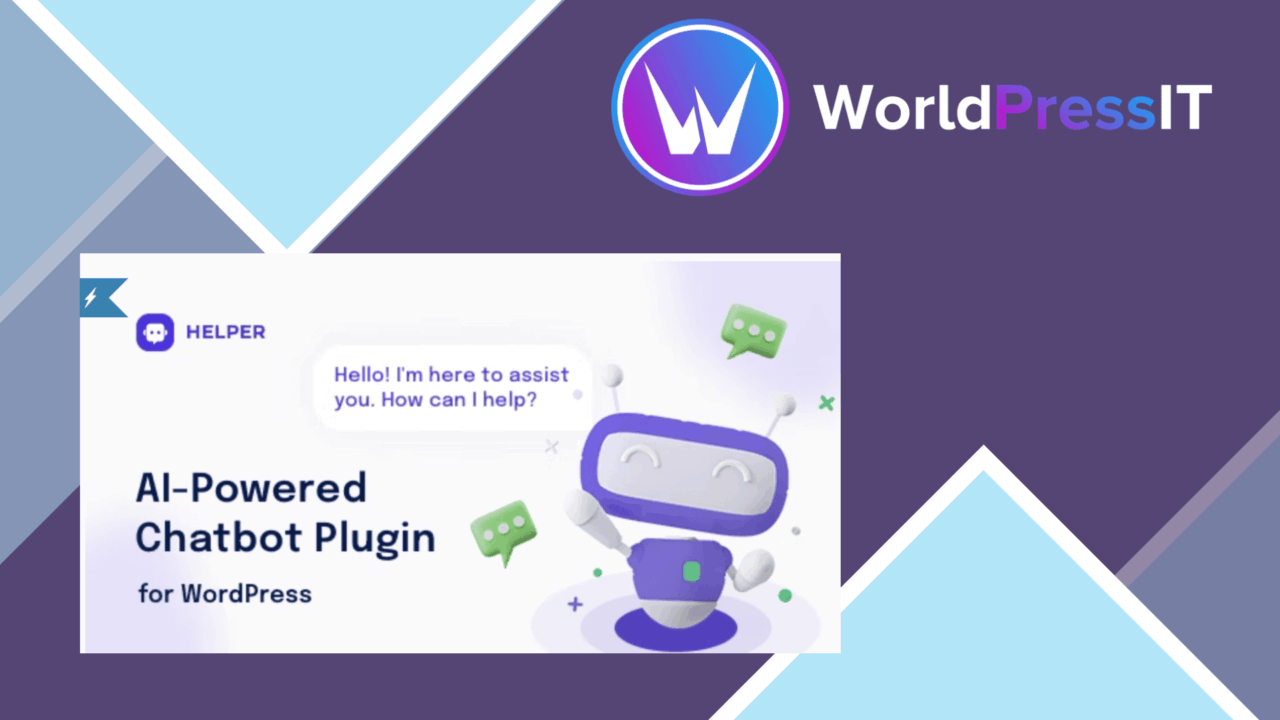
OpenAI Chatbot for WordPress – Helper adds a conversational interface to a WordPress site, with support for both a standard chatbot and an AI Bot powered by OpenAI GPT-3, also known as ChatGPT. Its intended role is practical rather than decorative: answer questions about site content or products, provide customised replies, and handle common difficulties before they reach a member of staff.
Chat-led support
The plugin fits sites where visitors repeatedly ask about services, products, or basic site information. The AI Bot interprets user queries and produces context-aware responses, giving an e-commerce site, blog, or service provider a way to keep information available outside normal working hours. The normal chatbot option also matters. Not every conversation needs generative AI, so having both chatbot types leaves room for a simpler interaction model alongside the AI-driven one.
This is a front-line support tool, not a replacement for every customer-service process. It handles recurring questions and first responses, while more involved enquiries still need a person or another workflow behind them. Used for that narrower purpose, the product has a clear job: reduce the number of routine questions that require manual replies.
Useful building blocks
The feature set covers the parts that determine whether a chat widget feels appropriate on a particular site:
- AI-powered responses generated through OpenAI technology, with attention to the context of a visitor’s question.
- Customisable chat interface options for matching the site’s branding and visual style.
- Multi-language support for communicating with visitors in more than one language.
- Shortcode support for placing the chatbot in posts, pages, or widgets.
- Compatibility with WordPress themes and plugins, supporting use across different site setups.
- An analytics dashboard for tracking user interactions and engagement metrics.
Shortcodes are especially useful when a floating chat element is not the right fit. A site owner can place the conversation in a relevant product page, help page, or widget area instead. The design controls serve a similarly practical purpose: the interface does not have to sit apart from the rest of the site’s visual system.
What the dashboard adds
The analytics dashboard gives the plugin a purpose beyond answering messages. Interaction and engagement data helps site owners identify how visitors use the chatbot and which questions are drawing attention. An editor reviewing product enquiries, for example, gets a starting point for improving customer information or deciding which recurring answers deserve a permanent place on the site.
The reporting description is limited to interactions and engagement metrics, so this should be treated as a chatbot activity view rather than a full measurement system for the business. Its value lies in showing how the chat feature is being used, not in replacing wider analytics or customer-service reporting.
Where it falls short
AI-generated answers bring an unavoidable accuracy trade-off. A response that sounds natural is not automatically the right response for a product, policy, or technical question. Important information still needs review, particularly when the chatbot is speaking on behalf of a business. The vendor copy describes context-aware answers, but it does not specify how content is selected, refreshed, or controlled, so expectations about detailed knowledge management should stay measured.
The two chatbot modes add flexibility, but they also introduce a configuration choice. A site owner has to decide which questions suit a normal bot and which justify AI-generated replies. The analytics dashboard is another convenience layer rather than proof that the chatbot is improving sales, satisfaction, or resolution rates; interaction counts alone do not establish answer quality. Finally, the available description does not set out the depth of the language controls or the extent of interface customisation, so sites with strict brand or multilingual requirements should check those details before committing.
Who it suits
OpenAI Chatbot for WordPress – Helper suits site owners who want a visible way to answer routine visitor questions without building a chat system from scratch. It has a sensible fit for shops handling product enquiries, blogs receiving repeated questions, and service sites that need basic assistance available around the clock. Shortcode placement and interface customisation support more deliberate page layouts, while multilingual communication broadens the audience the site can address.
It is less suitable as a standalone customer-service strategy or as a source of unsupervised authority on sensitive information. The strongest use case is a guided first response: let the chatbot handle common enquiries, review the interaction patterns, and use those patterns to improve the site’s information and support process.
The verdict
Download OpenAI Chatbot for WordPress and see for yourself
You get the full OpenAI Chatbot for WordPress release (v1.1.4), ready to install, plus every update that follows. One click and it is yours.
Download OpenAI Chatbot for WordPress v1.1.4- Instant download
- Original developer files
- Updated 24 Nov 2026
Related reviews
Browse all
WeePie Cookie Allow
Cookie consent management for WordPress, with configurable banners, category-level choices, cookie scanning, multilingua…
PublishPress Series Pro
Groups related WordPress posts into navigable series while adding editorial statuses, scheduling, notifications and role…
Embed Any Document Plus
Embed PDFs, Word files, presentations and spreadsheets inside WordPress, with responsive viewing, shortcode controls and…