Order Tracking for WooCommerce
Order status and carrier updates brought into the WooCommerce experience, with a branded tracking page, customer emails and shipment history.
Instant access Original unmodified files Free future updates
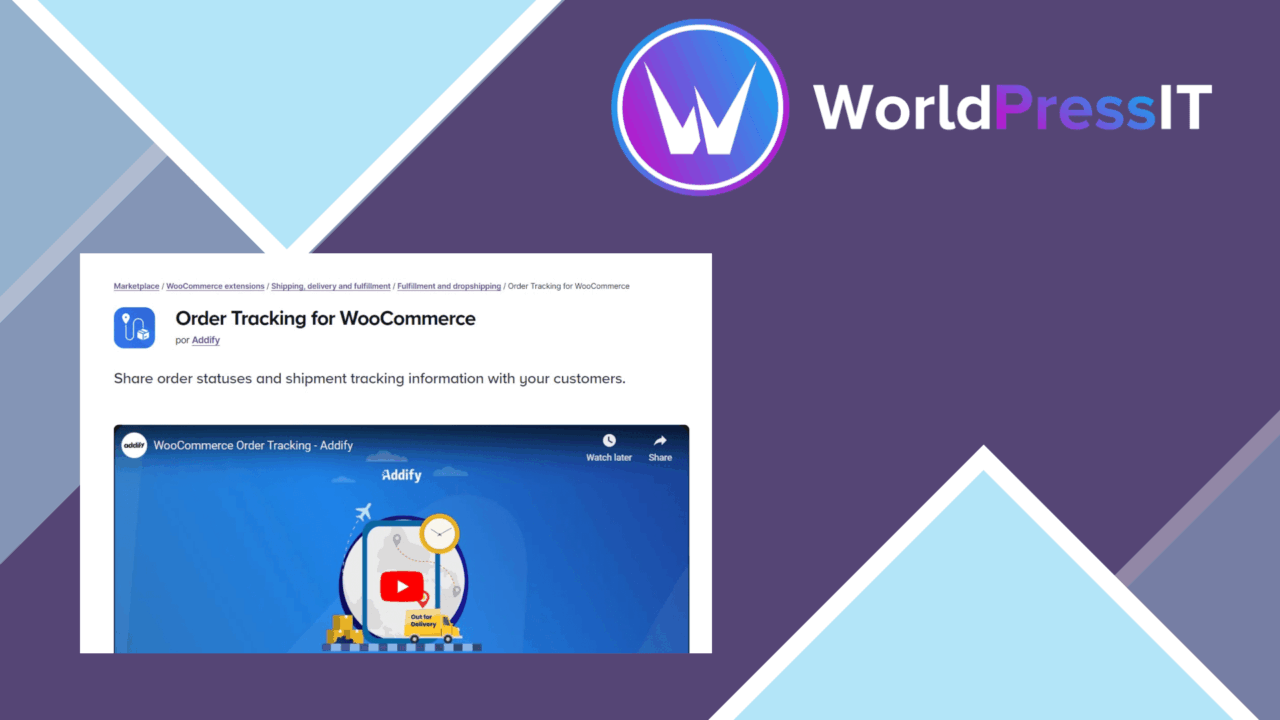
Order Tracking for WooCommerce focuses on the gap between checkout and delivery. It gives customers a place to check the status of their purchases and brings tracking information into the WooCommerce dashboard, reducing the need to ask the store for routine order updates. The feature set is aimed at stores that want post-purchase communication to sit within the existing shop rather than sending customers to a separate tracking service.
Order visibility
The central feature is real-time tracking information from major shipping companies. Store owners manage tracking options from the WooCommerce dashboard, while customers receive a view of the current order status. That arrangement gives the shop a clearer role in the delivery experience: the customer returns to the store to follow an order instead of relying only on a carrier page.
The plugin also keeps order status history available to customers. That matters for shipments with several updates, because a current label alone does not explain how the order reached its present stage. A history view gives the customer a record of earlier tracking information and makes the tracking page more useful after the first delivery update.
Customer tracking page
The tracking page is customisable so it can match the store’s branding. That is a practical touch for shops that want order support to feel like part of the same site as the catalogue and checkout. The design is described as mobile-friendly, which suits customers checking delivery progress from smartphones and tablets rather than from a desktop account area.
- Real-time order tracking updates from the WooCommerce dashboard.
- A branded tracking page for customer-facing order information.
- Email notifications containing tracking links as orders are updated.
- Automatic tracking updates through integrations with popular shipping carriers.
- Order status history for previously recorded tracking information.
- Multi-language support for international customers.
Admin-side workflow
For the store team, the useful combination is dashboard management, carrier integration and customer email. Once an order receives an update, the customer can be directed to the tracking page through an email link. This connects the operational side of fulfilment with a customer-facing status page instead of treating them as separate tasks.
The settings are presented as straightforward, with options for managing the tracking behaviour. Multi-language support also gives international stores a way to present tracking information to customers in more than one language. The vendor does not provide a detailed list of supported languages or explain how translations are managed, so that part needs checking against the store’s requirements.
What to weigh
The first trade-off is carrier coverage. The plugin refers to popular shipping carriers, but the available carrier list and the exact integration depth are not specified. A store whose fulfilment depends on a less common carrier should confirm coverage before making this part of its customer service process.
The second trade-off is that real-time information relies on updates reaching the connected carrier integration. The plugin presents automatic updates as a feature, but it does not describe polling intervals, exceptions, failed updates or how conflicting order statuses are handled. That leaves the store responsible for checking how tracking behaves across its actual delivery network.
There is also a configuration choice between a branded tracking page and the store’s existing order-account experience. The custom page offers a focused destination, while a shop with a heavily tailored customer area may need to decide how the two experiences should relate. Email notifications add another customer contact point, but they also require clear update rules to avoid sending messages for every minor status change.
Who it suits
Order Tracking for WooCommerce is a sensible fit for stores that receive frequent “where is my order?” enquiries and want customers to find delivery information on-site. Its strongest case is a WooCommerce shop using supported carriers, serving mobile customers and needing a branded tracking page with email links and status history.
It is less immediately suited to a business that needs detailed carrier controls, a documented carrier matrix or advanced exception handling. The vendor description establishes a useful customer-facing tracking layer, but not the depth of its carrier administration. For the right delivery setup, it concentrates the essential post-purchase information in one place without turning order tracking into a separate customer service process.
The verdict
Download Order Tracking for WooCommerce and see for yourself
You get the full Order Tracking for WooCommerce release (v1.2.3), ready to install, plus every update that follows. One click and it is yours.
Download Order Tracking for WooCommerce v1.2.3- Instant download
- Original developer files
- Updated 4 Nov 2026
Related reviews
Browse all
Custom Order Status
Create WooCommerce order statuses for manual or trigger-based workflows, with clearer labels, descriptions and email not…

Image Watermark for WooCommerce
Adds adjustable text or image watermarks to WooCommerce product photographs, with batch processing and automatic applica…

Advanced Product Fields for WooCommerce Pro
Add text inputs, selectors, swatches and other product options to WooCommerce, with conditional display, validation and…