Oxygen Gutenberg Integration
Connects Oxygen Builder with Gutenberg so pages, reusable blocks, custom fields and post types can be shaped through a shared editing workflow.
Instant access Original unmodified files Free future updates
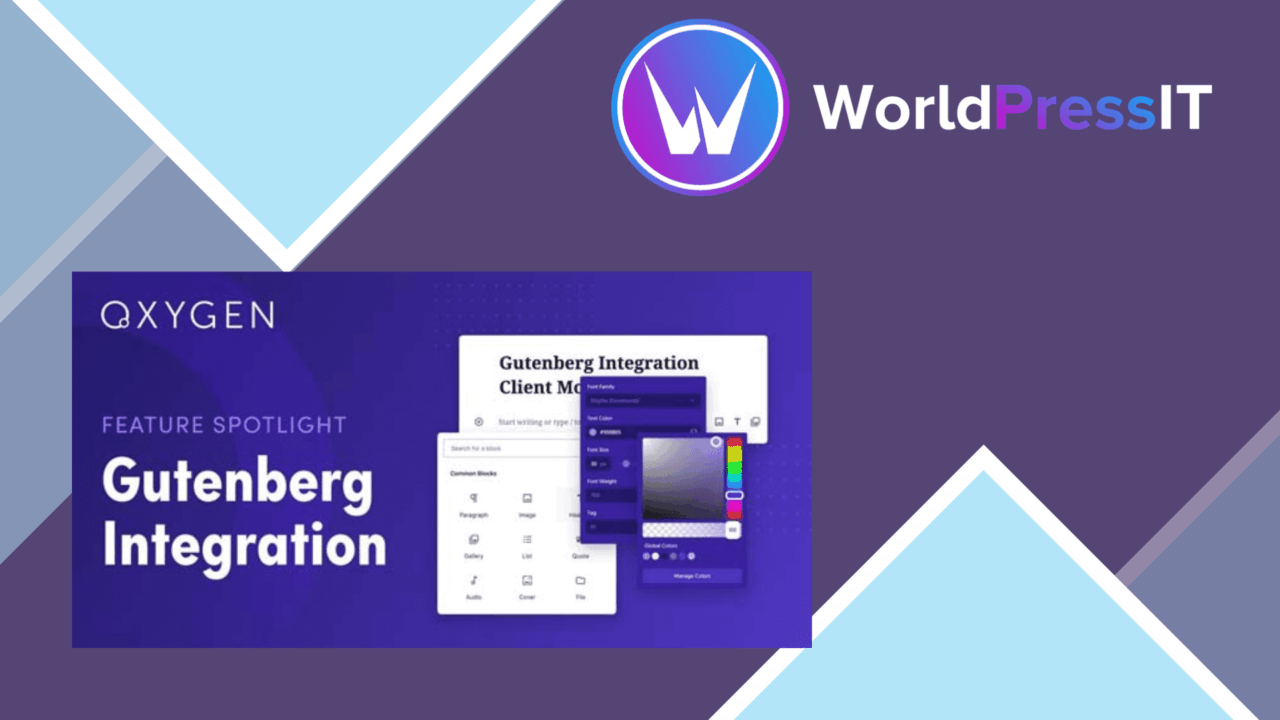
Oxygen Gutenberg Integration connects Oxygen Builder with the Gutenberg editor, giving WordPress teams a way to combine Oxygen’s layout work with Gutenberg’s block-based editing. Its focus is not a separate page-building system, but a bridge between two existing ways of building and managing content.
Two editors, one workflow
The central idea is to design complete pages or individual blocks in Oxygen, then use those layouts directly in Gutenberg. That division gives a designer room to work on structure and presentation while keeping block-based content in the editor familiar to WordPress users. The result is a workflow suited to sites where visual layout and day-to-day publishing need to coexist rather than be handled in separate areas.
Reusable building blocks
Custom block creation is the most practical feature in the set. A site team can create reusable components tailored to its own content needs instead of rebuilding the same arrangement for every page. This is particularly useful for recurring page elements, branded content sections and structured layouts that need to appear in more than one place.
- Design full pages or individual blocks with Oxygen and use them in Gutenberg.
- Create reusable custom components for repeated content patterns.
- Display custom fields and post types through dynamic data in Gutenberg.
- Use the integration alongside popular WordPress themes and plugins.
- Work through an interface intended to accommodate both beginners and experienced users.
Dynamic content support
Support for dynamic data gives the integration a more specific role than simply placing Oxygen-designed visuals inside the editor. Custom fields and post types can be displayed directly in Gutenberg, which suits sites built around structured content rather than only fixed pages. A developer can define the content model while editors work with the resulting blocks and layouts in the publishing interface.
This also gives the tool a useful connection to projects that rely on custom WordPress data. The vendor specifically identifies custom fields and post types, so its value is clearest on sites where those structures are already part of the publishing process.
What to weigh
The main trade-off is the added complexity of combining two editing systems. Oxygen and Gutenberg each introduce their own way of thinking about layouts, blocks and content, so a team needs clear rules about which editor owns which part of a page. Without that agreement, reusable components and dynamic content can make the workflow harder to understand rather than simpler.
Compatibility is another point to treat carefully. The plugin is described as working with popular themes and plugins, including support for dynamic WordPress content, but the vendor does not identify a compatibility matrix. Sites using less common extensions should therefore allow time for their own checks. The integration also makes most sense for an existing Oxygen workflow; teams committed to Gutenberg alone have little reason to add another builder into the process.
Who it suits
Oxygen Gutenberg Integration fits developers and designers who want Oxygen’s design controls alongside Gutenberg’s editing model. It is a sensible match for content-heavy WordPress sites that use custom fields, post types and repeated page components, especially when different people handle design and publishing.
Beginners may appreciate the stated focus on an easy-to-use interface, while advanced users gain custom blocks and dynamic data to work with. The accompanying documentation, support and regular improvements are useful additions, but the product’s real appeal rests on whether a site genuinely needs both Oxygen and Gutenberg. For a two-editor workflow with structured content, it addresses a defined problem; for a simple Gutenberg site, it adds a layer that may not be necessary.
The verdict
Download Oxygen Gutenberg Integration and see for yourself
You get the full Oxygen Gutenberg Integration release (v1.4.6), ready to install, plus every update that follows. One click and it is yours.
Download Oxygen Gutenberg Integration v1.4.6- Instant download
- Original developer files
- Updated 30 Sep 2026
Related reviews
Browse all
Toolset Blocks
Build custom WordPress layouts, templates, archives and searches with visual blocks that connect to custom fields and dy…

Piotnet Addons For Elementor Pro
Elementor gains extra widgets, form controls, dynamic content tools and templates for building more tailored WordPress p…

Element Pack Addon for Elementor
A broad Elementor widget suite for grids, tabs, carousels, branded headers and footers, responsive layouts, templates, m…