Paid Memberships Pro
Connects Paid Memberships Pro with WooCommerce to restrict products by membership level, offer member discounts and handle membership purchases through checkout.
Instant access Original unmodified files Free future updates
Paid Memberships Pro – WooCommerce Add On connects a membership system with a WooCommerce shop, so membership status can influence what customers see and pay for. It is aimed at sites selling exclusive goods, subscription options or member-only offers, with membership levels and store products managed as part of the same commercial setup.
The integration
The add-on brings Paid Memberships Pro membership data into the WooCommerce purchasing flow. Instead of treating the shop and membership programme as unrelated parts of the site, administrators can associate membership levels with products and discounts. That gives a store a clear way to recognise existing members while also presenting membership products during checkout.
This is useful for businesses that sell access and merchandise together. A customer might join a membership level, receive a different product price, and then shop from a catalogue containing items reserved for that level. The integration is focused on connecting those steps rather than replacing either WooCommerce or Paid Memberships Pro.
Member commerce
The strongest part of the proposition is its focus on differentiated purchasing. The vendor describes controls for:
- Restricting product availability to selected membership tiers.
- Applying member-only discounts and dynamic pricing.
- Offering subscription options through the WooCommerce store.
- Automating membership product purchases during checkout.
- Promoting member-specific upsells and cross-sells.
These tools give an administrator several ways to use membership status commercially. Exclusive products create a reason to join, while reduced or otherwise tailored pricing gives existing members a reason to return. Upsells and cross-sells also provide a way to shape the catalogue around the customer’s membership level instead of presenting identical offers to every shopper.
Levels and products
Synchronization between membership levels, WooCommerce products and discounts is central to the add-on. That model suits stores with a tiered programme: each level can be connected to a different set of products or purchasing conditions, and the shop can reflect those distinctions in its offers.
The arrangement also supports a more unified administrative workflow. Membership management and sales remain connected rather than requiring a separate process for member benefits and WooCommerce orders. For a subscription-based service or a shop selling goods to a defined community, that connection is more useful than a generic discount feature because it links the offer to the customer’s membership tier.
What to weigh
The first trade-off is dependency: this add-on only makes sense alongside both Paid Memberships Pro and WooCommerce. A site choosing a different membership system or a different commerce platform would not get value from it, and operating two connected systems introduces more configuration than running either one alone.
The second reservation is the level of detail available in the product description. It names tier-based access, dynamic pricing, discounts and checkout purchases, but does not explain the available rule conditions, how conflicting membership benefits are resolved, or which subscription arrangements are supported. Those details matter before building a complex catalogue around the integration.
Who it suits
Paid Memberships Pro – WooCommerce Add On fits membership sites that already sell products or want their store to become part of the membership offer. It is particularly relevant to businesses with exclusive goods, tiered access, recurring offers or member-focused merchandising. Sites that only need a basic shop, or that do not distinguish customers by membership level, have less reason to introduce this connection.
For the right setup, its value lies in turning membership levels into practical shopping rules: who can buy a product, what they pay, and which related offers appear during the purchase. The product description supports that use case clearly, while more advanced stores should confirm the exact rule and subscription behaviour required for their catalogue.
The verdict
Download Paid Memberships Pro and see for yourself
You get the full Paid Memberships Pro release (v1.10.2), ready to install, plus every update that follows. One click and it is yours.
Download Paid Memberships Pro v1.10.2- Instant download
- Original developer files
- Updated 13 Oct 2026
Related reviews
Browse allGetPaid
Paid trials let visitors try subscriptions, courses, or digital downloads for a limited fee, with trial settings, paymen…
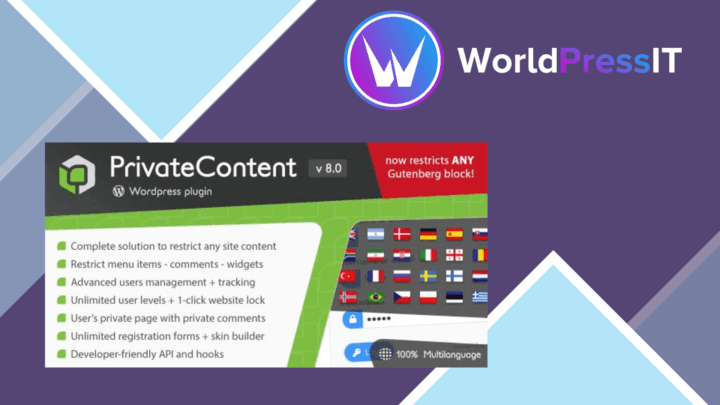
PrivateContent
Content access rules for membership sites and courses, with multiple user levels, registration management, shortcodes an…

LearnPress Certificates Add-on
Issue branded completion certificates from LearnPress with drag-and-drop layouts, course data fields, PDF output and aut…