PDF Embedder Premium
Embed PDFs inside WordPress pages with a responsive viewer, page navigation, zoom, annotations and optional access controls for readers.
Instant access Original unmodified files Free future updates
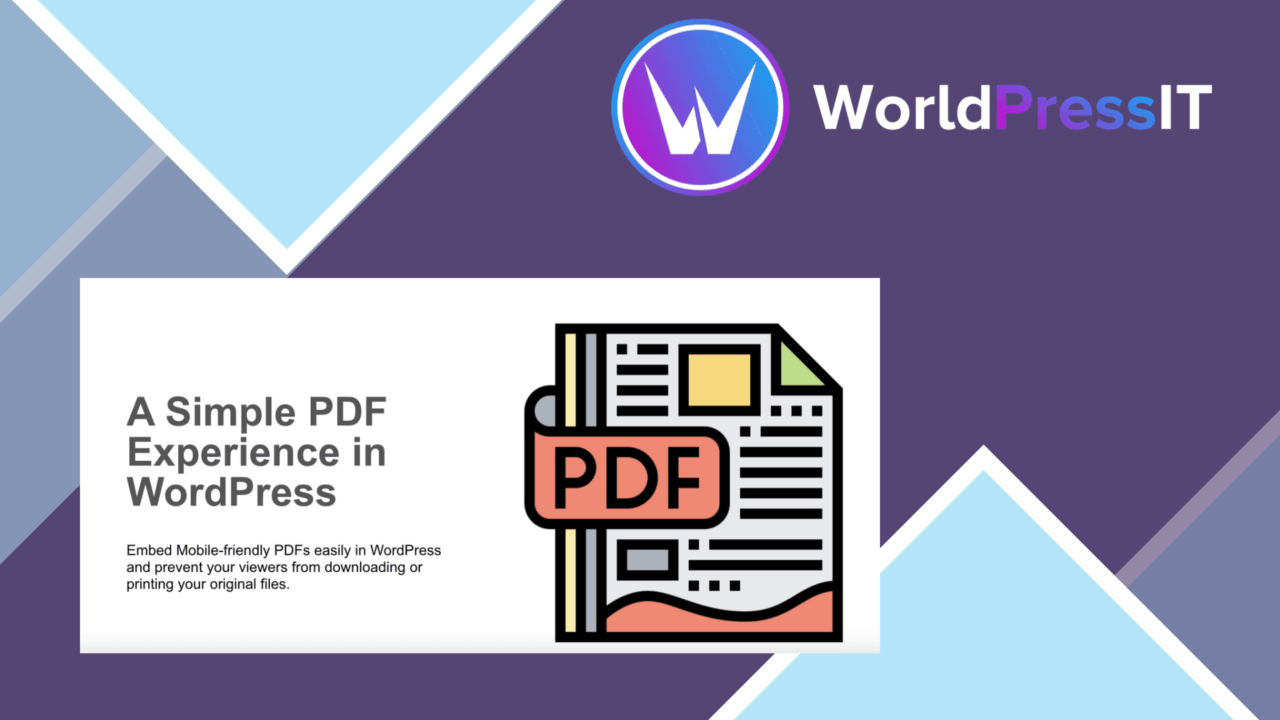
PDF Embedder Premium places PDF documents inside WordPress pages rather than sending readers to a separate file view. Its main job is presentation: visitors read the document in a responsive viewer that adjusts across desktop, tablet and mobile screens, while site owners retain control over the viewer’s navigation and access options.
Readable document viewing
The responsive viewer is the centre of the plugin. A PDF embedded in a post, page or custom post type is presented within the site instead of requiring a separate download before reading. That suits course notes, business documents and other material where the first priority is letting visitors inspect the contents in context.
Mobile support is particularly relevant for longer documents. The viewer is described as adjusting to different screen sizes, so the same embedded file is intended to remain usable on phones as well as larger displays. This does not change the PDF itself, but it gives the document a consistent place within the page layout.
Shortcode-based embedding
Embedding uses a shortcode, which keeps the basic workflow familiar to WordPress administrators. The shortcode works in posts, pages and custom post types, giving the same document-viewing approach room to fit editorial content, member material or custom content structures.
This approach is practical for sites that already organise documents through WordPress content types. It also avoids tying the viewer to one page-building workflow. The listing identifies compatibility with popular themes and plugins, although it does not specify a complete compatibility matrix or individual integrations.
Toolbar and annotations
The toolbar is configurable and covers the controls readers usually need when working through a PDF:
- Zoom controls for inspecting small text or detailed pages.
- Page navigation for moving through longer documents.
- Printing controls for readers who need a paper copy.
- A download option for offline access.
- PDF annotations, including highlighting and commenting.
Annotations make the plugin more than a passive document frame. A reader can mark material and add comments directly to the document view, which gives educators and reviewers a reason to consider it over a minimal embedded file link. The toolbar also leaves the site owner with choices about how much of the standard PDF workflow to expose.
Access control
PDF Embedder Premium includes file-management settings for restricting access to particular user roles or logged-in users. That is useful when a document belongs inside a member area or should not be shown to every visitor. It places the access decision alongside the embedded document rather than treating every PDF as public content.
The feature list also mentions automatic updates and compatibility with popular WordPress themes and plugins. Those details point to a plugin intended to sit inside an existing WordPress installation rather than operate as a standalone document service.
What to weigh
The viewer’s convenience does not equal complete control over the file. The same feature set that supports an in-page reading experience includes download and print options, so the plugin is not a strict barrier against readers keeping or reproducing a document. It is better understood as a way to discourage casual downloading while still offering useful reader controls.
Annotations also introduce a practical limitation: they are valuable only when the audience has a reason to mark up or comment on a PDF. For a site that only needs a simple, static document preview, the annotation and toolbar features add decisions without changing the underlying file. Access restrictions are likewise useful for role-based content, but they do not remove the need to manage WordPress users and document permissions carefully.
Who it suits
This plugin fits site owners who publish PDFs as part of the page experience rather than as bare links. Educators can present course documents with highlighting and comments, while businesses can place reference material beside related WordPress content and limit selected files to logged-in readers.
It is less compelling when every PDF should remain a straightforward downloadable asset or when the site needs a narrowly defined document-management system. For those cases, the responsive viewer, shortcode placement and access settings address more than the basic requirement. Its strongest use is a WordPress site that wants embedded reading, familiar controls and selective access in one document viewer.
The verdict
Download PDF Embedder Premium and see for yourself
You get the full PDF Embedder Premium release (v5.3.2), ready to install, plus every update that follows. One click and it is yours.
Download PDF Embedder Premium v5.3.2- Instant download
- Original developer files
- Updated 21 Nov 2026
Related reviews
Browse all
Formidable
Turn Formidable Forms entries into responsive tables, lists, charts and graphs, with shortcodes, styling controls and up…
PDF viewer for WordPress
Embed PDFs in WordPress with a responsive reader, search, downloads and annotations for ebooks, manuals, catalogues, rep…
AI Power
AI-powered content creation, SEO suggestions, visitor chatbots and user-behaviour insights gathered in one WordPress plu…