Perfect WooCommerce Brands
Manage WooCommerce brands with logos, grid or list displays, product-page labels and brand filtering to give shoppers another route through your catalogue.
Instant access Original unmodified files Free future updates
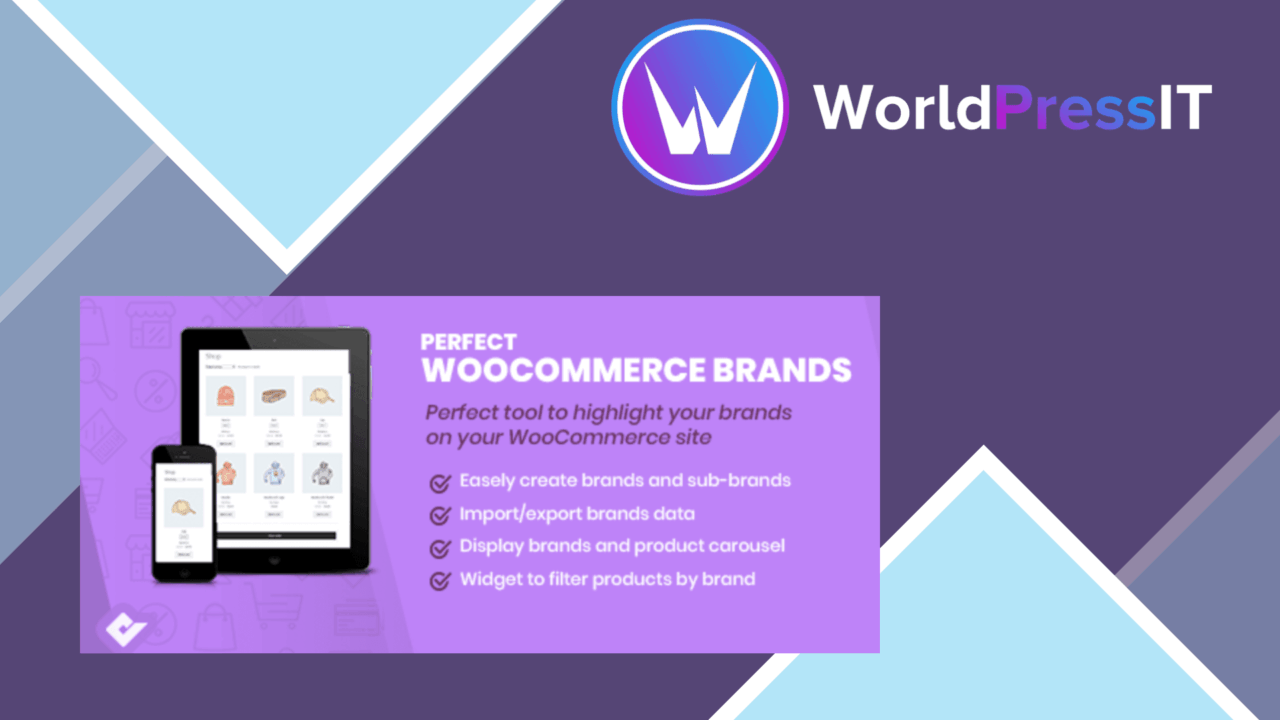
Perfect WooCommerce Brands adds a dedicated brand layer to a WooCommerce catalogue. It is aimed at stores where manufacturers or labels matter to the buying decision, giving shoppers another way to browse beyond the standard product categories. The plugin brings together brand management, visual presentation and brand-based navigation rather than treating a brand name as plain text on a product page.
Build a brand catalogue
The starting point is a management interface for adding and editing brands. Each brand can have its own logo or image, which gives the catalogue a more recognisable visual structure than a text-only list. For stores carrying products from several manufacturers, that distinction helps separate the people or companies behind the products from the products themselves.
Brand organisation also supports product categorisation by manufacturer or label. That is useful for a shop where customers arrive knowing the brand they want, or where a brand directory is part of the expected shopping journey. The feature is narrower than a full catalogue-management system, but it addresses a clear WooCommerce gap: making brand information visible and usable across the shop.
Present brands clearly
Display options cover both grid and list layouts, so the presentation can match the amount of information each brand needs. A grid suits logo-led browsing, while a list keeps the page more compact when the store has a large number of brands. The plugin also supports dropdown menus, thumbnails and widgets, giving the same brand data several places to appear.
- Add and edit brands through a dedicated interface.
- Attach logos and images to create a more recognisable brand directory.
- Display brands in grid or list layouts.
- Use dropdown menus, thumbnails and widgets for brand navigation.
- Show brand information on WooCommerce product pages.
Responsive behaviour is part of the stated design, so these presentations are intended to remain usable across different device sizes. Brand visibility on the product page is particularly practical: shoppers can identify the manufacturer while reviewing an item instead of returning to a separate directory.
Help shoppers filter
Brand filtering gives customers a direct route to matching products. This is more useful than a decorative logo wall because it connects the brand directory to the catalogue itself. A shopper interested in one label can narrow the product selection by brand, while a shopper still comparing options gets a clearer overview of the available manufacturers.
SEO-friendly URLs for brand pages add a second use for the structure. Each brand page is intended to be more than an internal filter, with a URL that supports search visibility. The result is a brand-focused entry point alongside product and category pages, although its value depends on the quality and completeness of the information assigned to each brand.
What to weigh
The plugin adds another layer of shop organisation, and that layer needs maintenance. Every brand requires accurate naming, suitable imagery and sensible product assignments; a neglected brand directory will look incomplete even if the product catalogue itself is well managed. Stores with only a few labels may find the extra structure unnecessary.
There is also a presentation trade-off. Grid, list, dropdown, thumbnail and widget placements provide choice, but they also create more decisions about where brand navigation belongs and how much of it the storefront should show. The vendor states compatibility with major WooCommerce themes and plugins, yet the available information does not identify every theme or integration, so stores with heavily customised layouts should account for that uncertainty before making brands a central navigation element.
A focused WooCommerce addition
Perfect WooCommerce Brands suits stores where brand recognition influences browsing: fashion retailers, electronics shops, parts catalogues and other multi-manufacturer shops all fit the basic use case. Its strongest contribution is consistency. Brands have a home, a visual identity, a product-page presence and a filtering route instead of appearing as isolated labels.
It is less compelling for a small shop that sells under one house label or has no reason to let customers browse by manufacturer. For the right catalogue, though, the combination of logos, brand pages, filters and multiple display formats makes brand navigation a defined part of the WooCommerce experience rather than an afterthought.
The verdict
Download Perfect WooCommerce Brands and see for yourself
You get the full Perfect WooCommerce Brands release (v3.5.7), ready to install, plus every update that follows. One click and it is yours.
Download Perfect WooCommerce Brands v3.5.7- Instant download
- Original developer files
- Updated 21 Oct 2026
Related reviews
Browse all
WooCommerce Direct Checkout PRO
Bypasses the WooCommerce cart and sends shoppers towards checkout, with field controls, guest purchasing and post-checko…
WooCommerce Checkout Manager PRO
Customise WooCommerce checkout fields, validation and conditional visibility to collect the right customer details witho…

WooCommerce Photography
Sell prints, digital downloads, and photography services from WordPress with galleries, lightbox viewing, watermarking,…