Pixzlo
A portfolio-focused WordPress theme for creative professionals, with responsive layouts, imported demos, visual page building and several ways to present client work.
Instant access Original unmodified files Free future updates
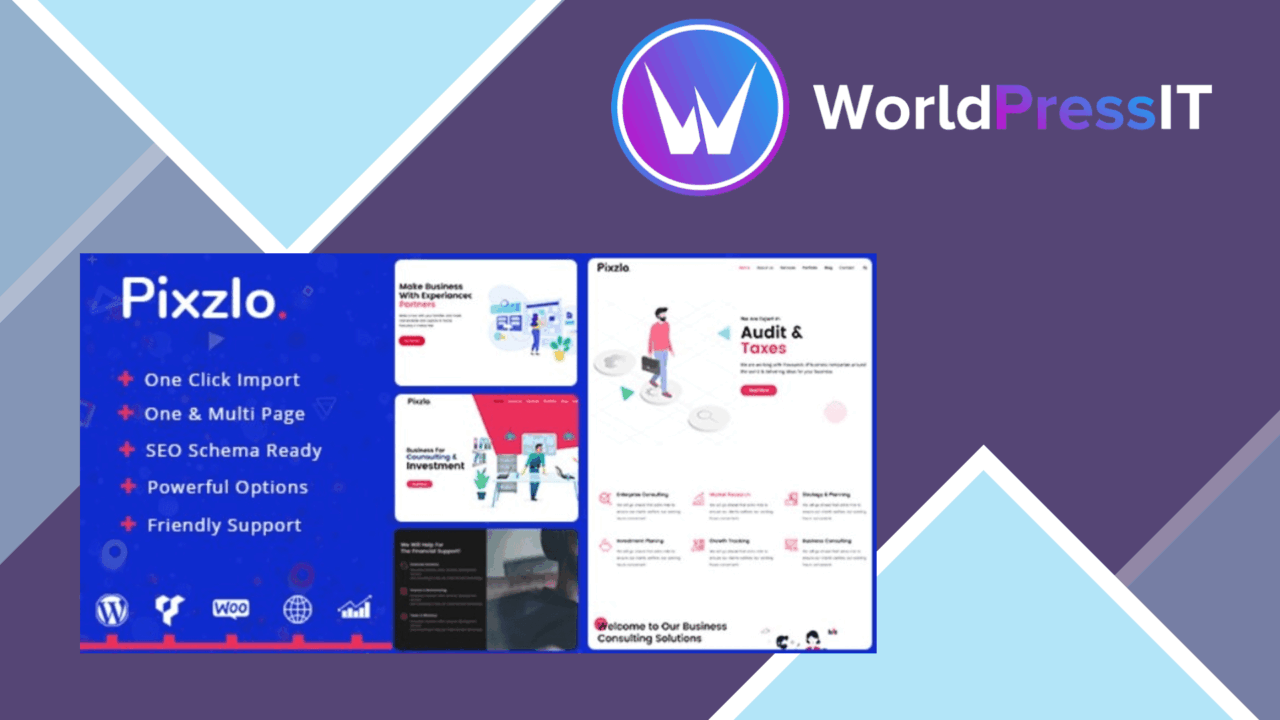
Pixzlo is a portfolio-focused WordPress theme for designers, photographers, artists and other creative professionals who need a site that puts finished work near the centre of the experience. It also targets startups, IT companies, digital marketing firms and company websites, so its scope reaches beyond a personal portfolio. The theme combines pre-built layouts, a visual page-building workflow and an options panel intended to keep most customisation inside WordPress rather than in code.
Portfolio-first structure
The strongest part of Pixzlo is its range of presentation options for project work. A portfolio can be arranged as a grid, slider or masonry layout, giving a photographer a different starting point from a designer with a larger set of case studies. These formats address a practical problem: the same work often needs different spacing, ordering and visual emphasis depending on the project.
Its responsive design is aimed at keeping those layouts usable across desktops, tablets and smartphones. That is important for image-heavy pages, where a layout that works only on a wide monitor quickly becomes a liability. The vendor also describes the theme as SEO-friendly, although that should be treated as a structural starting point rather than a substitute for careful content, metadata and search work.
Flexible page building
Pixzlo uses Visual Composer as its page builder and advertises 260 building pieces. That gives editors a large set of sections and components to assemble on a homepage or service page without hand-coding every block. The listing also describes drag-and-drop arrangement for homepage content, which suits users who want to adjust the order of sections visually.
The theme additionally claims compatibility with Elementor, giving buyers another named route for building layouts. That is useful for sites with an established Elementor workflow, while Visual Composer appears to be the theme’s primary building experience. The advanced theme options panel adds a second layer of control for global styling and configuration, so routine changes do not all need to happen inside individual page layouts.
Useful starting points
Multiple pre-built demos can be imported with a single click. For a creative studio or small company, that shortens the distance between a blank installation and a recognisable site structure. The demos are most valuable as layout references: they provide a way to inspect how portfolio, service and homepage sections fit together before replacing the sample content with real work.
WooCommerce compatibility broadens Pixzlo beyond brochure sites. A creative professional could pair a portfolio with a shop for prints, products or services, while a digital firm could present its work alongside a commercial offering. The feature list names compatibility rather than specialist commerce tools, so the theme’s main contribution remains presentation rather than store management.
What to weigh
Pixzlo offers a lot of surface area, and that is also its first trade-off. Twenty-six dozen building pieces, multiple demos, portfolio formats and a separate options panel create plenty of decisions before the site has a consistent visual system. Editors who want a tightly opinionated theme will spend more time narrowing those choices.
The second reservation is the builder dependency. Visual Composer sits at the centre of the advertised workflow, while Elementor is also listed as compatible, so the editing experience is tied to page-builder tooling rather than a minimal WordPress setup. Sites assembled from many visual components also require more care when layouts are revised or content is moved between systems. Finally, responsive design and an SEO-friendly structure do not guarantee fast pages or search visibility; image preparation, content quality and the wider plugin stack still matter.
Who it suits
Pixzlo fits a creative professional who wants a visual portfolio with several display formats and a ready-made route to a complete homepage. It is also a reasonable match for a small agency, startup or digital business that needs portfolio and service content in the same theme, with WooCommerce available for a basic commercial extension. Users who prefer a lean, block-only setup or who want a theme with one fixed design direction should look closely at the builder and customisation model before committing.
The verdict
Download Pixzlo and see for yourself
You get the full Pixzlo release (v2.0.2), ready to install, plus every update that follows. One click and it is yours.
Download Pixzlo v2.0.2- Instant download
- Original developer files
- Updated 26 Oct 2026
Related reviews
Browse allRuizarch
A WordPress theme for architects and builders, with project-focused layouts, portfolio presentation, visual editing, con…
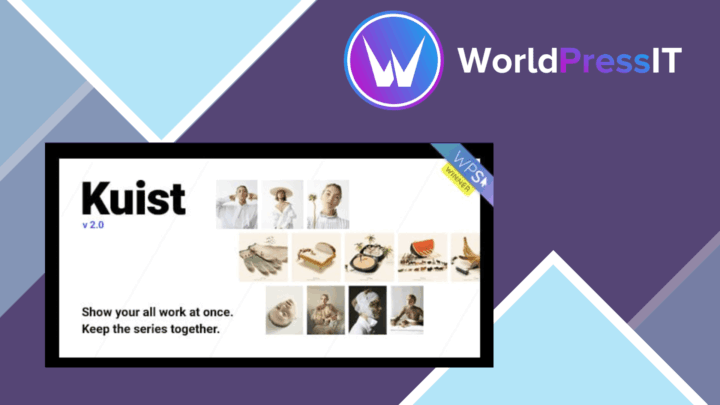
Kuist
A photography portfolio theme for presenting complete bodies of work through cohesive series, flexible galleries, and a…
Quarty
A responsive WordPress theme for architecture and interior design portfolios, with custom layouts, filtered project gall…