Profile Builder Pro
Front-end registration, profile editing and password reset forms help WordPress sites give users control over account details, roles and profile data.
Instant access Original unmodified files Free future updates
Profile Builder Pro puts user registration and profile management on the front end of a WordPress site. Its focus is practical: replace a bare registration screen with forms that match the information your site needs, then give users a place to maintain their own details. The feature set also reaches into email verification, memberships and user permissions, so it suits sites where accounts are part of the main experience rather than an afterthought.
Registration layer
The central feature is a custom registration form with drag-and-drop design. That gives site owners a way to choose and arrange the fields presented to new users instead of relying on a fixed WordPress form. Conditional logic adds another level of control: fields can appear or disappear according to a user’s selections, which is useful for separating member types or collecting different information from different audiences.
Email verification is included for checking that registrants provide valid email addresses. That is a small but important part of account administration, particularly on sites where registration leads to access, subscriptions or a public-facing profile.
Profiles from the front end
Profile editing is handled through the front end, allowing users to update their information without entering the WordPress administration area. Shortcodes provide the placement mechanism for registration forms, profile forms and user profiles, so these elements can be inserted into the pages where the surrounding content already lives.
This approach is useful for membership sites, directories and community-oriented websites that need account actions to feel like part of the public site. It also gives developers a straightforward way to place the same type of form in different templates or page layouts.
Roles and payments
Profile Builder Pro goes beyond collecting names and contact details. Custom user roles and capabilities support more deliberate permission management, letting an administrator define how different types of users are handled. The listed payment-gateway integration also points towards membership and subscription use cases, where registration and payment belong to the same account journey.
Multi-language support broadens its intended audience, while Elementor support adds another option for arranging forms and profile content. These integrations are described at a feature level, so the value will depend on the specific form structure and site workflow you need to build.
What to weigh
The breadth of the feature list is also the main trade-off. A site using conditional fields, custom roles, email verification and payment-related registration has more rules to define than one using a simple sign-up form. Administrators should plan the account flow before building it, especially where different user selections lead to different fields or permissions.
The payment feature is not accompanied by a list of supported gateways or details about subscription handling, so it should not be treated as proof that every membership payment setup is covered. The vendor summary also states that add-ons are not included, which places a boundary around the core feature set and leaves some advanced requirements dependent on separate components. Finally, multi-language support is present in the description, but no supported languages or translation workflow are specified.
Who it suits
Profile Builder Pro is a good fit for a WordPress site that needs branded front-end registration and profile editing rather than a basic login screen. It is particularly relevant to membership sites, subscription services and projects with several user roles. Developers get shortcode-based placement and configurable fields; site owners get a visual way to shape registration without asking users to work in the dashboard. For a small site that only needs standard WordPress accounts, its extra form, role and verification options may be more machinery than necessary.
The verdict
Download Profile Builder Pro and see for yourself
You get the full Profile Builder Pro release (v3.16.1), ready to install, plus every update that follows. One click and it is yours.
Download Profile Builder Pro v3.16.1- Instant download
- Original developer files
- Updated 13 Oct 2026
Related reviews
Browse allGetPaid
Paid trials let visitors try subscriptions, courses, or digital downloads for a limited fee, with trial settings, paymen…
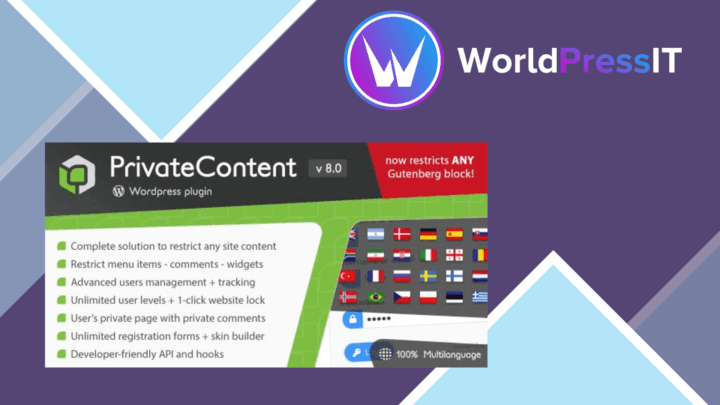
PrivateContent
Content access rules for membership sites and courses, with multiple user levels, registration management, shortcodes an…

LearnPress Certificates Add-on
Issue branded completion certificates from LearnPress with drag-and-drop layouts, course data fields, PDF output and aut…