Smart Image Resize Pro
Resizes and compresses WordPress images for consistent product photography and smaller files, with bulk processing, previews, scheduling and quality controls.
Instant access Original unmodified files Free future updates
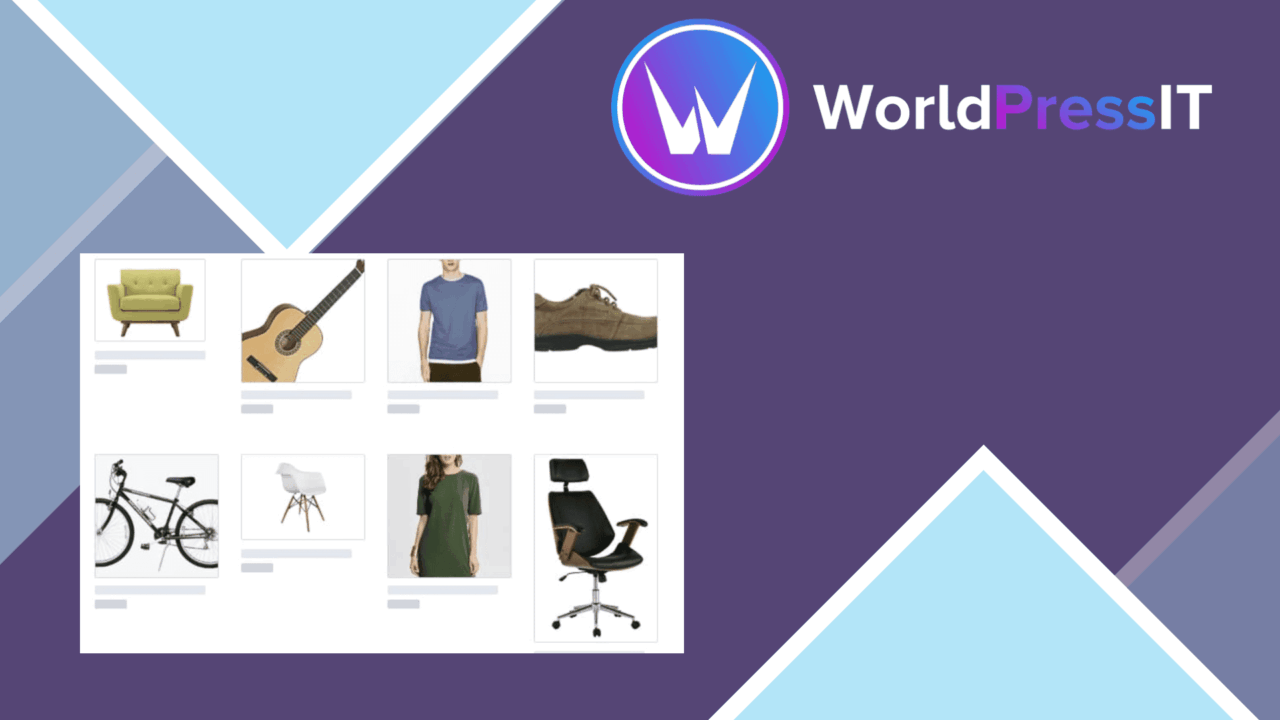
Smart Image Resize Pro handles two related image tasks: fitting images to a site’s layout and reducing the files behind them. Its most distinctive promise is consistent product photography without cropping, while its broader feature set targets image weight, repeatable processing and media-library maintenance.
Consistent image sizing
The plugin is aimed at sites where mixed image dimensions make a catalogue or content grid look untidy. Automatic resizing brings images into the dimensions required by a layout, and the vendor specifically positions the tool for uniform product photographs without cutting away part of the frame. That approach suits shops and image-led sites that need consistent presentation but still want the complete photograph visible.
Resizing is only one part of the workflow. Smart Image Resize Pro also supports JPEG, PNG and GIF files, giving it a place in media libraries that are not built around one image format. The format support is broad enough for ordinary photographs, transparent graphics and animated images, although each format brings different expectations around quality and file size.
Compression controls
Compression settings let the site owner choose how strongly to prioritise image quality or smaller files. That is more useful than treating every image identically: a product detail shot, a transparent logo and a decorative graphic do not have the same visual requirements. The plugin’s purpose is to reduce the burden of large files without sacrificing quality, but the right setting remains a judgement call for the person managing the library.
- Automatic resizing to match the site’s layout and design.
- Bulk processing for handling multiple images in one operation.
- Adjustable compression settings for balancing quality and file size.
- Support for JPEG, PNG and GIF formats.
- Real-time previews before resized images are applied.
- Scheduled optimisation for ongoing media-library maintenance.
A repeatable workflow
Bulk processing gives the plugin a practical role when an existing library needs attention rather than one image being adjusted at a time. Real-time previews add a review step before changes are applied, which is important when a large batch is involved. Scheduled optimisation extends that workflow beyond an occasional clean-up and keeps new or changed media within the same optimisation routine.
Integration with popular page builders is also listed, so resized images are intended to fit into custom layouts as well as standard WordPress pages. Compatibility with popular themes and plugins is presented as part of the product’s scope, though the supplied information does not identify specific integrations or describe how conflicts are handled.
What to weigh
Automatic resizing and scheduled processing trade manual control for consistency. That is convenient for a maintained media library, but it also means a site owner needs to choose dimensions and compression settings carefully before allowing repeated processing. A setting that works for ordinary photographs can be a poor match for transparent graphics or animated GIFs.
Compression has its own compromise: smaller files and retained visual quality pull in opposite directions. The preview feature helps with that decision, but previews do not remove the need to inspect important images closely. The vendor also gives no technical detail about the resizing method, generated image variants or how already processed files are identified, so expectations around storage and workflow detail should remain modest.
Who it suits
Smart Image Resize Pro fits store owners, designers and WordPress administrators who need product photographs to share a consistent shape without cropping and who want image optimisation in the same workflow. Bulk tools, previews and scheduling make it better suited to an active media library than to a site with only occasional uploads. It is a sensible option when layout consistency and file-size control matter more than highly detailed rules for every image type.
The verdict
Download Smart Image Resize Pro and see for yourself
You get the full Smart Image Resize Pro release (v1.18.0), ready to install, plus every update that follows. One click and it is yours.
Download Smart Image Resize Pro v1.18.0- Instant download
- Original developer files
- Updated 19 Nov 2026
Related reviews
Browse all
Podcast Player Pro
Turn a podcast RSS feed into a searchable WordPress archive with audio playback, show notes, subscriptions, sharing and…
ImageLinks
Turn product photos, maps and floor plans into clickable visuals with positioned hotspots, tooltips, links and WooCommer…
Slider Hero Pro
Build full-width WordPress hero sections with video, animated text, effects and calls to action, published through a blo…