Superfly Menu
Responsive WordPress navigation with vertical and horizontal layouts, visual styling controls, icons, animations and breakpoint settings for tailored menus.
Instant access Original unmodified files Free future updates
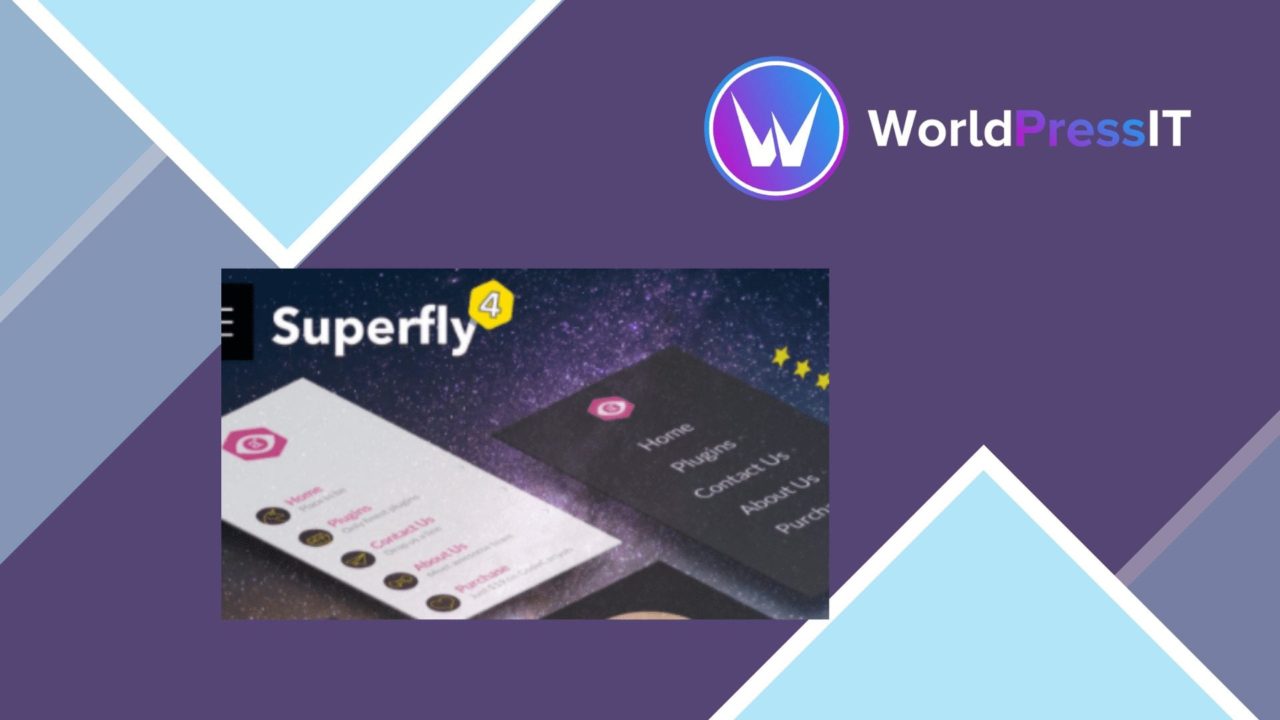
Superfly Menu is a WordPress navigation plugin for sites that have outgrown a basic theme menu. It focuses on responsive presentation and visual control, combining vertical and horizontal layouts with styling options, animation settings, icons and support for custom links. The result is a menu system shaped around the site’s identity rather than a fixed navigation pattern.
Navigation with options
The plugin’s main strength is the range of decisions it puts in the menu editor. A site owner can choose between vertical and horizontal arrangements, then adjust the presentation with colour schemes, fonts and animations. That gives designers room to match the menu to an existing brand instead of accepting the appearance supplied by the active theme.
The drag-and-drop interface is aimed at people who need to arrange menu items without writing code. It also supports custom links and external URLs, so navigation is not limited to standard WordPress pages. That is useful for directing visitors towards resources, services or destinations outside the site.
Responsive behaviour
Superfly Menu treats small-screen navigation as a configuration task rather than simply shrinking a desktop menu. Its responsive settings include breakpoint adjustments and toggle options, allowing the menu behaviour to be shaped around different screen widths. The responsive design is intended to cover both mobile and desktop use, which matters for a navigation element that stays visible across the site.
- Vertical and horizontal menu layouts for different navigation structures.
- Colour, font and animation controls for matching a site’s visual language.
- Built-in icons for adding visual cues to menu items.
- Breakpoint and toggle settings for responsive behaviour.
- Custom links and external URLs alongside normal menu destinations.
- Drag-and-drop arrangement without coding.
Theme and builder fit
The vendor positions Superfly Menu as compatible with popular WordPress themes and page builders. That makes it a practical option for a site whose navigation needs to sit alongside an established design system rather than replace it. The useful detail here is the combination of structural choices and visual settings: the menu is not only rearrangeable, but also gives the administrator controls over how it appears.
Icon support adds another layer of signposting. Used selectively, icons can distinguish menu items or reinforce the meaning of a destination without changing the underlying link structure. Animation settings provide a further visual option, although their value will depend on the tone and density of the surrounding design.
Where it falls short
Superfly Menu exposes a substantial set of presentation controls, and that creates configuration overhead. Choosing a layout, type treatment, colour scheme, animation style, breakpoint and toggle behaviour takes more attention than relying on a theme’s default navigation. The drag-and-drop editor removes coding from the process, but it does not remove the design decisions.
Compatibility is described in broad terms rather than as a named list of supported themes or builders. Sites built around a particular theme or visual editor should therefore confirm that the menu fits their existing structure before committing to a full navigation redesign. External links also broaden the menu’s reach while sending visitors away from the site, so those destinations need deliberate placement.
Who it suits
Superfly Menu fits site owners, designers and developers who need more control than a standard WordPress menu provides. It is particularly relevant where navigation needs a distinct vertical or horizontal treatment, branded typography and colours, visual icons, or different behaviour at defined breakpoints. Sites with straightforward navigation and no interest in custom presentation will find its range of controls less important. For everyone else, it offers a focused way to make the menu a deliberate part of the interface rather than an inherited theme element.
The verdict
Download Superfly Menu and see for yourself
You get the full Superfly Menu release (v5.0.35), ready to install, plus every update that follows. One click and it is yours.
Download Superfly Menu v5.0.35- Instant download
- Original developer files
- Updated 13 Nov 2026
Related reviews
Browse all
WPBakery Page Builder Clipboard
Copy WPBakery elements, stacked layouts and design settings between pages or posts, while keeping reusable snippets avai…
Extended Widget Options
Control widget visibility, styling, placement and reusable settings across WordPress pages, with rules for user roles, d…
Tiva Crowdfunding
A WordPress crowdfunding plugin for front-end campaign submissions, direct PayPal donations, and admin-managed categorie…