Synopter
A weather widget for Elementor that displays current conditions and forecasts by location, with language and timezone settings for localised site content.
Instant access Original unmodified files Free future updates
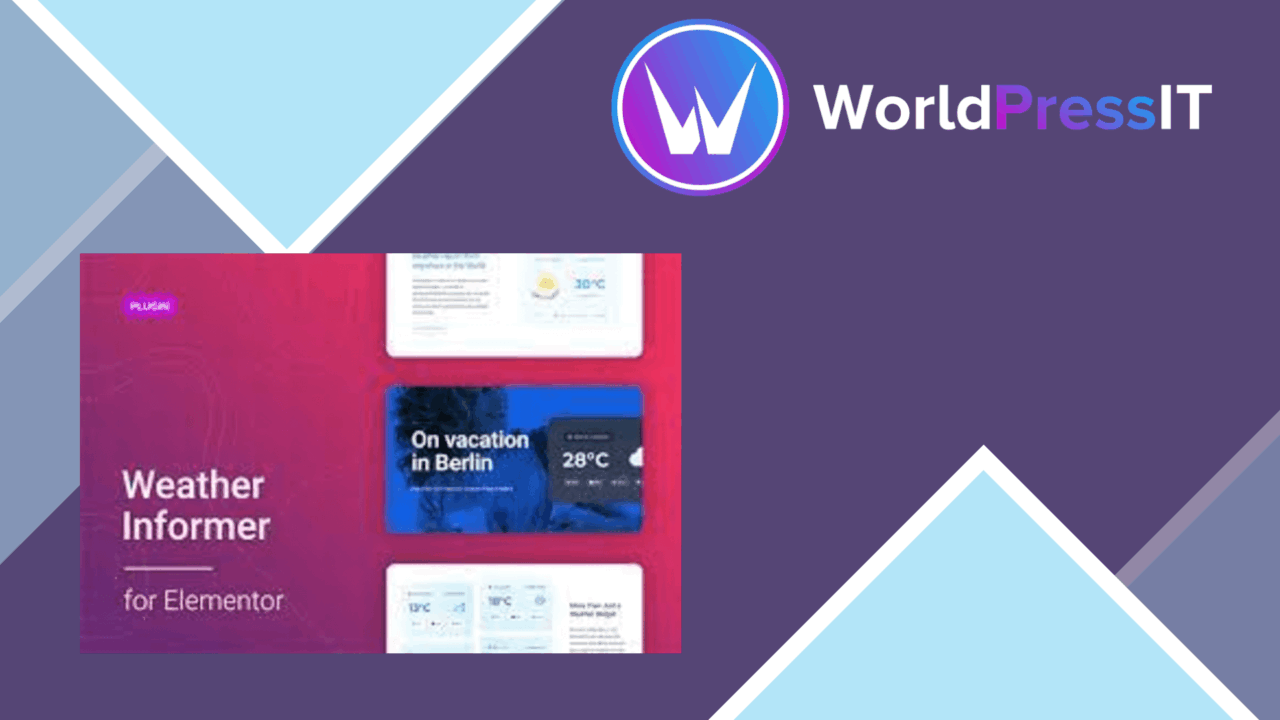
Synopter adds weather information to WordPress through an Elementor widget backed by the OpenWeatherMap API. It is aimed at sites where a city’s conditions are part of the content rather than a separate destination, including travel websites, local businesses and blogs. The setup revolves around choosing a location, language and timezone, then placing the weather display within an Elementor layout.
Weather in context
The useful idea here is straightforward: put relevant meteorological data beside the content that gives it meaning. A travel site can show conditions for a destination, a local business can give visitors a quick view of the surrounding area, and a blog can add location-specific information without building a weather interface from scratch.
Synopter is not presented as a general weather portal. Its role is a focused display layer for a WordPress page, with the visual placement handled in Elementor. That makes the plugin more appropriate for a site already using Elementor than for an administrator looking for a dashboard-only forecast tool.
Forecast options
The feature set covers more than a single temperature reading. Synopter supports the display of current conditions, hourly forecasts and extended forecasts, so the amount of information can match the page. A compact current-conditions box suits a header or sidebar, while hourly or extended information gives a travel or local-information page more substance.
- Current weather conditions for selected locations.
- Hourly forecasts for a closer view of changing conditions.
- Extended forecasts for visitors planning beyond the present day.
- Multiple location support for sites covering several cities or regions.
- Language and timezone settings for localised weather information.
- Responsive presentation intended to remain usable across device sizes.
Multiple-location support is particularly relevant to travel and regional websites. Instead of treating weather as a single site-wide value, the widget is designed to present information for various cities or regions within the site’s layouts.
Elementor controls
Synopter’s main convenience is its position inside the Elementor editing workflow. The widget is intended to be integrated into an existing layout and styled as part of that page, rather than added as a disconnected block with its own front-end structure. Its customisation options are described as suitable for matching the weather display to the surrounding design.
The responsive focus also matters for layouts that change between desktop and mobile views. Weather information is often placed in narrow sidebars, cards or landing-page sections, so a widget that accounts for different screen sizes is a better fit than a fixed presentation. The plugin also supports multiple languages, which broadens its use for sites serving an international audience.
What to weigh
Synopter depends on the OpenWeatherMap API, so the weather data is not self-contained inside WordPress. The free API key has limitations, while OpenWeatherMap’s paid plans provide expanded capabilities. That introduces an external account and service consideration, particularly for a site that expects frequent requests, several locations or broader forecast coverage.
Elementor is also central to the product. The plugin’s value comes from adding a weather widget to Elementor layouts, so it is not the right choice for a site that does not use Elementor or for someone seeking a theme-independent weather system with its own editing interface. The more locations and forecast detail a page needs, the more care is required to keep the result readable rather than turning a simple weather panel into a dense information block.
Best fit
Synopter suits Elementor sites that need location-aware weather as part of their public pages. Travel agencies can use it alongside destination content, local businesses can show conditions for their area, and publishers can add current or forecast information to relevant articles. The combination of current, hourly and extended forecasts gives editors room to choose the right level of detail, while language, timezone and responsive options cover the practical presentation requirements.
It is a focused plugin rather than a broad weather platform. Choose it for an Elementor-based site where forecast information supports the page’s main purpose and an OpenWeatherMap connection is acceptable. Sites needing a standalone weather interface or fewer external service considerations should weigh those requirements before committing to this approach.
The verdict
Download Synopter and see for yourself
You get the full Synopter release (v1.1.10), ready to install, plus every update that follows. One click and it is yours.
Download Synopter v1.1.10- Instant download
- Original developer files
- Updated 8 Nov 2026
Related reviews
Browse allWP Adminify Pro
Customise the WordPress dashboard, login screen, menus and admin tools from one plugin, with role controls and white-lab…
SupportCandy
Automated ticket assignment, statuses, notifications and reporting help support teams organise customer enquiries and tr…

SupportCandy FAQ Integration
Connects SupportCandy with WordPress FAQ tools, adding searchable, categorised answers that help visitors find informati…