Toolset Forms
Front-end forms for creating and editing WordPress content, with custom fields, conditional logic, notifications and multi-step workflows for directories and listings.
Instant access Original unmodified files Free future updates
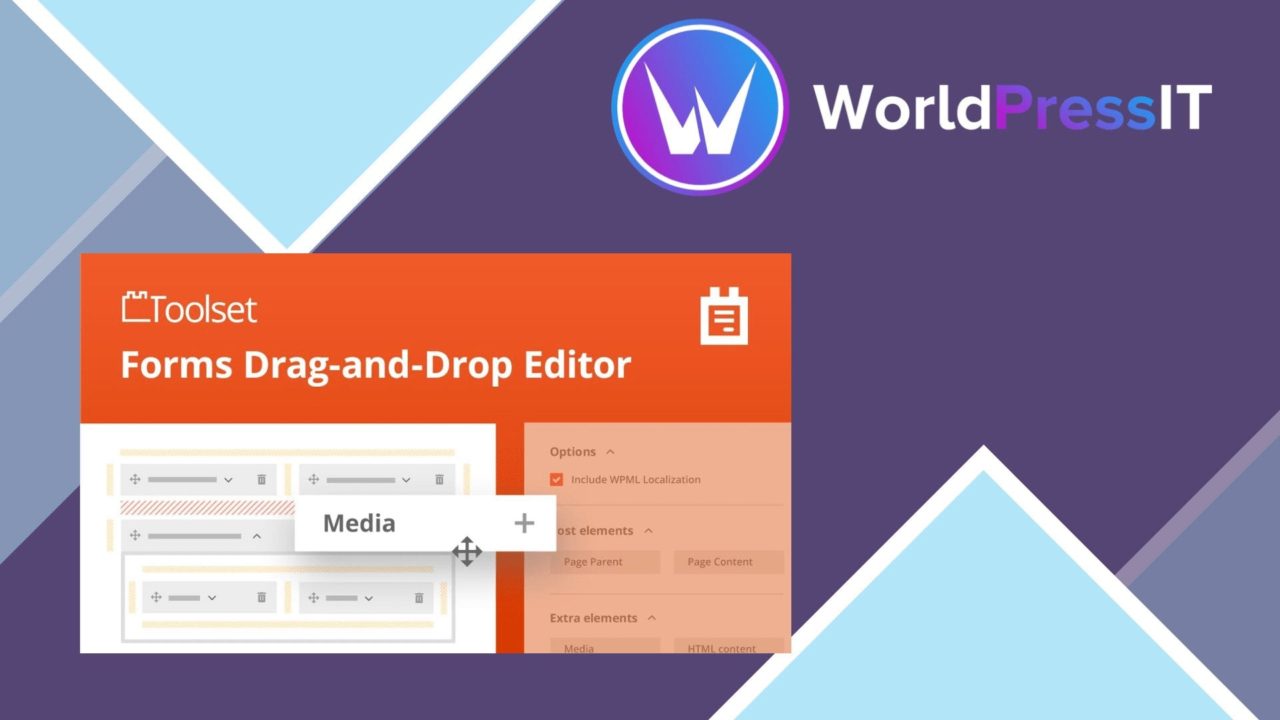
Front-end forms for creating and editing WordPress content are the core of Toolset Forms. The plugin is aimed at sites where visitors or members need to submit and manage information rather than simply send a message, including directories, classifieds, listings and membership sites. Its drag-and-drop builder puts form construction within reach of non-developers, while custom fields and submission controls give developers room to shape a more specific workflow.
Forms for content
Toolset Forms is positioned as a way to let users create and edit WordPress content from the front end. That distinction matters for a directory or listings site: the form is part of the content workflow, not just a contact point for an administrator. A listing submission, profile detail or classified entry can be collected through a form designed around the fields the site requires.
The builder is intended for both straightforward and more involved forms. Its drag-and-drop approach reduces the need to construct every field by hand, and the available field types cover common data-entry requirements:
- Text fields for names, titles and other written information.
- Dropdowns and checkboxes for controlled choices.
- File uploads for submitted attachments.
- Custom fields for capturing information specific to the site.
- Conditional logic for showing or hiding fields based on a visitor’s selections.
- Multi-step forms for dividing longer submissions into smaller stages.
Controlled submission flows
Conditional logic is useful when every visitor should not see the same questions. A form can reveal relevant fields after a selection, keeping unrelated inputs out of the current view. Multi-step support addresses a different problem: longer forms can be organised into a sequence rather than presented as one extended block.
Email notifications add an operational layer to the form. Administrators and users can receive messages about submissions, and the notifications are customisable. Integration with email marketing services also places the forms in a lead-generation workflow, although the supplied description does not name the services involved.
Spam and follow-up
Built-in spam protection is included for submitted data, which is relevant to any public-facing form accepting entries from visitors. The plugin also combines notifications with submission handling, giving site owners a way to inform the people involved after a form is completed. These features are especially relevant when a site has both a public submission process and an administrator responsible for reviewing incoming information.
What to weigh
The breadth of the feature set brings a planning cost. Conditional fields, file uploads and multi-step layouts create more decisions than a simple enquiry form, so larger workflows need a clear field structure before they are assembled. A visual builder makes construction more approachable, but it does not remove the need to decide which information is required, how choices affect later fields and who receives each notification.
There are also important details that the supplied description leaves open. It mentions connections to popular email marketing services without identifying them, so a site with a specific marketing platform needs to confirm that relationship first. Likewise, the feature list does not explain how uploaded files are moderated or how submitted content is reviewed before publication. Those questions matter for directories, classifieds and membership sites handling user-generated entries.
Who it suits
Toolset Forms fits site owners building more than a single contact form. Directory and classified projects benefit from front-end content creation, while membership sites can use custom fields, conditional questions and staged submissions to organise user information. The plugin also suits developers who want a form-building layer without writing every field and display rule from scratch.
It is less compelling for a site that only needs a short enquiry form with no content-editing workflow. Its strongest case is a structured WordPress project where visitors submit detailed information, users need to edit that information later, and administrators need notifications around the process.
The verdict
Download Toolset Forms and see for yourself
You get the full Toolset Forms release (v2.6.23), ready to install, plus every update that follows. One click and it is yours.
Download Toolset Forms v2.6.23- Instant download
- Original developer files
- Updated 29 Oct 2026
Related reviews
Browse all
Gravity Forms Mollie Add-On
Take card, iDEAL and Bancontact payments through Gravity Forms, with Mollie processing, mobile-friendly forms and transa…

Shopmagic for Gravity Forms
Automates Gravity Forms follow-ups, email alerts and user tagging, with WooCommerce links, conditional workflows and log…

eForm WordPress Form Builder
Create responsive forms for data collection, surveys, quizzes and payments, with conditional fields, notifications, file…