Ultimate Dashboard PRO
Customise the WordPress admin dashboard with focused widgets, hidden menu items, drag-and-drop layout controls and client branding for a cleaner editorial workspace.
Instant access Original unmodified files Free future updates
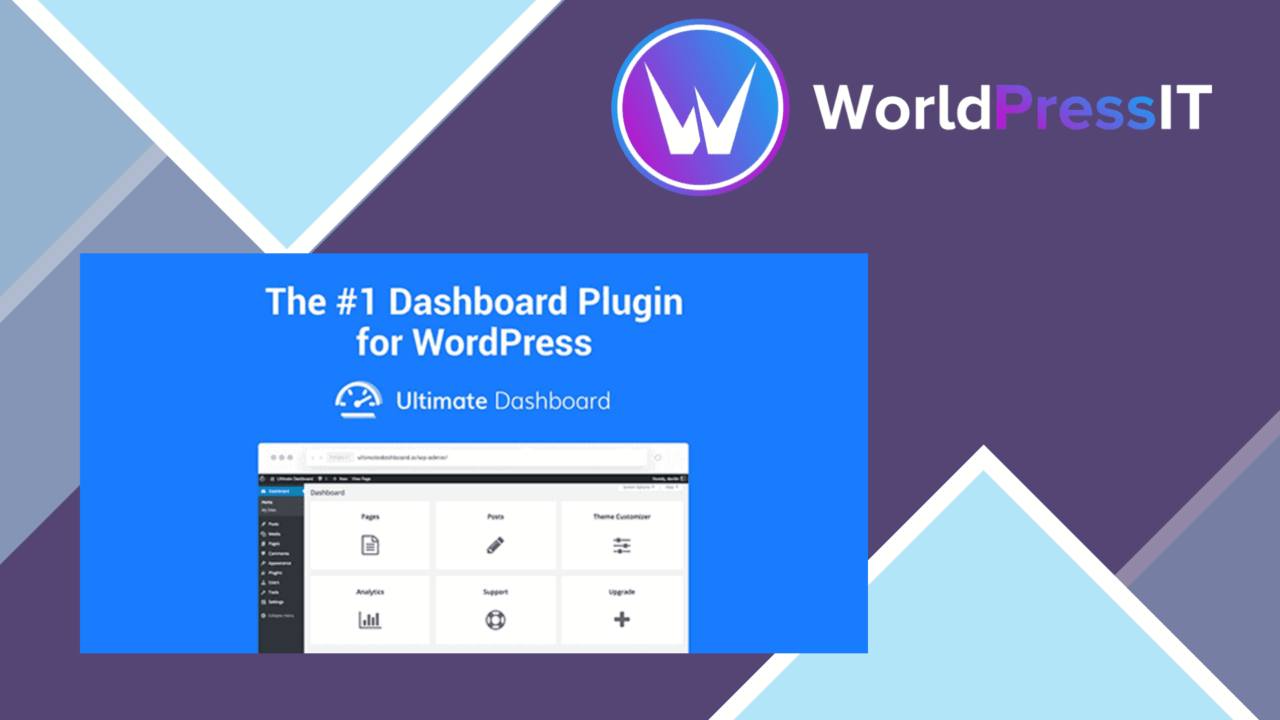
Ultimate Dashboard PRO changes the WordPress admin dashboard from a general-purpose landing page into a workspace shaped around the site being managed. Its focus is practical: show more relevant information, remove distracting controls and present a clearer interface for site owners, developers and agencies working with clients.
A focused dashboard
The plugin centres on replacement and customisation of dashboard widgets. Instead of leaving the default dashboard to accumulate information that is not useful to every user, administrators can create a view with more relevant content at a glance. That makes the dashboard a more deliberate starting point for routine WordPress work rather than a collection of generic panels.
The settings panel is intended for adjustments without coding, which keeps the main configuration work accessible to people who do not want to edit theme or plugin files. The drag-and-drop controls also give the layout a direct, visual feel: important dashboard elements can be placed where users will see them first, while less important items move out of the way.
Useful admin controls
Ultimate Dashboard PRO combines several parts of the admin experience rather than concentrating only on widgets. Its feature set includes:
- Custom dashboard widgets for displaying relevant information at a glance.
- Hidden menu items for a less crowded WordPress interface.
- Drag-and-drop rearrangement of dashboard elements.
- Custom branding for a more personalised client-facing admin area.
- Role-based access control for deciding what different users can see.
- Integration with popular plugins to extend the dashboard experience.
That combination gives an administrator control over both the dashboard’s content and the surrounding navigation. A developer managing several client sites gets a way to present a more consistent admin surface, while an individual site owner gets controls for removing parts of WordPress that are not relevant to their work.
Branding for clients
The custom branding options are particularly relevant to agencies and freelancers. A client does not necessarily need to see the same admin presentation as the person building the site. Branding the admin area and limiting the visible interface by role creates a more deliberate handover, with the dashboard shaped around the client’s available responsibilities.
Role-based visibility also gives the setup a clearer structure for sites with several types of users. The vendor does not specify the exact roles, controls or branding elements included, so the practical value will depend on how much control the settings panel exposes. Still, the direction is clear: the plugin is designed to make WordPress administration fit the organisation using it.
What to weigh
The first trade-off is that replacing or hiding default dashboard content reduces the amount of built-in WordPress information visible in one place. That is useful for a cleaner workspace, but administrators still need to decide which widgets and menu items are important before removing them from view. A highly simplified dashboard could leave a user looking for controls that have been deliberately concealed.
The second reservation is scope. The vendor mentions integration with popular plugins, but does not identify those integrations or explain what information they expose. That makes it difficult to predict how much value the feature will add on a particular site. Role-based access and client branding also introduce setup decisions: agencies need to plan different user views rather than applying one layout indiscriminately.
Who it suits
Ultimate Dashboard PRO is a good fit for agencies, developers and site owners who want WordPress administration to reflect a specific workflow. It is most useful where the default dashboard contains too much irrelevant material, where clients need a branded admin area, or where different users should see different controls.
It is less compelling for a small site that already has a comfortable admin setup and does not need custom widgets, menu control or role-specific views. For sites that do need those changes, the plugin offers a focused set of dashboard, navigation and presentation controls in one admin-oriented tool.
The verdict
Download Ultimate Dashboard PRO and see for yourself
You get the full Ultimate Dashboard PRO release (v3.11.2), ready to install, plus every update that follows. One click and it is yours.
Download Ultimate Dashboard PRO v3.11.2- Instant download
- Original developer files
- Updated 14 Oct 2026
Related reviews
Browse all
OceanWP Extra
Adds OceanWP-focused controls for headers, footers, demos, typography and WooCommerce, giving site owners a broader cust…
Give Funds and Designations
Donation funds and designations let supporters direct gifts to specific causes while giving organisations clearer report…
WP All Export Pro Premium
Exports WordPress content, custom fields, taxonomies, and WooCommerce data to CSV, XML, or Excel for analysis, migration…