Verta
A flexible WordPress theme for magazines, blogs and niche media sites, with switchable demos, varied post formats, visual layouts and WooCommerce support.
Instant access Original unmodified files Free future updates
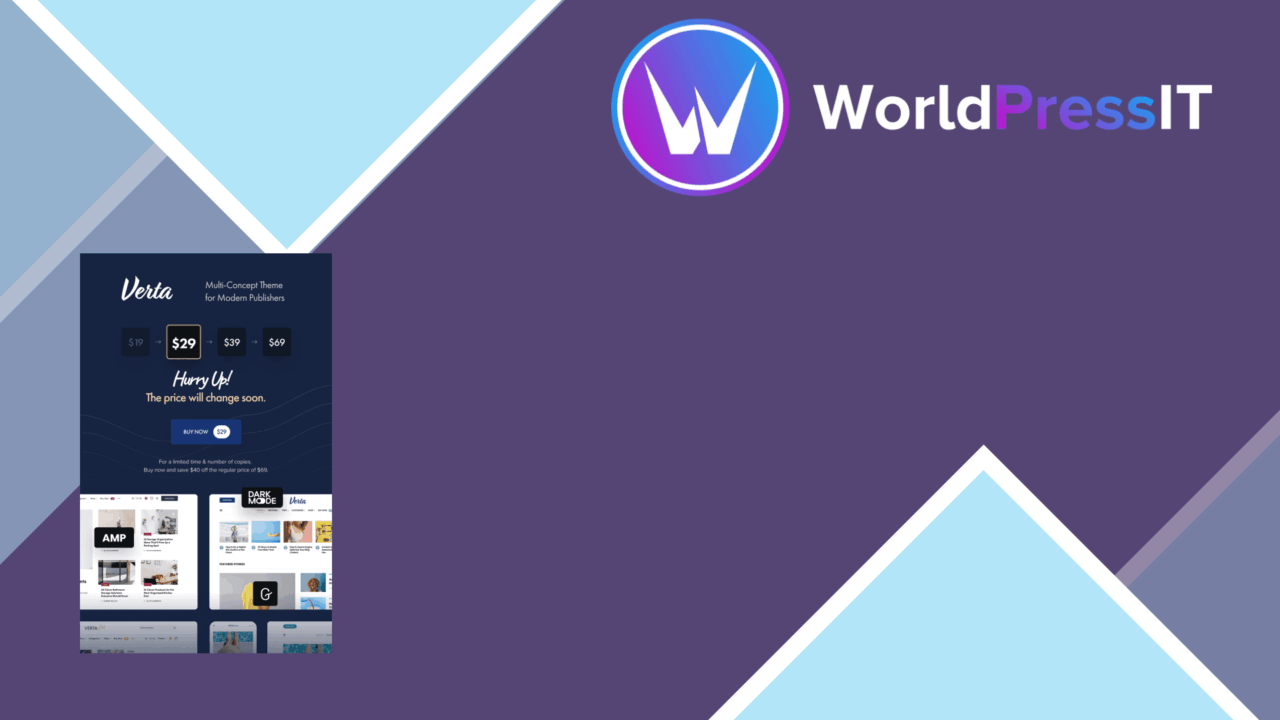
A publisher-focused WordPress theme for blogs, magazines and niche media sites, Verta combines several visual directions with tools for presenting written, visual and commercial content. Its main point of difference is the Demo Switcher: a site can move from one included demo style to another without replacing the existing content. That makes the theme more adaptable than a fixed editorial layout, particularly for publishers still deciding how their archive, home page and category pages should look.
Built for publishing
Verta is aimed at sites that need more than a simple chronological blog. Multiple demo layouts support different publishing styles and niches, while the responsive design is intended to keep those layouts usable on smartphones and tablets. The theme also supports several post formats, so a publication can present articles alongside video, audio and gallery content rather than forcing every entry into the same template.
Header and footer options provide control over two areas that strongly influence navigation and branding. Typography settings add Google Fonts and custom font uploads, giving an editorial site more room to establish a distinct visual identity. These controls are useful for publications where the relationship between headlines, metadata, body text and image-led content matters as much as the article itself.
Switchable visual direction
The Demo Switcher is the most practical feature in the description. Applying a different demo is presented as a way to change the site’s overall look without affecting its content. In practice, that suits a publisher whose subject matter has stayed the same while its presentation has changed, or a new site that wants to compare several starting points before settling on one.
There is also a drag-and-drop page builder for custom layouts, with Elementor compatibility stated by the vendor. That combination gives site owners two routes: start from one of the prepared demos or build a page around their own arrangement of content. It is a useful distinction for a magazine home page, a campaign landing page or a section that needs a layout outside the standard post flow.
Useful content controls
The feature set covers the main building blocks expected from a broad publishing theme:
- Multiple demo layouts for different magazine, blog and niche-media presentations.
- Responsive layouts for desktop, tablet and smartphone screens.
- Header and footer customisation for branding and site navigation.
- Google Fonts and custom font uploads for editorial typography.
- Standard, video, audio and gallery post formats.
- WooCommerce integration for adding products or a shop beside the publication.
- Built-in SEO optimisation features aimed at improving search visibility.
WooCommerce support extends Verta beyond editorial publishing, allowing a content site to include an online store. That is relevant for publishers selling products, memberships handled through a shop workflow, or merchandise alongside articles, although the supplied information positions commerce as an integration rather than the theme’s central purpose.
What to weigh
Verta’s breadth also creates the main trade-offs. Multiple demos, a Demo Switcher, theme options and a page builder give a site many possible directions, but they also introduce more decisions than a tightly defined magazine theme. A publisher wanting one established editorial system will have more configuration to review before the site has a settled visual language.
The page builder is another consideration. Drag-and-drop layout tools reduce the need to write code, but custom pages then depend more heavily on the chosen builder and its layout system than a simple block-based setup would. Elementor compatibility is stated, but the available description does not explain which controls belong to Elementor and which belong to Verta itself. The same uncertainty applies to the claimed SEO features: they are listed, but no specific metadata, schema or technical SEO controls are identified.
Who it suits
Verta is a sensible fit for a publisher that wants several starting designs, varied media formats and the option to reshape its homepage without changing its content structure. It is especially relevant to blogs and magazines that publish articles alongside video, audio or galleries, and to content businesses that want WooCommerce available for a shop.
It is less clearly suited to a narrowly focused site that needs only one lightweight blog layout or detailed, specialist SEO controls. The strongest case for Verta is flexibility: the theme brings demos, typography, post formats, page building and commerce support into one publishing-oriented package, provided the site owner is prepared to choose and maintain a coherent direction among those options.
The verdict
Download Verta and see for yourself
You get the full Verta release (v1.1.1), ready to install, plus every update that follows. One click and it is yours.
Download Verta v1.1.1- Instant download
- Original developer files
- Updated 27 Oct 2026
Related reviews
Browse all
World Wide
A responsive magazine theme for blogs and content-heavy sites, with multiple post layouts, sidebar choices, typography c…
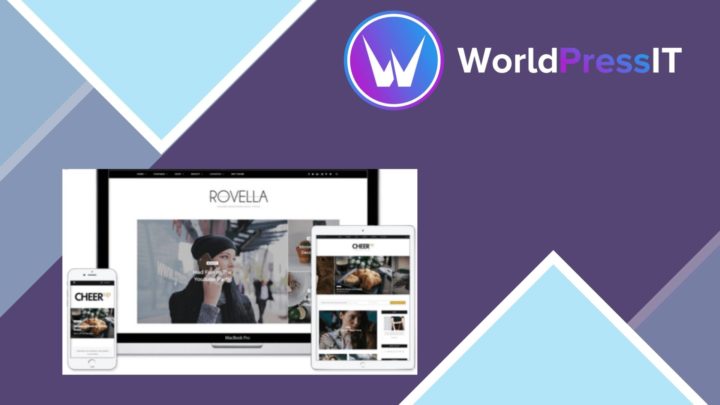
CheerUp Blog Magazine
A responsive WordPress theme for blogs and online magazines, with demo layouts, social sharing, typography controls and…
Syron
Responsive layouts, post formats and magazine widgets give personal bloggers and publishers a structured way to present…